Windows 11 KB5053598 24H2 adds ads to Settings, direct download .msu
Windows 11 KB5053598 is now rolling out to everyone because it’s that day of the month again: Patch Tuesday. We have a new update for those on Windows 11 24H2, and it’s rolling out via Settings. Microsoft has also posted direct download links for KB5053598 .msu (offline installers) on the Update Catalog (more on this […] The post Windows 11 KB5053598 24H2 adds ads to Settings, direct download .msu appeared first on Windows Latest
 admin
admin
Windows 11 KB5053598 is now rolling out to everyone because it’s that day of the month again: Patch Tuesday. We have a new update for those on Windows 11 24H2, and it’s rolling out via Settings. Microsoft has also posted direct download links for KB5053598 .msu (offline installers) on the Update Catalog (more on this later in the article).
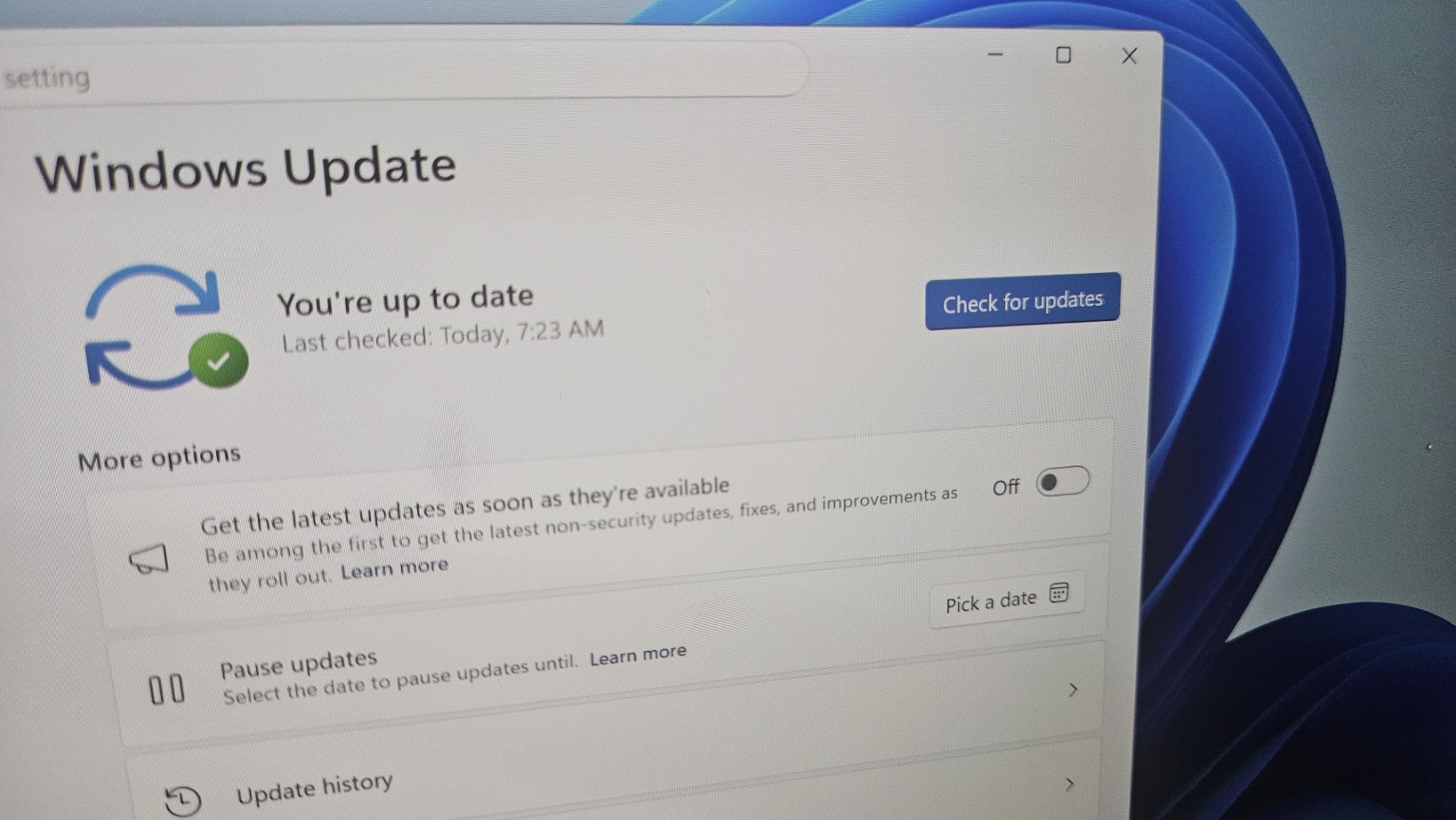
First and foremost, as I’ve always mentioned, updates released on the second Tuesday of the month (aka Patch Tuesday) are mandatory. KB5053598 is no exception, as it will automatically install on Windows 11 24H2 whether or not you check for updates. Windows periodically checks for new updates, and when it scans again, it will download this release.
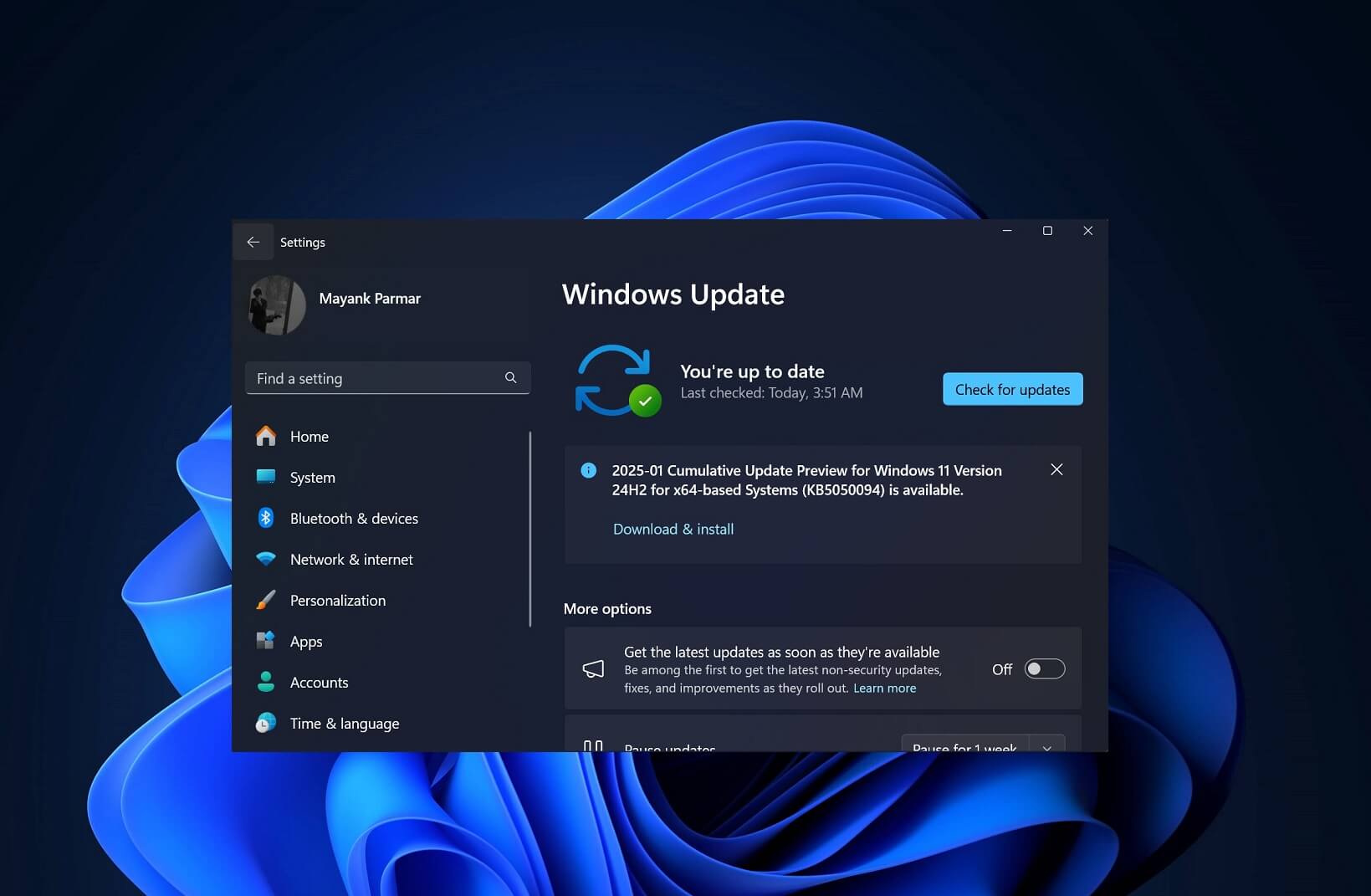
March 2025 Patch Tuesday will show up as “2025-03 Cumulative Update for Windows 11 Version 24H2 for x64-based Systems (KB5053598),” and it will advance the OS to Windows 11 Build 26100.3476. So, what’s the most notable change in the patch? According to our tests, File Explorer is now somewhat faster when you have a lot of media files.
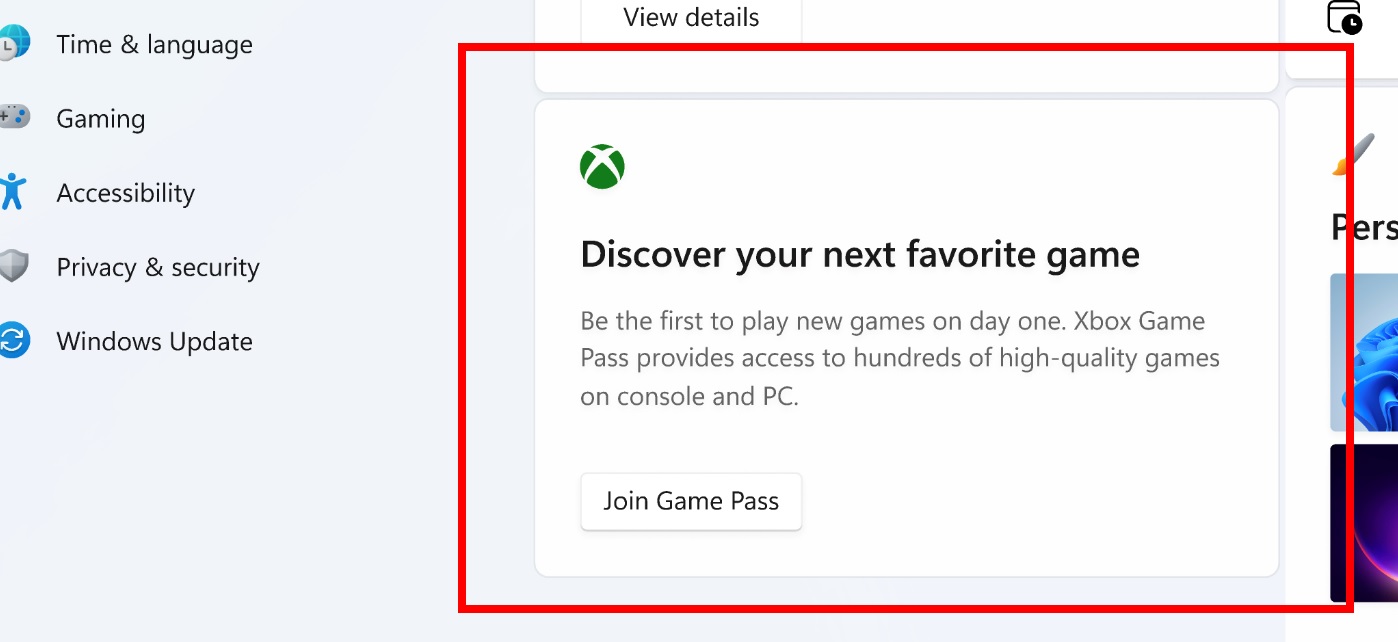
In addition, we noticed that the patch adds an Xbox Game Pass advertisement to the Settings page, and it appears all the time, recommending you to subscribe to Game Pass. I am attaching a screenshot above for reference. Remember, there’s no toggle to turn off the ads in the Settings. You’ll also see ads for Microsoft account and OneDrive.
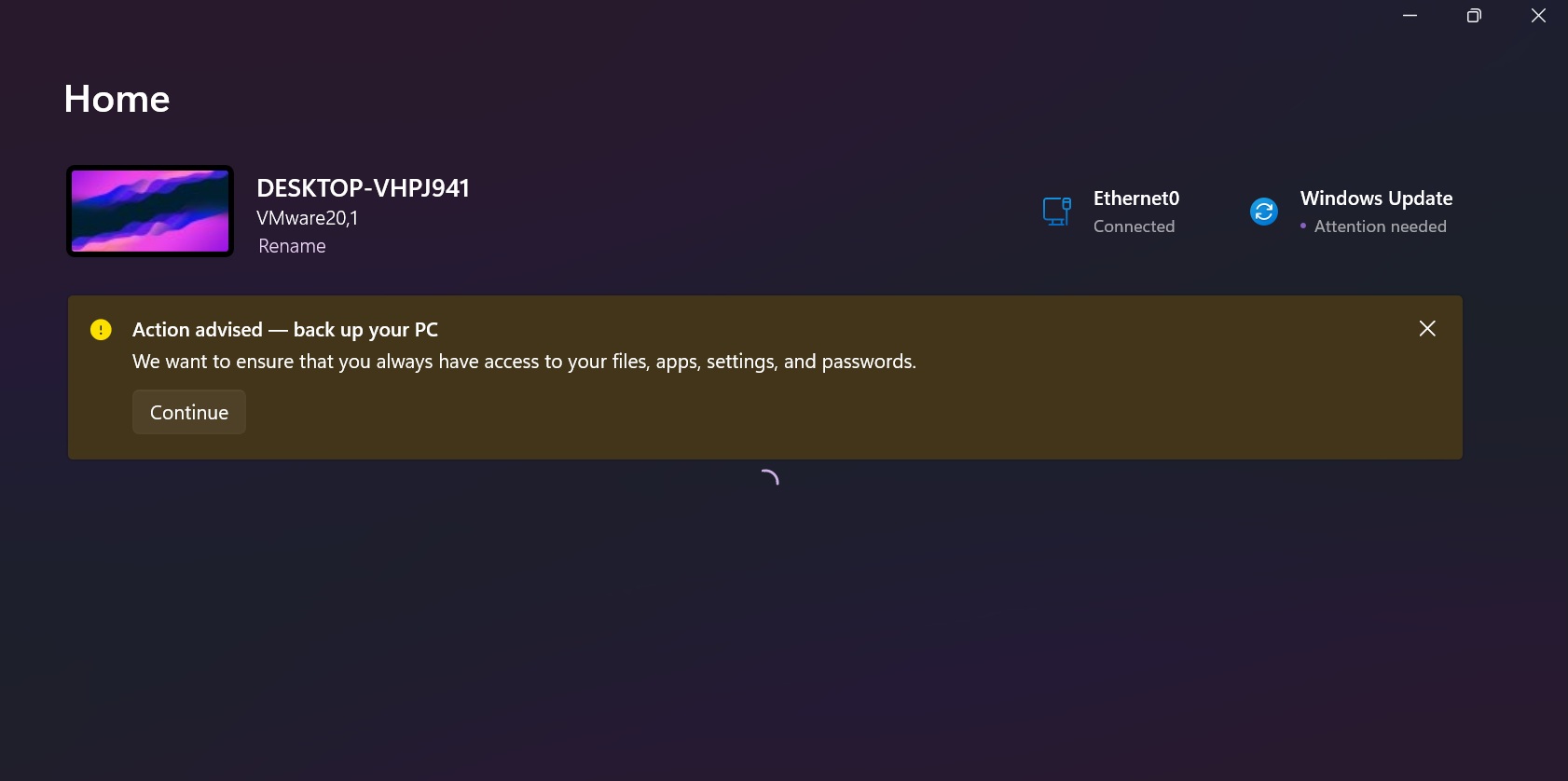
Download Links for Windows 11 KB5053598
Windows 11 KB5053598 Direct Download Links: 64-bit and ARM-64 | Microsoft Update Catalog.
Note: The patch is still rolling out and may not show up for download immediately.
What’s new in Windows 11 Build 26100.3476?
Windows 11 Build 26100.3476 has finally patched an issue where Task Manager might identify HDD as an SSD.
As for taskbar, Microsoft has turned on a new share button that lets you share files directly from a jump list on the taskbar. For those unaware, jump list is that menu which appears when you right-click taskbar icons like File Explorer or Windows Terminal.
In Explorer, when you right-click and hover over one of the files you opened recently, you’ll see a share button.
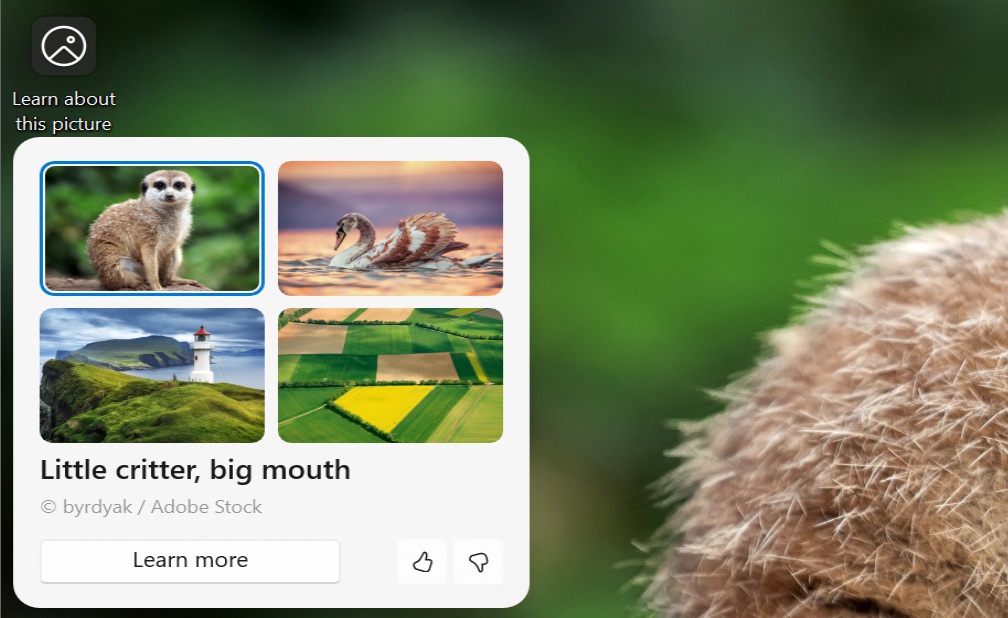
Spotlight, which is a great way to customize the desktop or lock screen, is introducing a new hover menu to help you learn more about the picture applied as a wallpaper to the desktop. On lock screen, you need to hover, then click like button to learn more about the image.
File Explorer is now much better in Windows 11 24H2
Windows 11 KB5053598 has some really nice File Explorer-related improvements. As I already mentioned, File Explorer now opens the folders with large number of media files much faster. This is a significant improvement, and you’ll love it if you’ve 500+ media files (large in size).
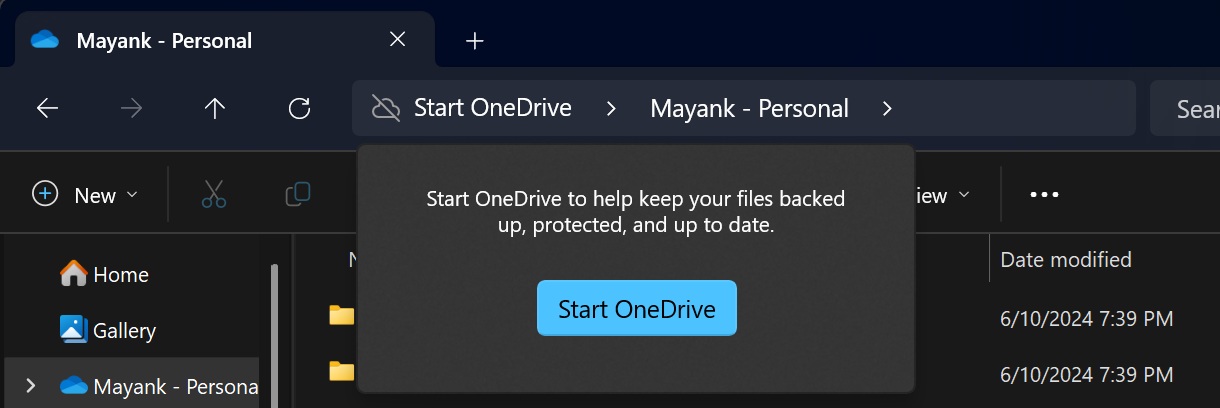
In addition, it’s now possible to stop OneDrive’s Start backup nagging in the File Explorer address bar. You just need to right-click “Start backup” and turn off the OneDrive alerts in File Explorer. It’s a great improvement if you disliked OneDrive, but remember – it won’t remove OneDrive from Explorer.
KB5053598 has also fixed an issue where if you enter the URL in the address bar, the URL won’t open because File Explorer will ignore it.
Another bug, which was introduced in Windows 11 24H2, has been fixed where the address bar overlaps files when you enter full-screen mode:
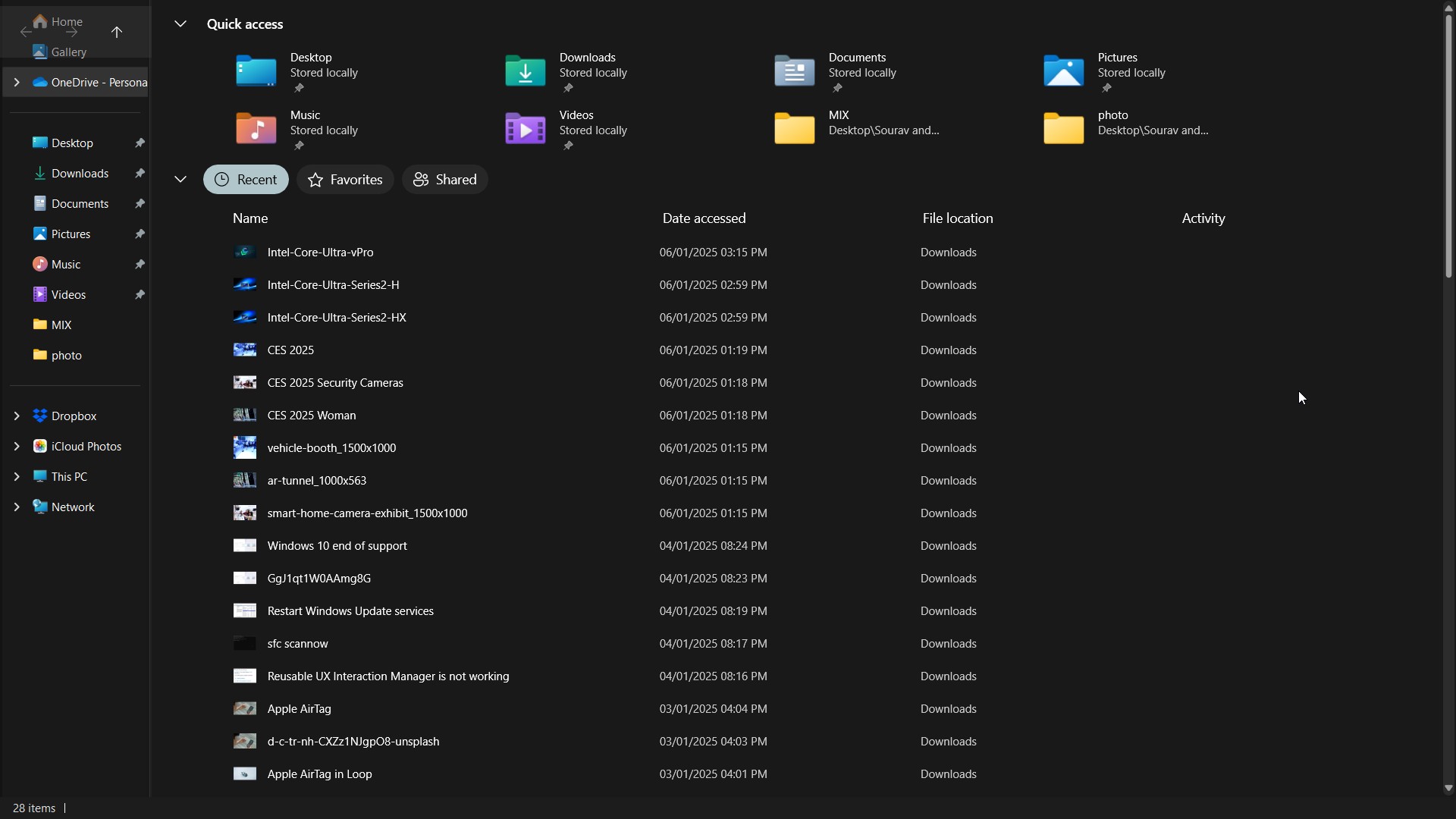
And that’s all for all the major changes.
One of my personal favourites in Windows 11 KB5053598 is a fix for an issue where CPU reaches 100% usage when you open the desktop from sleep mode.
You can download and install the March 2025 Update from Settings > Windows Update.
The post Windows 11 KB5053598 24H2 adds ads to Settings, direct download .msu appeared first on Windows Latest