Windows 11 KB5060842 24H2 out with features, direct download links for .msu installer
Windows 11 KB5060842 is now available for Windows 11 24H2 with Build 26100.4349 via Windows Update. If it fails to install, Microsoft has got us covered with direct download links for KB5060842 offline installer (.msu) on Update Catalog. Today’s update has a lot of stuff, including Win+C for Copilot/ChatGPT, Resume for OneDrive, and more. KB5060842 […] The post Windows 11 KB5060842 24H2 out with features, direct download links for .msu installer appeared first on Windows Latest
 admin
admin
Windows 11 KB5060842 is now available for Windows 11 24H2 with Build 26100.4349 via Windows Update. If it fails to install, Microsoft has got us covered with direct download links for KB5060842 offline installer (.msu) on Update Catalog. Today’s update has a lot of stuff, including Win+C for Copilot/ChatGPT, Resume for OneDrive, and more.
KB5060842 is a mandatory security update, which means it’s supposed to download and install automatically unless you hit the brakes by pausing updates for seven or more days. In our tests, Windows Latest noticed that the update takes over five minutes to download and another three minutes to finish installing.
Once you’ve installed Windows 11’s June 2025 Update, you’ll notice that the Win+C keyboard shortcut now works again. It’ll open Copilot instead of doing nothing. As you probably know, this keyboard shortcut previously handled Cortana, but Microsoft’s decision to retire the digital assistant left the keyboard shortcut vacant.
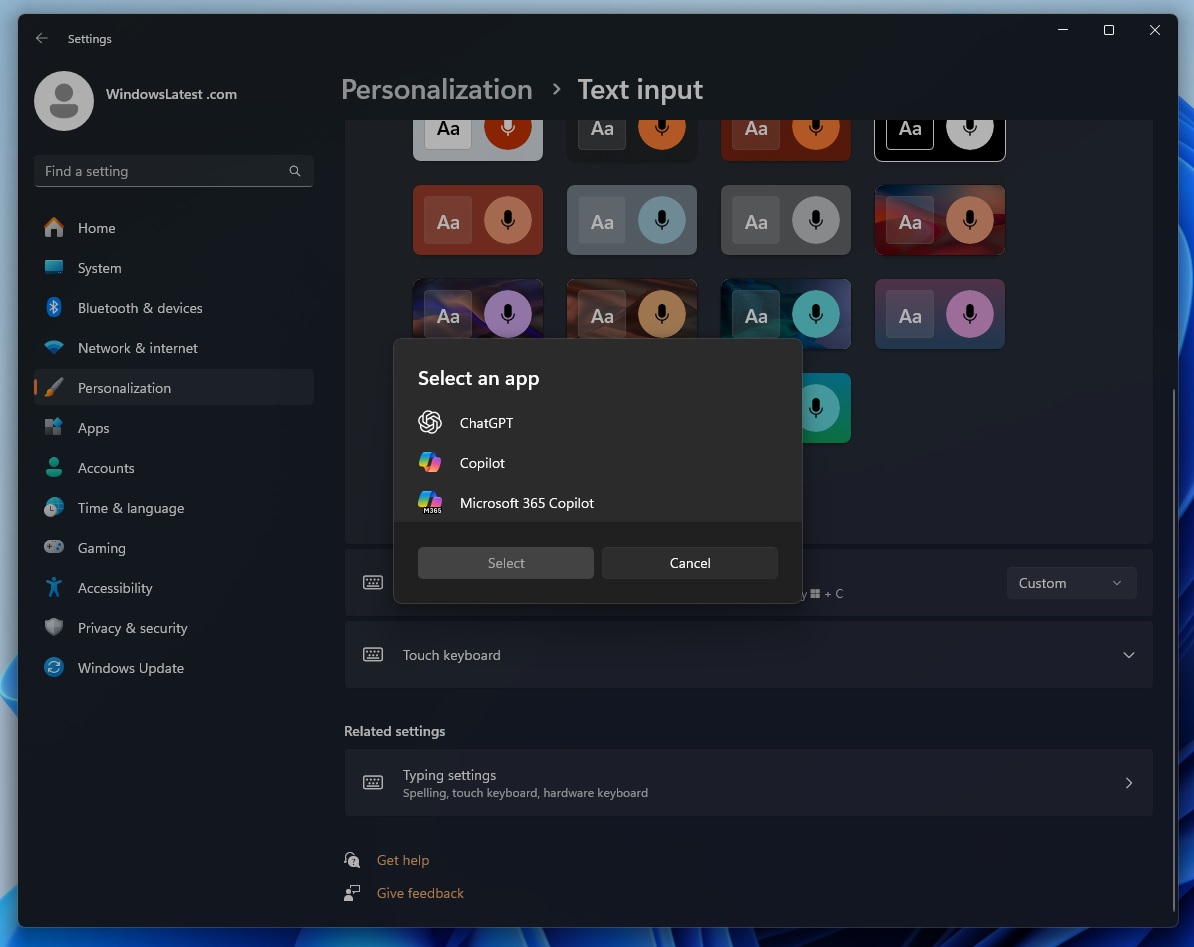
With KB5060842, Win+C now opens Copilot, but Windows Latest noticed that it’s possible to reassign the keyboard shortcut to open Windows Search, ChatGPT and other supported AI apps, such as Perplexity. You don’t have to make changes to the registry. Just open Settings > Personalization > Text Input, and select ChatGPT from the list.
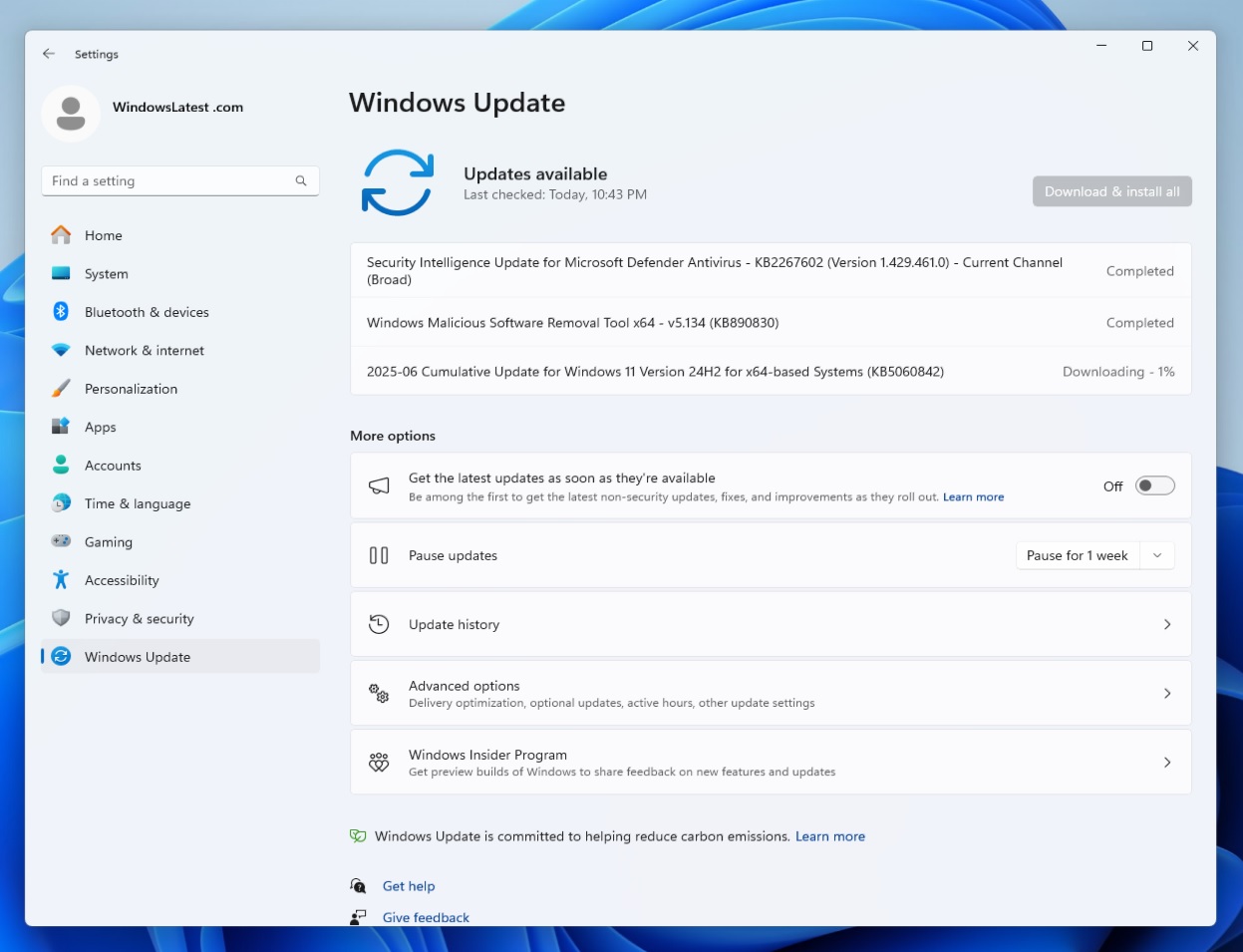
To try seeing the changes, check for updates on your PC. This update shows up as “2025-06 Cumulative Update for Windows 11 Version 24H2 for x64-based Systems (KB5060842),” and it advances PCs to Windows 11 Build 26100.4349.
Download Links for Windows 11 KB5060842
Windows 11 KB5060842 Direct Download Links: 64-bit and ARM-64 | Microsoft Update Catalog.
Based on our tests, Windows 11 Build 26100.4349 is a quite a large update with up to 3GB size for the .msu file on Intel and AMD PCs, while ARM version is approx 2.9GB.
I’ve been saying it for months now, and I’m going to repeat it again. The reason we’re seeing a massive increase in the size of these Windows Update offline packages is that Microsoft is now bundling AI models with the .msu files.
The packages won’t get applied to non-AI PCs, but you’ll still need to download everything because Microsoft hasn’t figured out a way to decouple AI models from offline installers (.msu), but it looks like it has tried to optimize the .msu a bit, as the size dropped to 3GB from 4GB of May 2025 Update.
If you don’t want to download a 3GB update, I recommend relying on Windows Update, which requires less than a gigabyte of bandwidth for KB5060842 installation.
What’s new in Windows 11 Build 26100.4349?
With Windows 11 KB5060842, Microsoft is bumping Windows 11 24H2 to Build 26100.4349 and introducing several improvements, including AI features.
1. AI features in the June 2025 Update for Windows 11
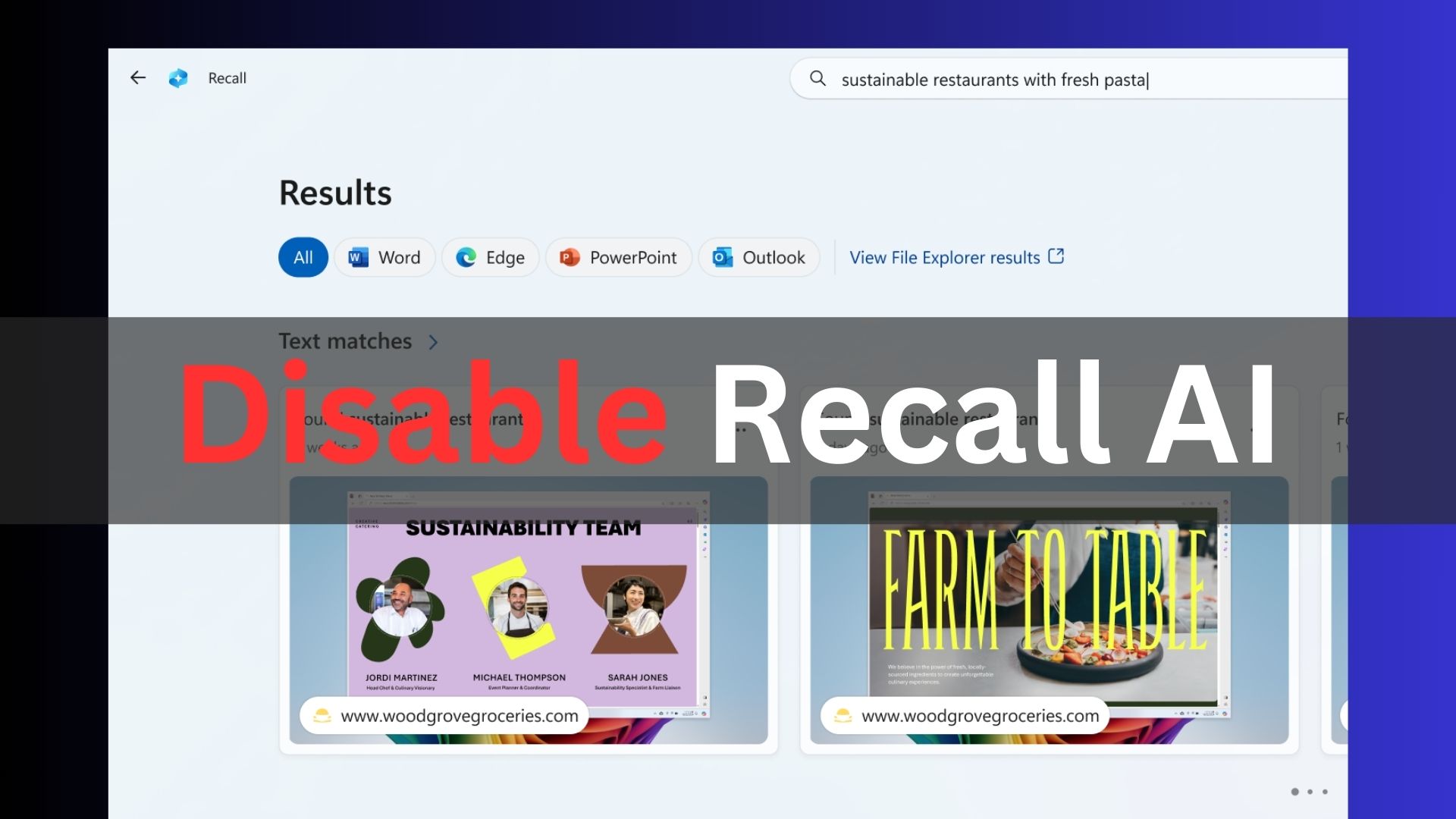
Click To Do, which is a knock-off of Windows Recall, is getting Ask Copilot support. This allows you to highlight text or an image, and access ‘Ask Copilot,’ which sends the content to the Copilot app. It also works on regular PCs, but only via File Explorer.
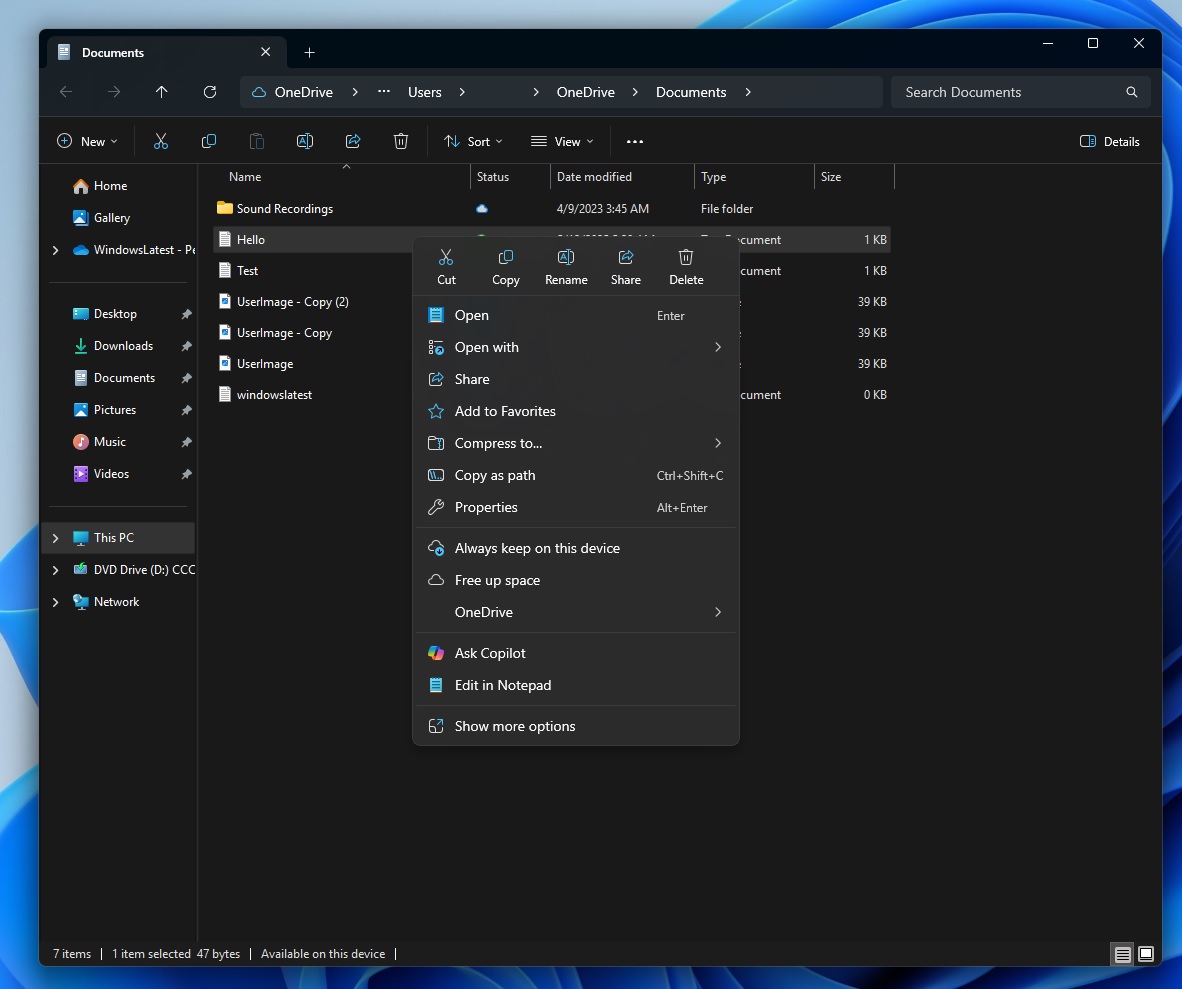
In case of AI PCs, you can enter the “Click to Do” experience and trigger “Ask Copilot” anywhere.
2. Copilot voice mode can now be triggered using Win + C
You just need to hold the Win+C key, and Copilot will start speaking to you, but on a Copilot+ PC, you can tap and hold the Copilot key for a few seconds.
With Windows 11 KB5060842, Microsoft still allows you to use Alt + Spacebar to interact with Copilot, but it’s not necessary. Since Win+C is back, it’s better to use the shortcut for other features, such as PowerToys’ Run.
Microsoft told Windows Latest that the Alt+Spacebar keyboard shortcut is set using a Registry trick and if two or more apps share the same shortcut, Windows redirects it to the supported app that you opened first on your PC.
3. Windows Resume feature rolls out with OneDrive
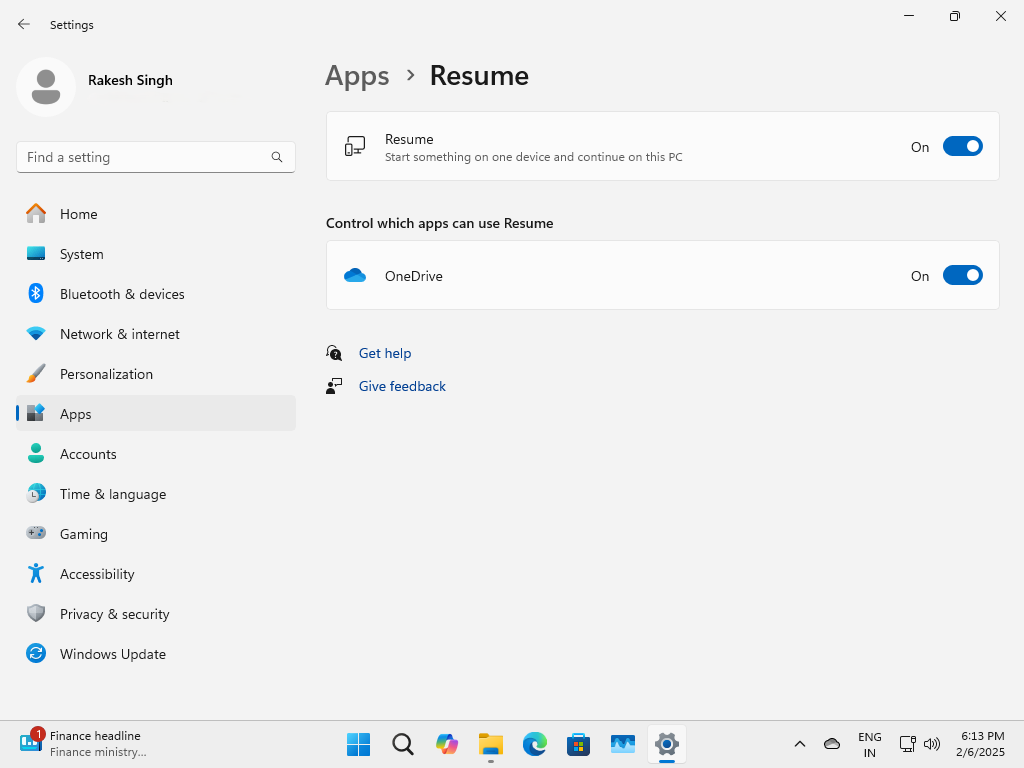
As I mentioned at the outset, Microsoft is making it possible to edit files on your phone (iOS and Android) and resume them on your PC, but it works only when the files are synced to OneDrive.
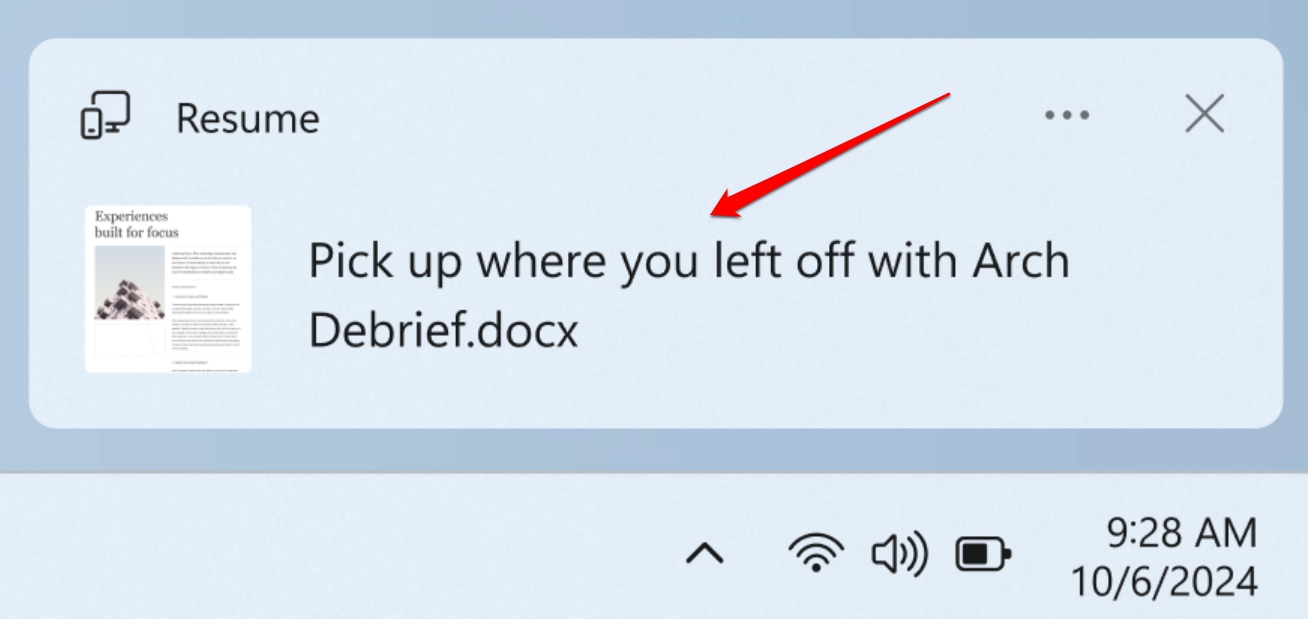
Plus, you need to unlock your PC within the last five minutes after you’ve edited the file on your phone.
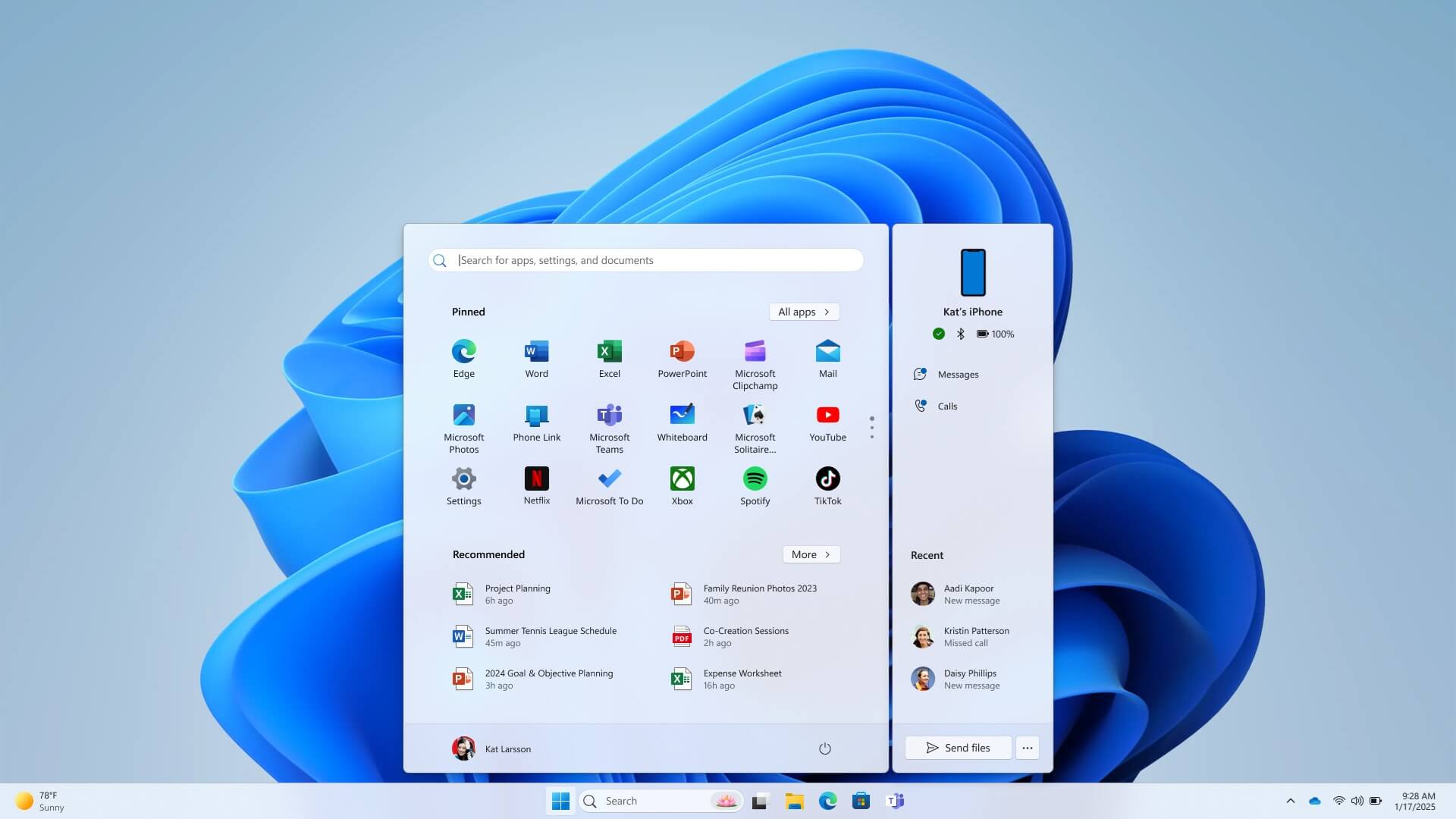
Most of the other improvements are rolling out, including the Phone Link panel in the Start menu, which now lets you mirror your Android screen to the desktop.
If you’re on Windows 11 24H2, you can install KB5060842, OS build 26100.4349 from Windows Update by checking for updates, but it’s still rolling out, so it may not show up immediately.
The post Windows 11 KB5060842 24H2 out with features, direct download links for .msu installer appeared first on Windows Latest