Microsoft confirms Windows 11 KB5060829 issues, but you can safely ignore it
Microsoft confirms Windows 11 KB5060829 issues, but you can safely ignore it until the company patches it in the next update. The post Microsoft confirms Windows 11 KB5060829 issues, but you can safely ignore it appeared first on Windows Latest
 admin
admin
The KB5060829 update is responsible for a new bug in Windows 11 24H2. It was an optional update that began triggering an error related to Windows Firewall with Advanced Security, post-installation. As expected, users couldn’t ignore a security warning, and Microsoft has now confirmed the issue on its release health page.
Windows Latest spotted the document, which now mentions a new bug under the July 2025 section. The section added the entry on July 2, just yesterday, and mentions an incorrect event 2042 for Windows Firewall With Advanced Security.
The event mentions a “Config Read Failed” warning and a “More data is available” message, but it doesn’t impact the system or the firewall in any manner. It doesn’t go away if you restart the PC, and continues to appear in the event viewer. Microsoft urges you to stay calm as it doesn’t loosen your system security mechanisms, and it is a harmless error code that shouldn’t be there.
The Redmond giant also mentions a reason for this bug. It seems to stem from an experimental feature that triggers the error, but there’s no clarity on whether it’s a new security feature or something else.
Since the error appeared in the June 2025 optional update, only the 24H2 version PC that installed this update will encounter the error. Microsoft is working on a resolution that will stop the system from throwing unnecessary event viewer errors and should hopefully appear with this month’s patch Tuesday update.
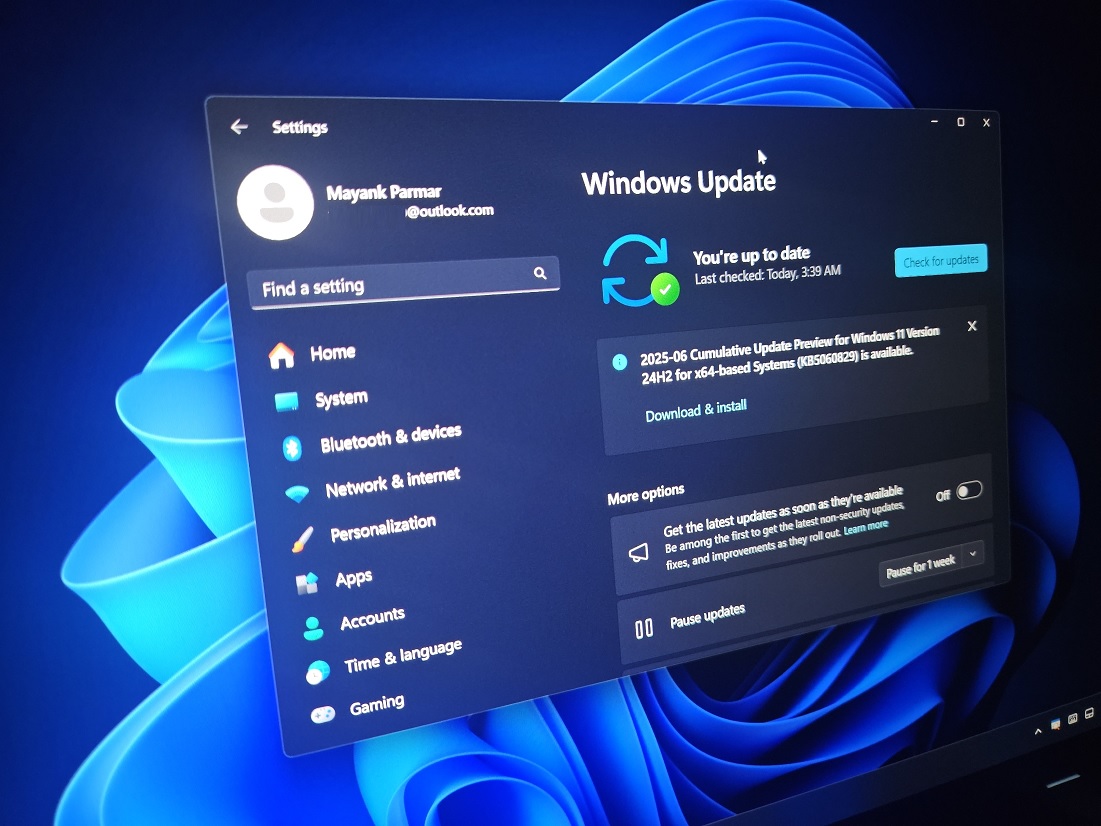
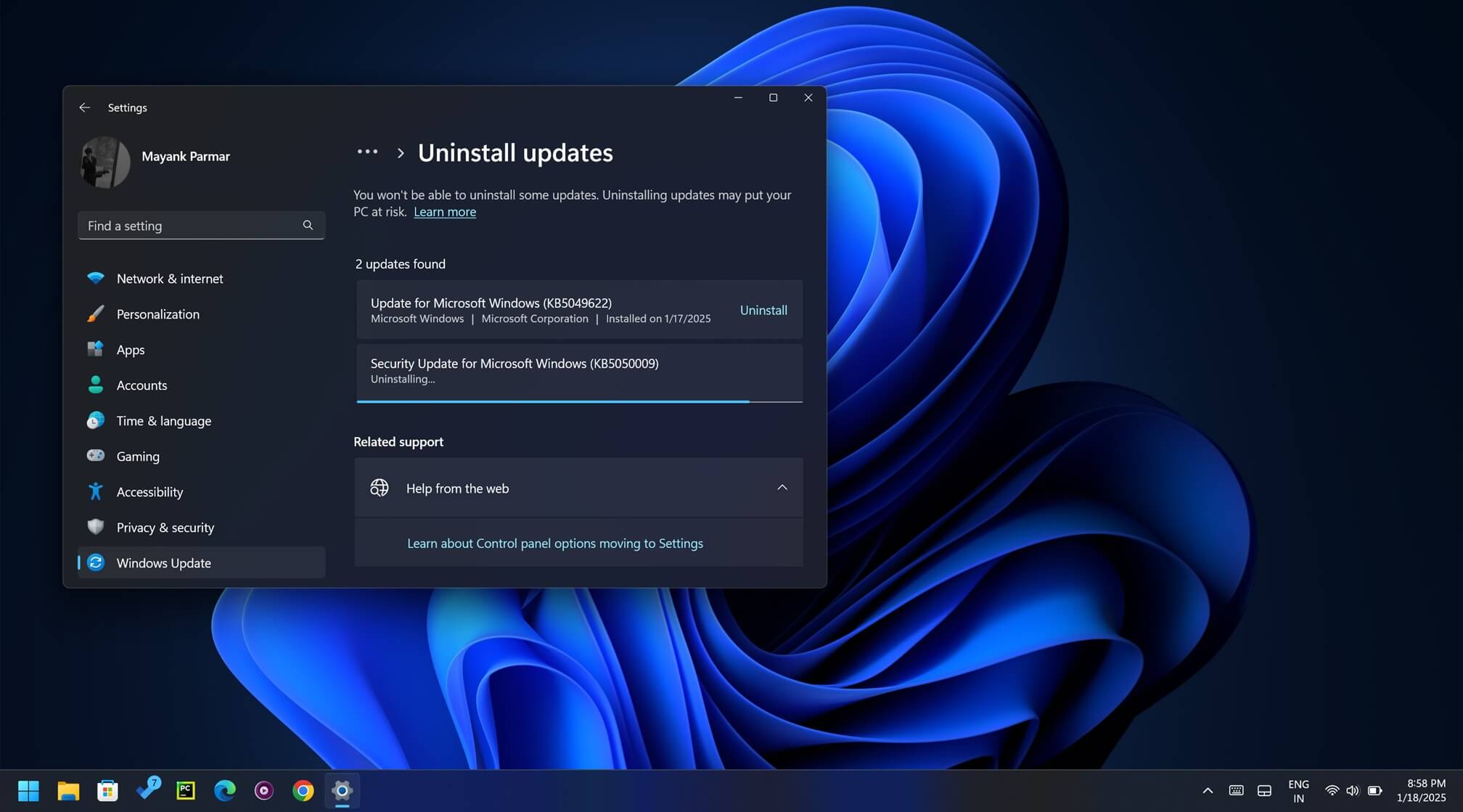
If you want a quick resolution, removing the June optional update from the Settings app can help you. Just remove KB5060829 and restart your PC, and recheck the Event Viewer for any 2402 entries. However, this isn’t the only active problem on Microsoft’s list.
March and April saw a rise in reported problems
The last few updates have wrecked some third-party apps’ functionality in 24H2 and are yet to be mitigated. Be it the Dirac Audio issue or the conflict with other apps, the problems aren’t stopping.
However, most of these issues are fixable with a developer-side update that is unfortunately taking longer than ever. As usual, until the devs roll out a patch, PC with these apps cannot update to 24H2.
On 1 June, the web filtering solution in Family Safety broke, and parents could not add the browser to the blocklist. This issue affects users only after they update the browser to the latest version, which, for some reason, isn’t recognized until Microsoft adds them to the list.
The post Microsoft confirms Windows 11 KB5060829 issues, but you can safely ignore it appeared first on Windows Latest