Windows 11’s Start menu is getting a big redesign, lets you turn off Recommended feed
Microsoft is internally testing a big upgrade for Windows 11's Start menu that combines all sections into one scrollable layout. The post Windows 11’s Start menu is getting a big redesign, lets you turn off Recommended feed appeared first on Windows Latest
 admin
admin
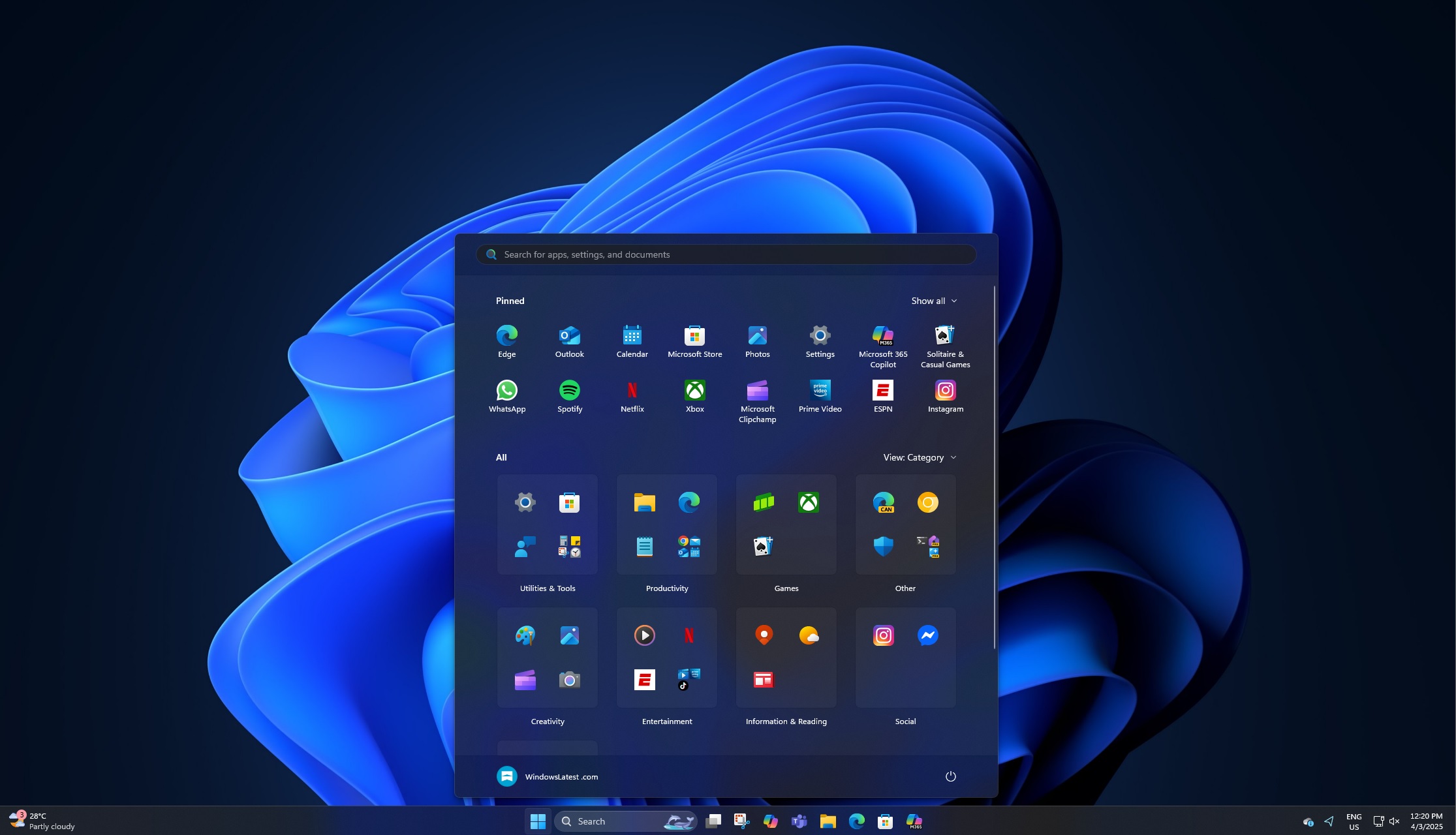
Microsoft is internally testing a big upgrade for Windows 11’s Start menu that combines all sections into one scrollable layout. It also means you can FINALLY turn off the most hated Recommended section and have your pinned apps plus your installed apps, which are now grouped together.
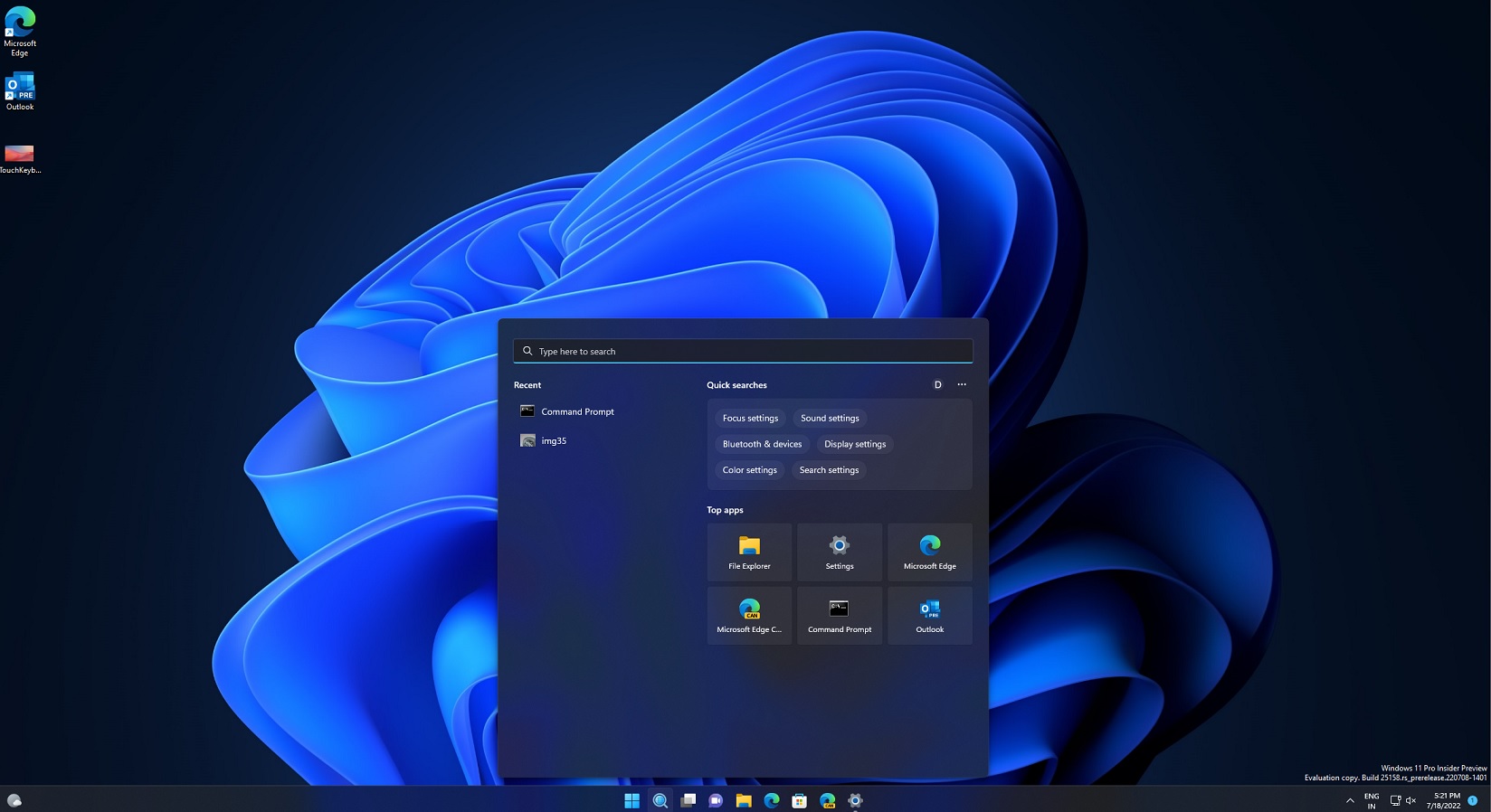
Right now, when you open the Start menu, regardless of the Windows 11 version, you have your Pinned Apps section where your favourite apps are pinned. Below the Pinned apps, you have a Recommendation feed, which shows all the recently opened apps, recently edited files or content from OneDrive.
Recommended activity feed often feels unnecessary. Then, there’s an All apps section that lets you browse all the installed apps. At the moment, the Start menu is all about these three sections, but that’s all about to change in a future release of Windows 11 24H2 or Windows 11 25H2.
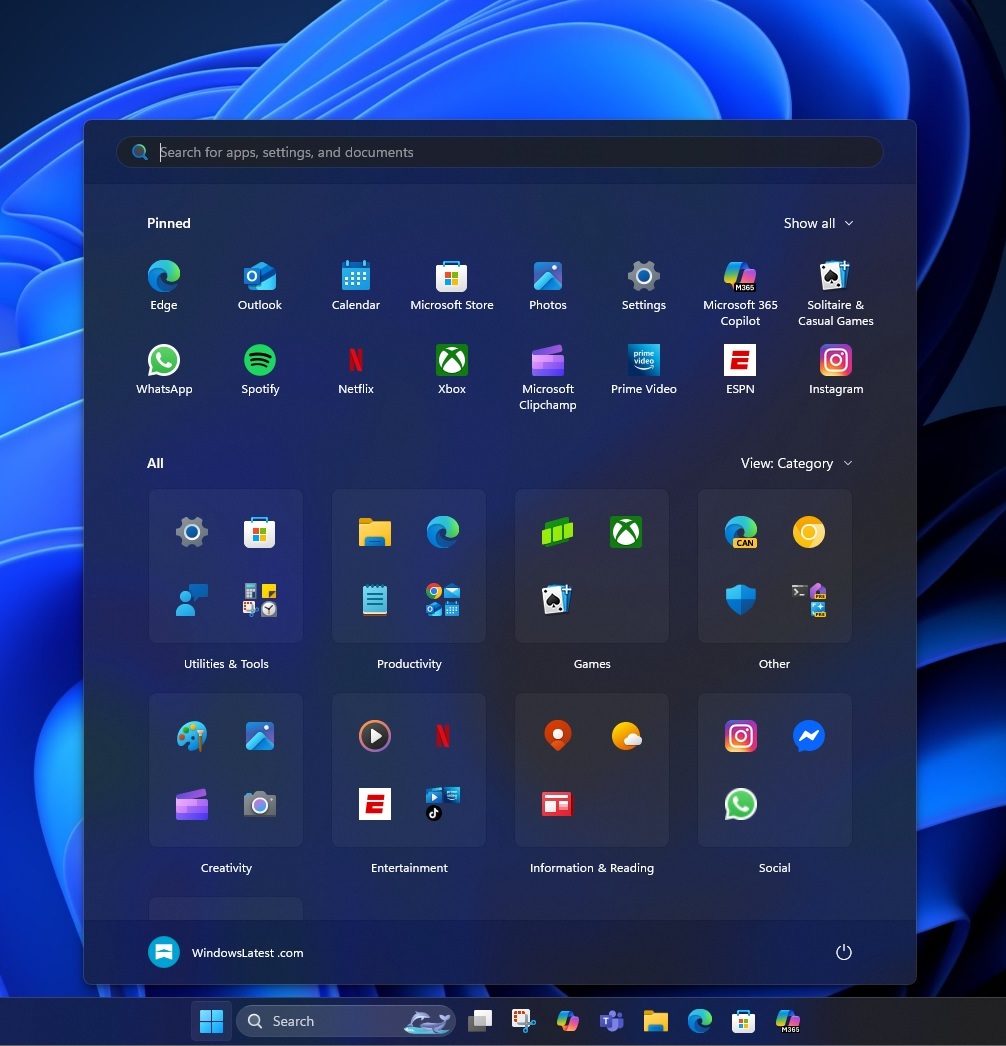
As spotted by Phantom on X, Microsoft is testing a new Start menu with a single-page layout.
In our tests, Windows Latest observed that apps are now arranged neatly into a scrollable layout. First, you have the Pinned apps, such as Microsoft Edge, WhatsApp, Store, Photos, and more. By default, there are only sixteen pinned apps, but you can click “Show all” to expand another eight apps.
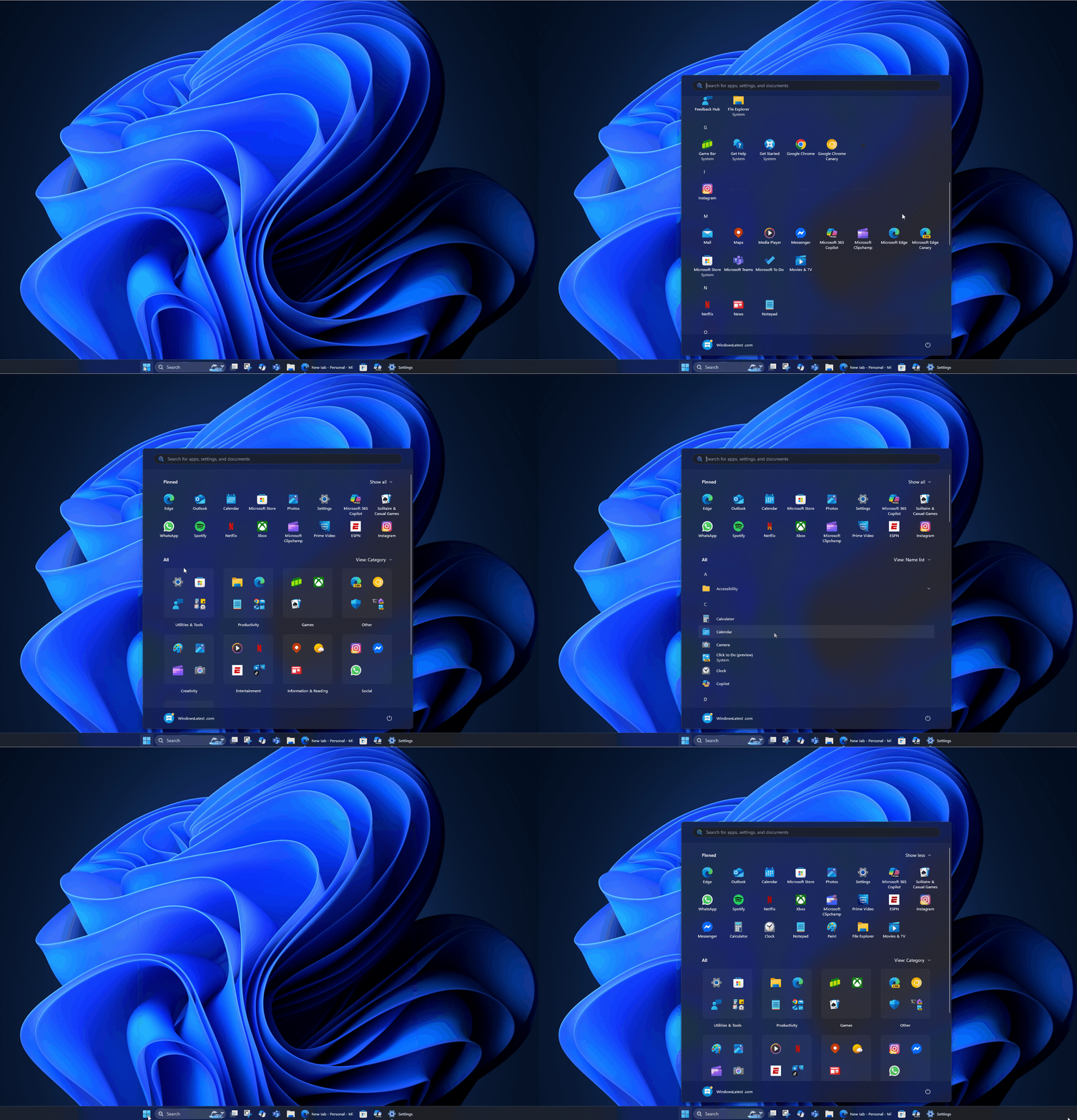
As shown in the above GIF, Microsoft has moved the All Apps list into the home screen of the Start menu, so you can quickly navigate through your pinned apps and installed apps.
Another thing you’ll appreciate is the new categorization feature.
Your apps will be automatically grouped under utilities, productivity, games, entertainment, and social.
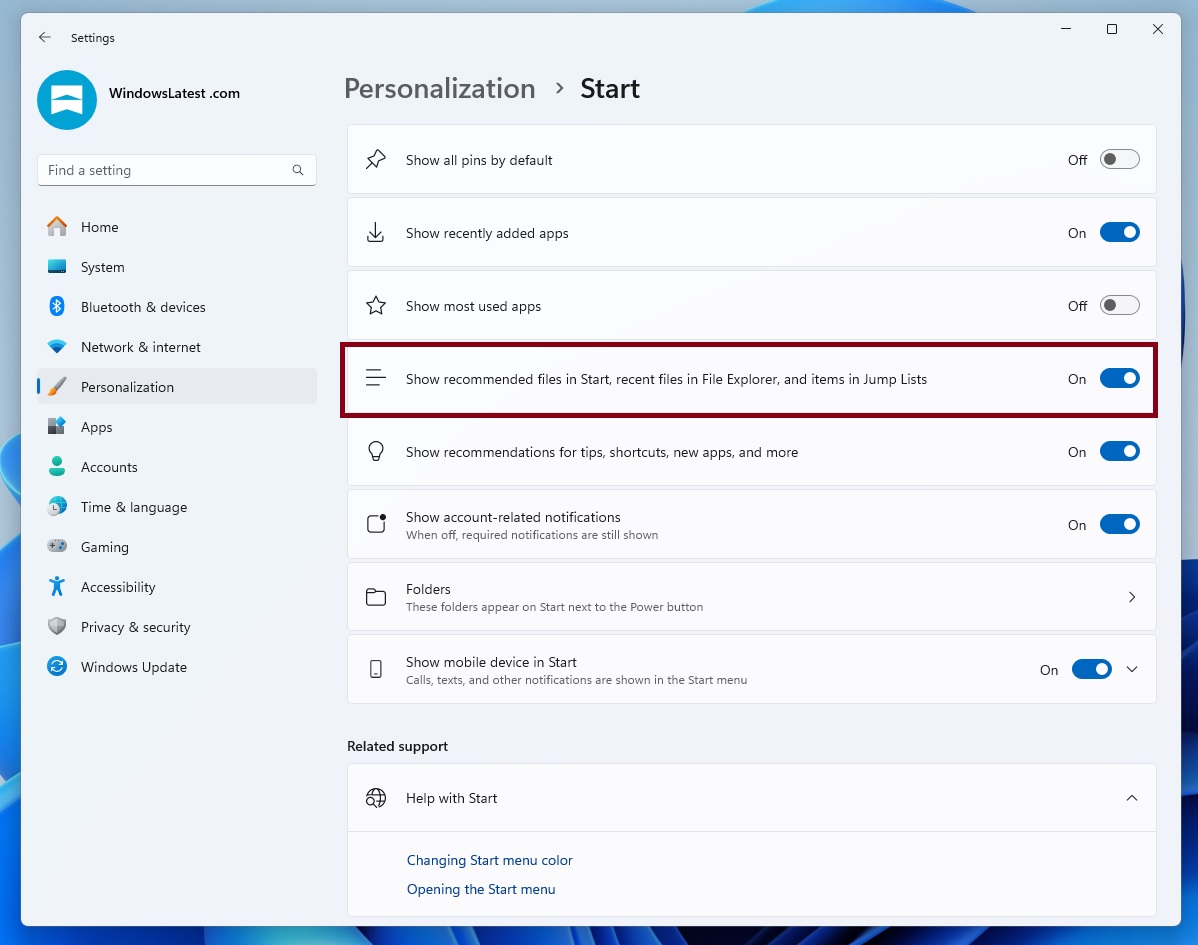
Additionally, you can finally turn off the Recommended section. Once it’s gone, you’ll only have Pinned and All apps in a scrollable stripe.
The post Windows 11’s Start menu is getting a big redesign, lets you turn off Recommended feed appeared first on Windows Latest