Microsoft still wants to force New Outlook on everyone by 2027, even as users call it painful, and prefer Outlook Classic
According to Microsoft's roadmap, it still plans to move all Classic Outlook users to New Outlook starting in March 2027. The post Microsoft still wants to force New Outlook on everyone by 2027, even as users call it painful, and prefer Outlook Classic appeared first on Windows Latest
 admin
admin
New Outlook is “painful and drives me crazy,” one user told me as their organization prepared to ditch Outlook Classic. But does that mean Microsoft will hold off on its plans to force New Outlook? Certainly not. According to Microsoft’s roadmap, it still plans to move all Classic Outlook users to New Outlook starting in March 2027, and we’re not that far away now.
New Outlook for Windows has been around for almost three years, as it was first rolled out to testers in 2023. Fast-forward to 2024, and Microsoft released New Outlook for everyone, and it eventually replaced the native Mail & Calendar apps. While Mail and Calendar were not exceptionally good, they still worked better than New Outlook in several areas.
Outlook (New) is getting better, but it’s not the best app for everyone
We’re nearly six months away from 2027, and there’s no denying that New Outlook has gotten significantly better. Microsoft has added up to 15 features in the past several weeks, but most of them are not exactly new. They have already been available in Outlook Classic, and Microsoft is simply catching up.
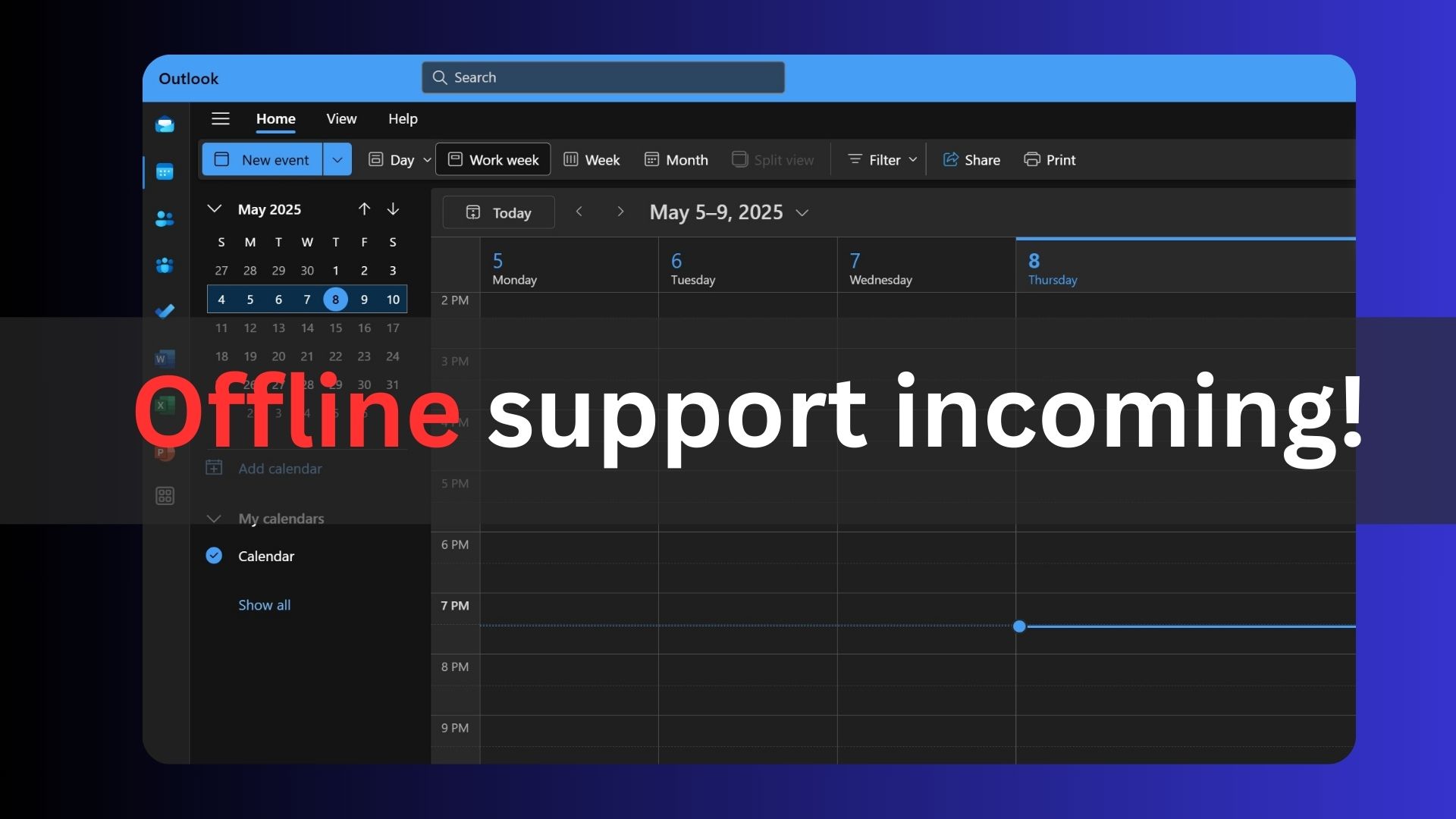
For example, Microsoft has added support for .PST files and improved offline support to cover attachments. Outlook Classic has always supported .PST files, and since it wasn’t a web app, the lack of offline support was never an issue.
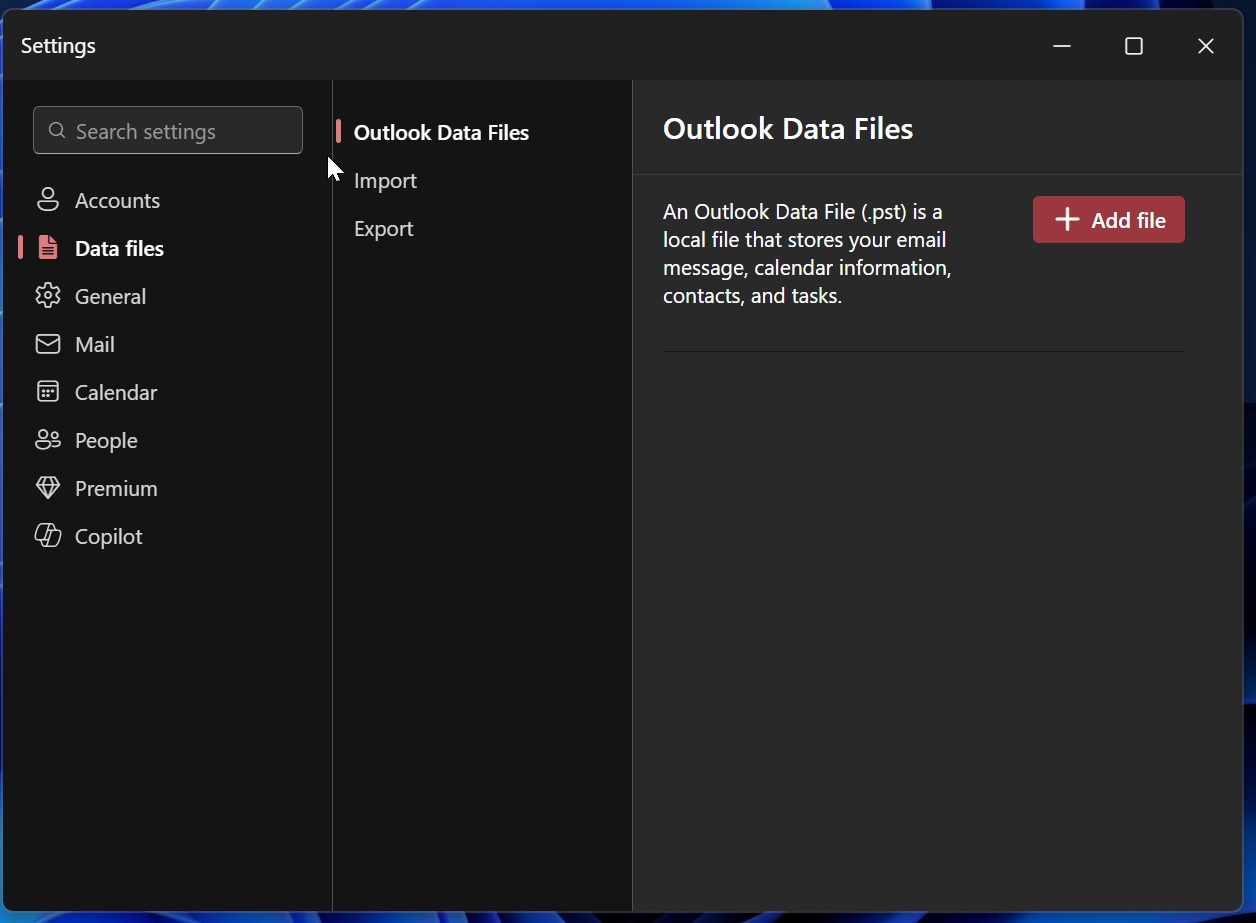
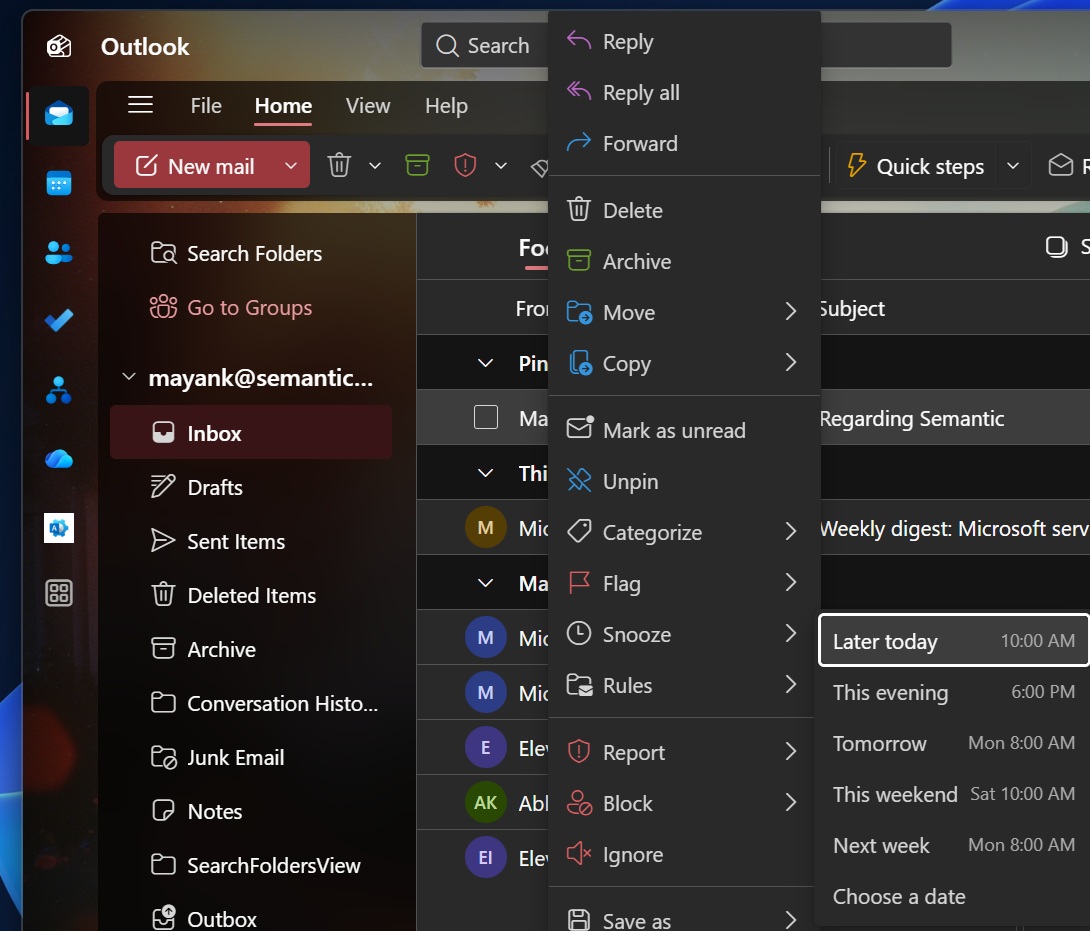
Some of the other improvements include the ability to pin or snooze an email, which is quite handy, but it’s again something you could do in Outlook Classic.
More recently, Microsoft rolled out the ability to add multiple categories and create automatic actions to keep your inbox organized or clean. For example, you can set up rules to automatically purge promotional emails and keep only recent messages in your inbox.
Microsoft has also added Schedule Send, which was always available in Outlook Classic.
At the same time, New Outlook is still missing several useful features that have been available in Outlook Classic for years. Microsoft insists it’ll bring everything back in the coming months, but the clock is ticking.
You’ll be forced to use New Outlook in March 2027
According to Microsoft’s roadmap seen by Windows Latest, the company is fully committed to moving Outlook Classic users to the new version starting in March 2027, so enterprises have less than a year to prepare for the forced rollout.
“The opt-out phase for Enterprise environments will now begin in March 2027 (previously April 2026), providing organizations with 12 months of lead time to prepare,” Microsoft noted in an update earlier this year. “GCC High and DoD timelines will be communicated separately at a later date.”
What happens in March 2027 if you choose to keep using Outlook Classic?
All hell is not going to break loose, but you may find yourself automatically redirected to New Outlook when you open Outlook Classic.
Fortunately, you’ll still be able to switch back to Outlook Classic. However, don’t be surprised if it later reverts and you find yourself back in New Outlook again.
We’ve seen Microsoft use a similar approach before. When it began replacing Mail & Calendar with New Outlook, it allowed users to opt out and return to the older apps, only for some of them to be moved back to New Outlook later.
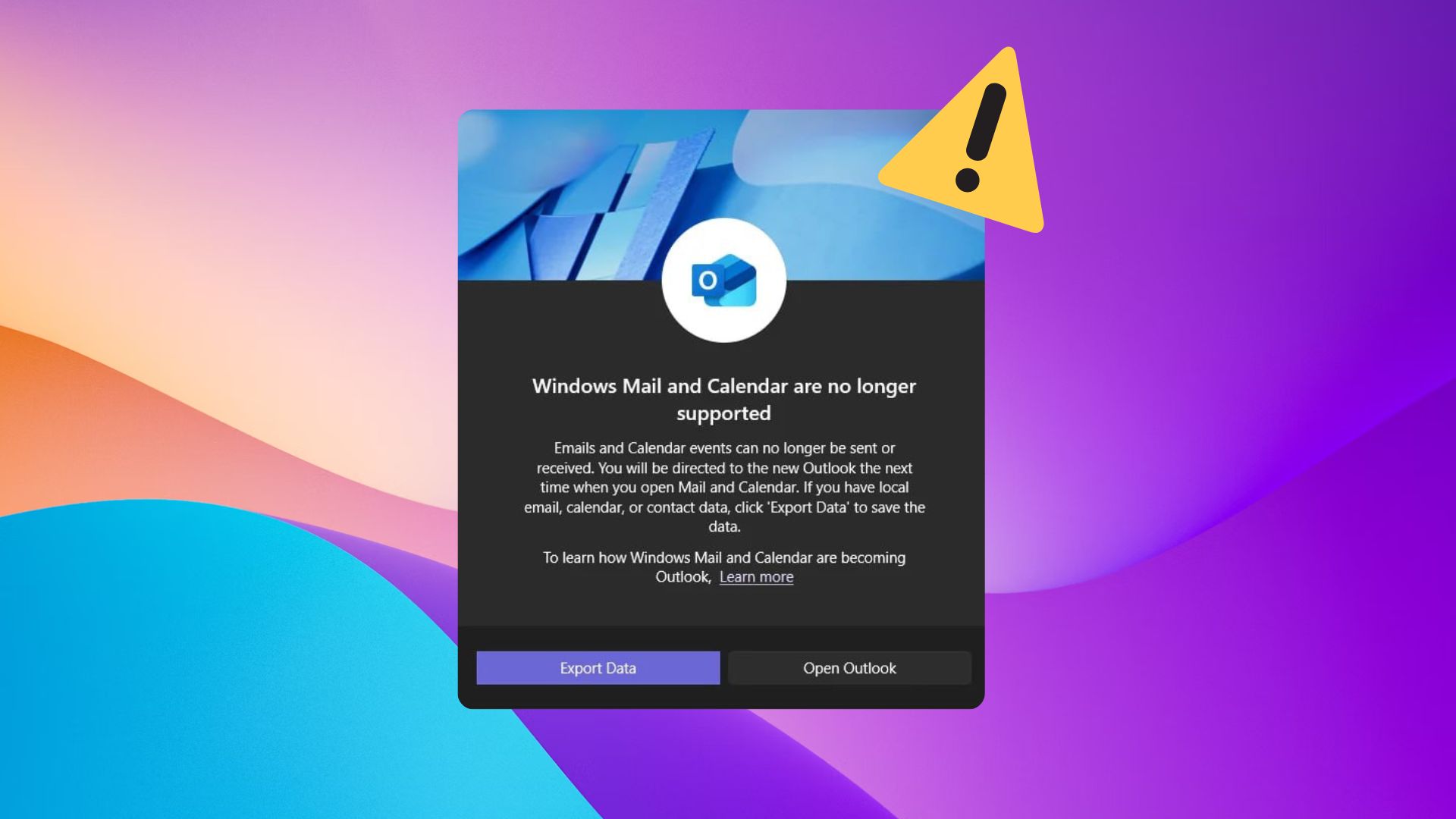
I am expecting a similar pop-up when Outlook Classic hits the deadline in March 2027, but remember that it does not mean you will be blocked from using the original email client.
In another document, Microsoft has clarified that it’ll support Outlook Classic until at least 2029, as long as it’s already installed and you have either a perpetual or a subscription license. Of course, you can’t expect new features after March 2027. In fact, Outlook Classic has mostly stopped adding new features except a few Copilot and agentic additions.
Microsoft says it’s seeing “strong adoption of new Outlook”
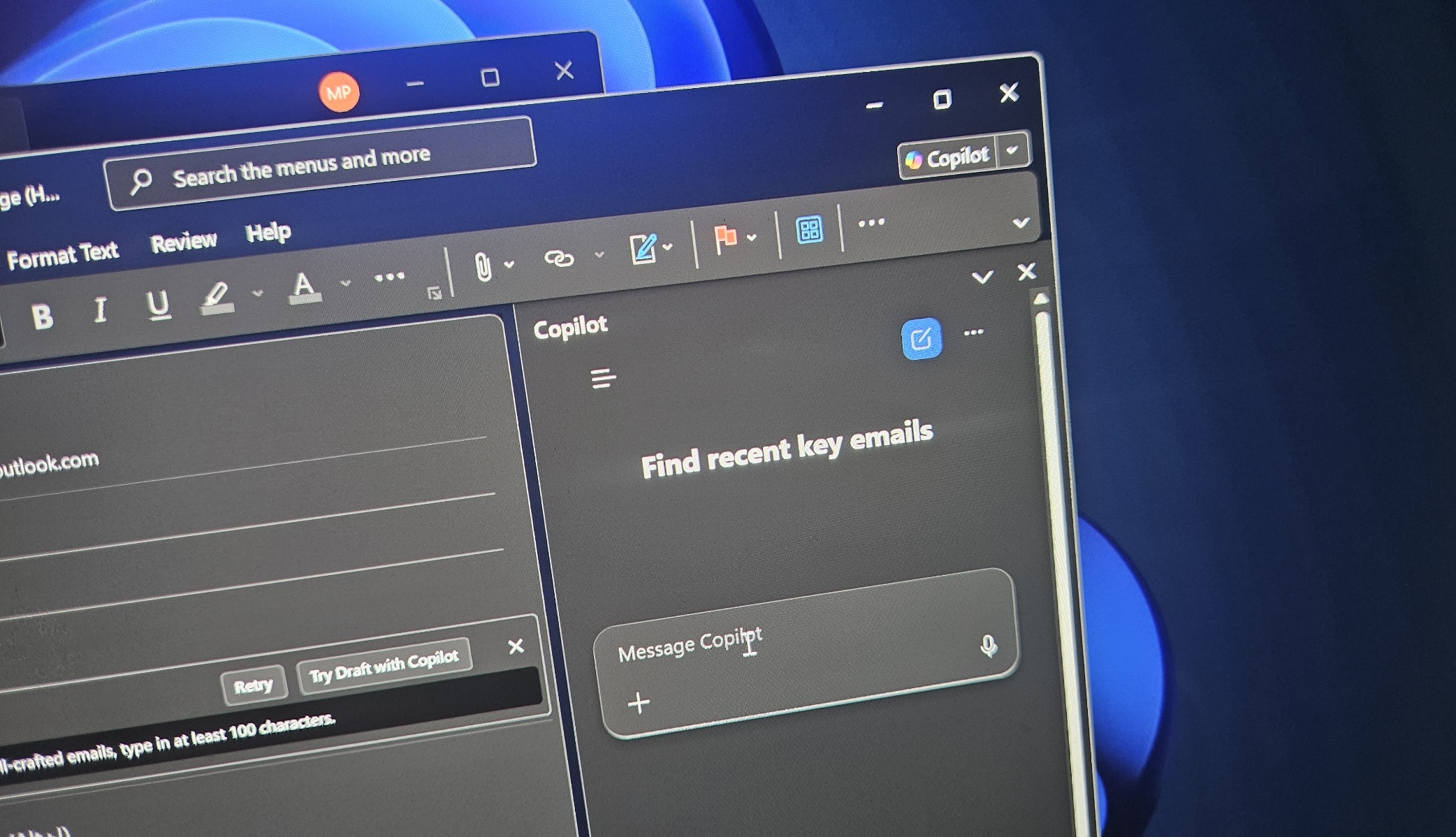
At this point, one thing is clear that there’s no going back for Microsoft, and New Outlook will eventually become the default experience whether you like it or not. The company also argues that New Outlook is now being adopted by more users, and adoption growth is not just strong, but rapidly “accelerating.”
That may be true because enterprises also need to embrace Copilot, which works more extensively in New Outlook than in Outlook Classic.
“We continue to invest heavily in expanding capabilities and addressing feedback from customers who want to go further with new Outlook. To ensure organizations have the time they need to prepare—and to fully realize the value of ongoing innovation—we’re extending the opt-out timeline,” Microsoft previously said.
The post Microsoft still wants to force New Outlook on everyone by 2027, even as users call it painful, and prefer Outlook Classic appeared first on Windows Latest