Windows 11 KB5060829 adds taskbar features, direct download for 24H2
Windows 11 KB5060829 is June 2025's optional update for Windows 11 24H2 rolling out with a new taskbar scaling feature. The post Windows 11 KB5060829 adds taskbar features, direct download for 24H2 appeared first on Windows Latest
 admin
admin
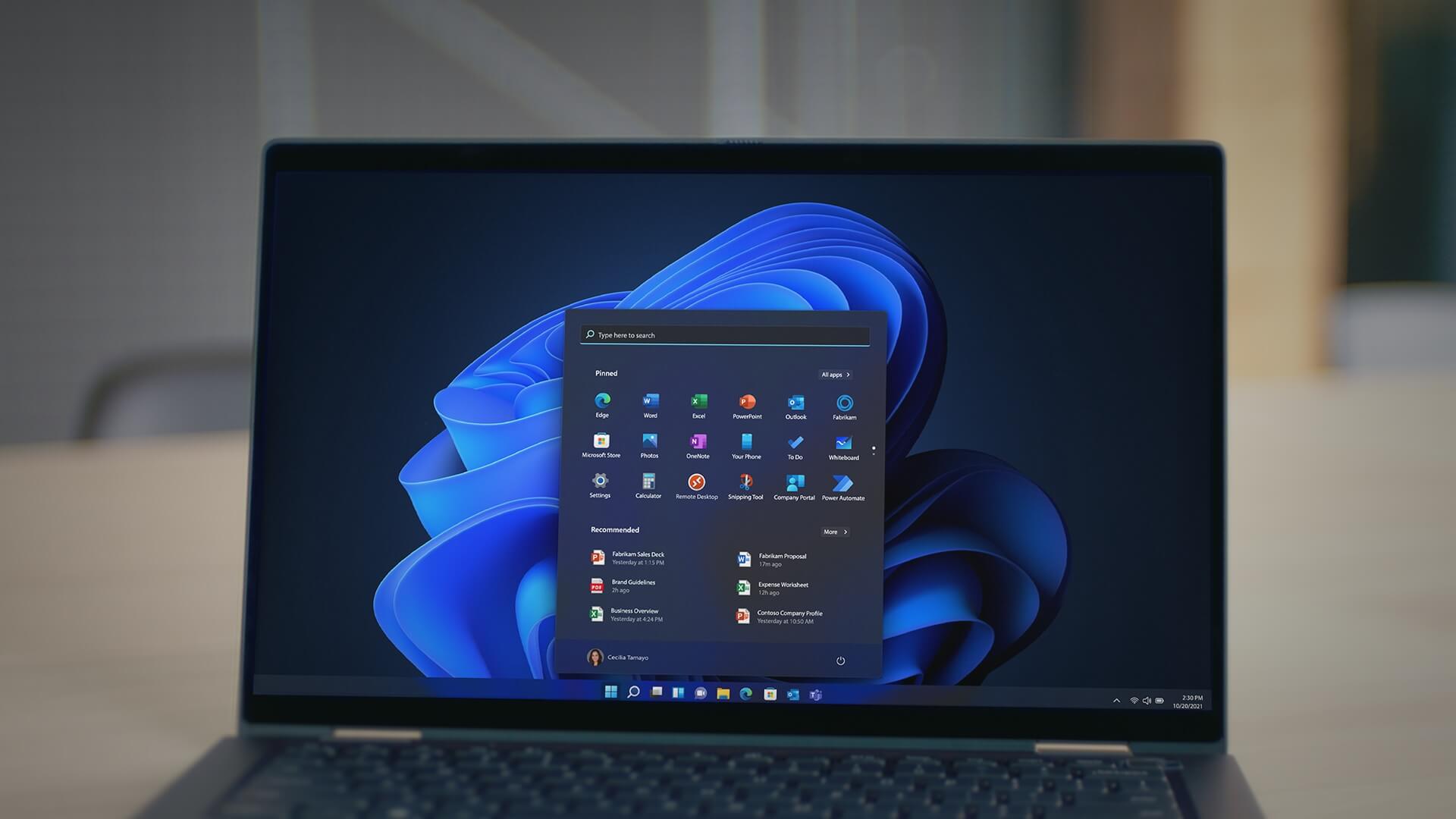
Windows 11 KB5060829 is June 2025’s optional update for Windows 11 24H2 rolling out with a new taskbar scaling feature, a new PC Migration app with PC-to-PC file transfer and more. It’s out via Windows Update, but as always, Microsoft has posted direct download links for KB5060829 offline installers (.msu) files on Update Catalog.
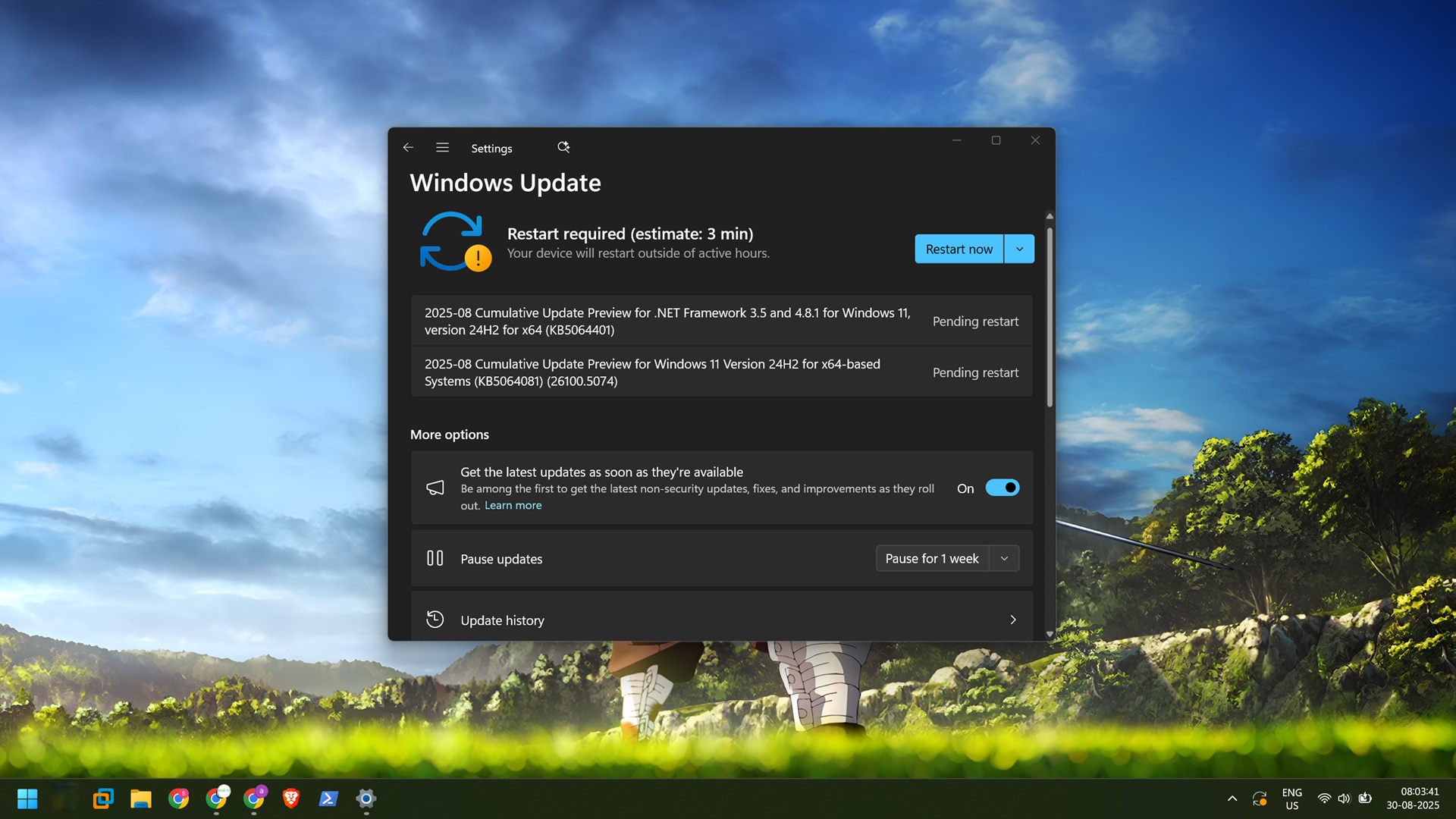
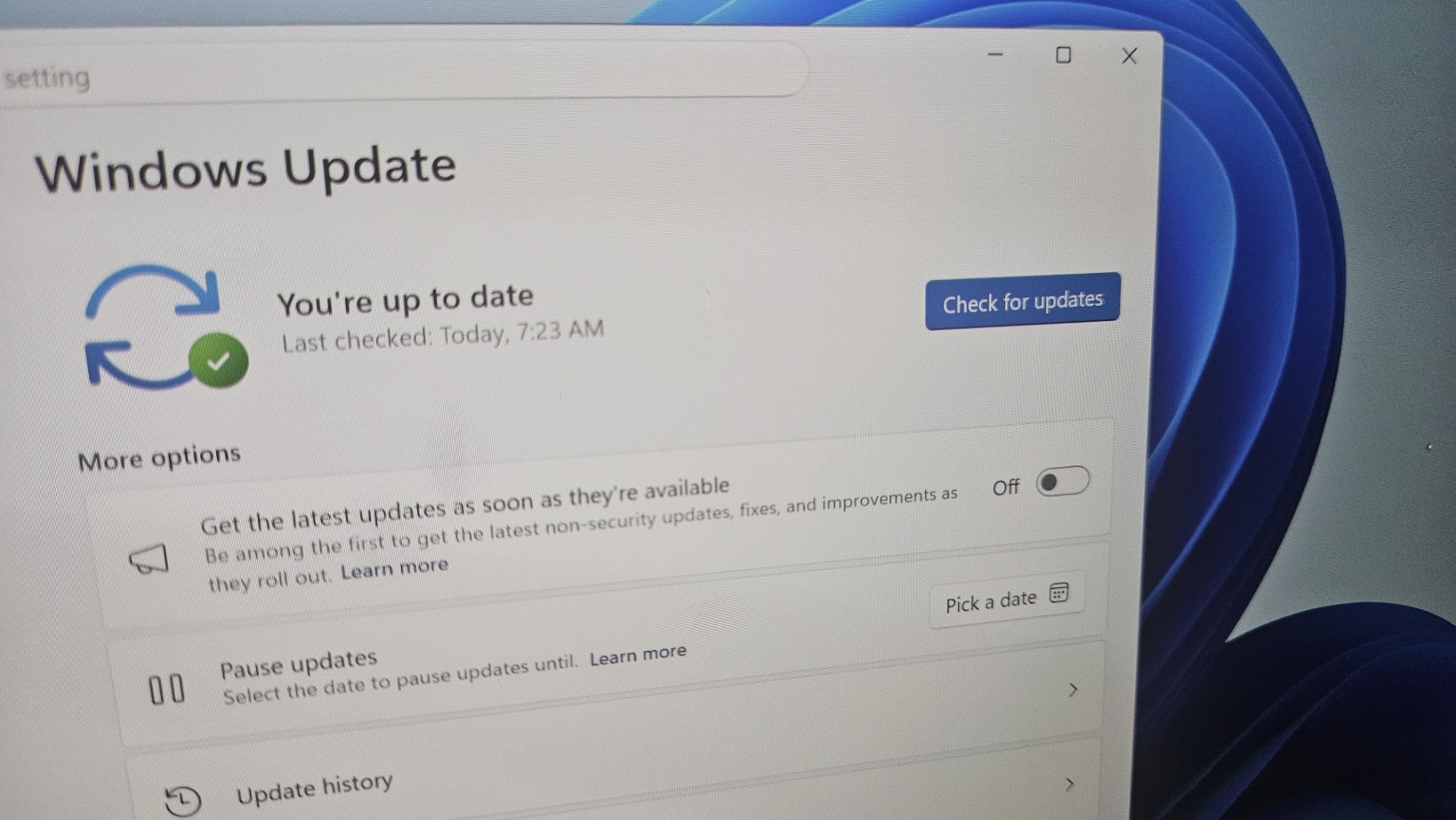
Windows 11 KB5060829 is an optional update for version 24H2, and it’s not supposed to download or install automatically unless you manually select “Download and install.” But there’s one exception where it could download or install in the background. This happens when you’ve the option “Get all latest updates…” checked.
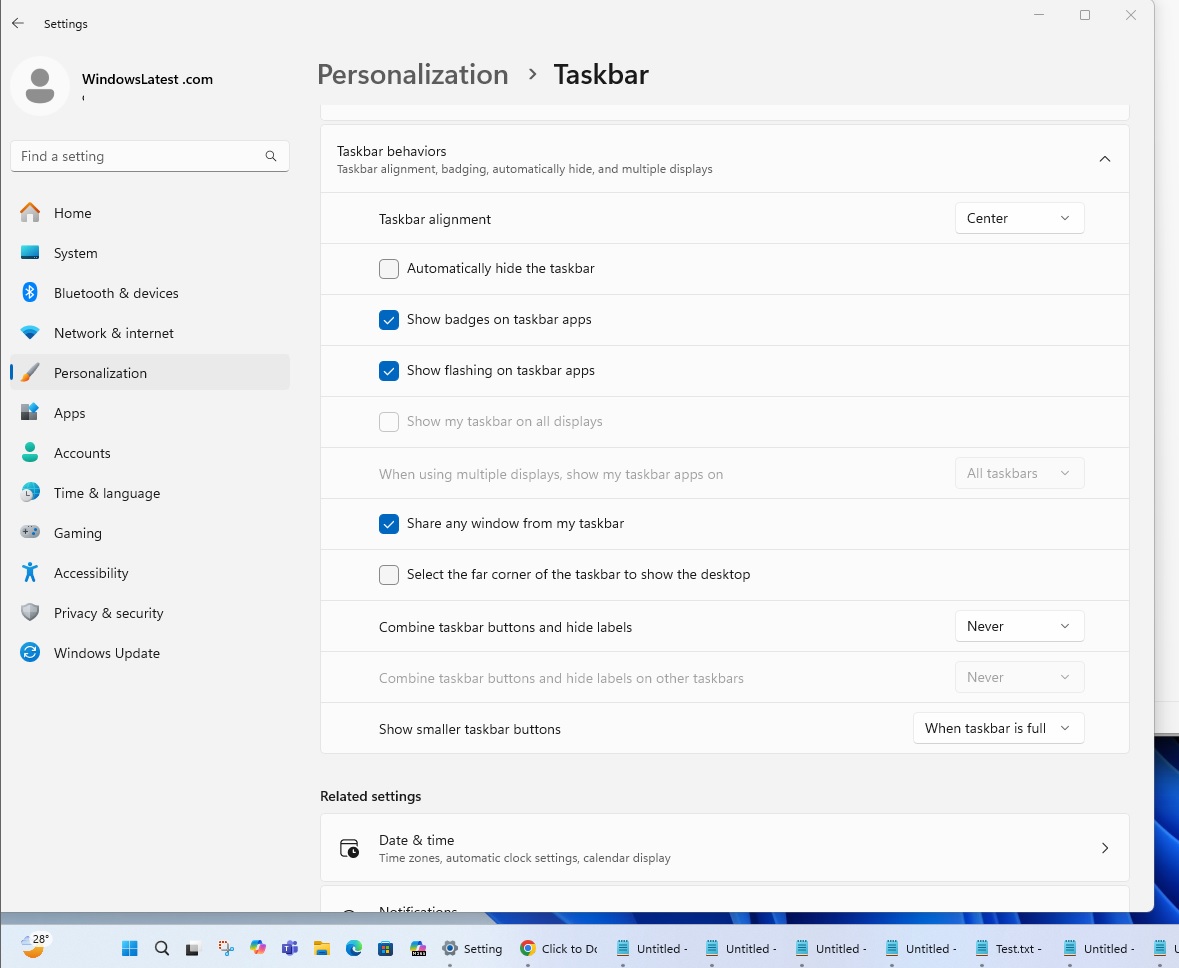
This patch is titled “2025-06 Cumulative Update Preview for Windows 11 Version 24H2 for x64-based Systems (KB5060829)“, and one of the most noticeable features (my personal favourite), as I mentioned above, is improved support for taskbar scaling. As you can see in the screenshot below, after the update, taskbar icons take up less space
In our tests, Windows Latest observed that the feature needs to be turned on from Settings > Taskbar > behaviours section, and then pick “Show smaller taskbar” buttons. Once you’ve done it, you’ll notice that the taskbar icons no longer fall inside the overlay menu (that arrow button).
I also made a GIF/video that shows off the new scaling-taskbar in action after updating to Windows 11 KB5060829 (Build 26100.4484):
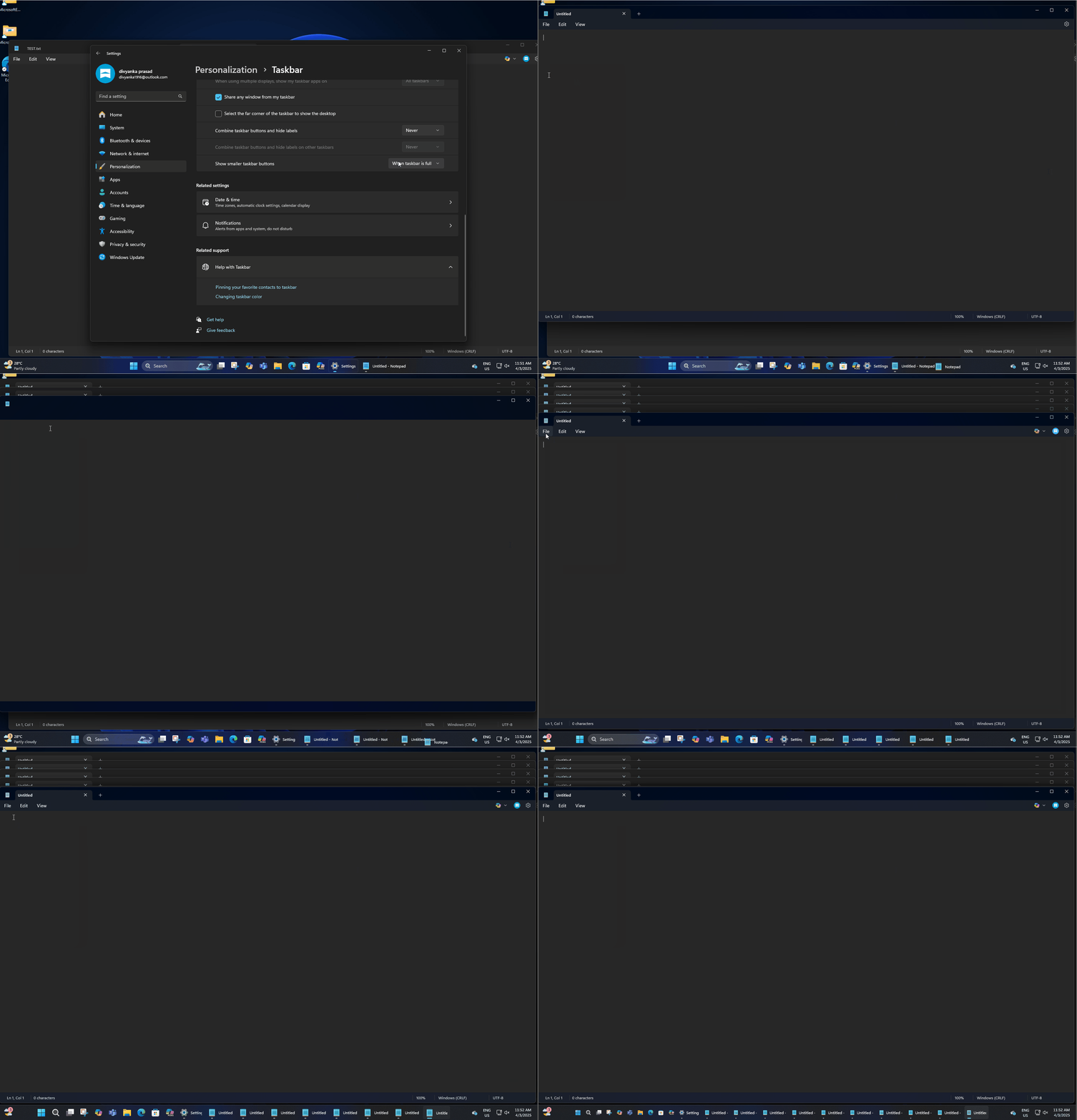
By default, taskbar icons will be small only when the taskbar is full of apps, but you can change the behaviour and always select the smaller icons as your preference. Of course, if you hate the idea, you can set it to ‘Never’ and Windows will restore the old taskbar overlay behaviour.
Download Links for Windows 11 KB5060829
Windows 11 KB5060829 Direct Download Links: 64-bit and ARM-64 | Microsoft Update Catalog.
This is a huge update because it’s internally called a feature drop, so the size of the June 2025 optional patch is also about 3GB for Intel/AMD PCS and slightly less than 3GB for ARM machines. Of course, that’s the case only when you use the Microsoft Update Catalog I linked.
Windows Update still gets you the update for less than a gigabyte, but my concerns remain that these AI models, which are not even used on older PCs, are bundled with the MSU files, and that increases the size of the patch for everyone. For comparison, Windows 10 updates used to be less than 700mb in size.
What’s new in Windows 11 Build 26100.4484 for version 24H2?
1. New app defaults experience, but only in the EU
If you’re in the EU, you’re getting greater control over default apps for file and link types. It’s all going to be handled by the default browser toggle. For example, when you set Chrome as your default browser, it’ll also become the preferred option for the PDF file unless you explicitly change it to another browser or app, such as Edge.
In addition, the browser configured as default now gets pinned to the taskbar and Start menu, but there’s a toggle to block the pinning. By default, it’s designed to be pinned, as a requirement by the European Union. The idea is to make the taskbar a fair place for every company, including Google, Mozilla, Vivaldi or Opera.
Windows 11 KB5060829 implements this feature only in the EU.
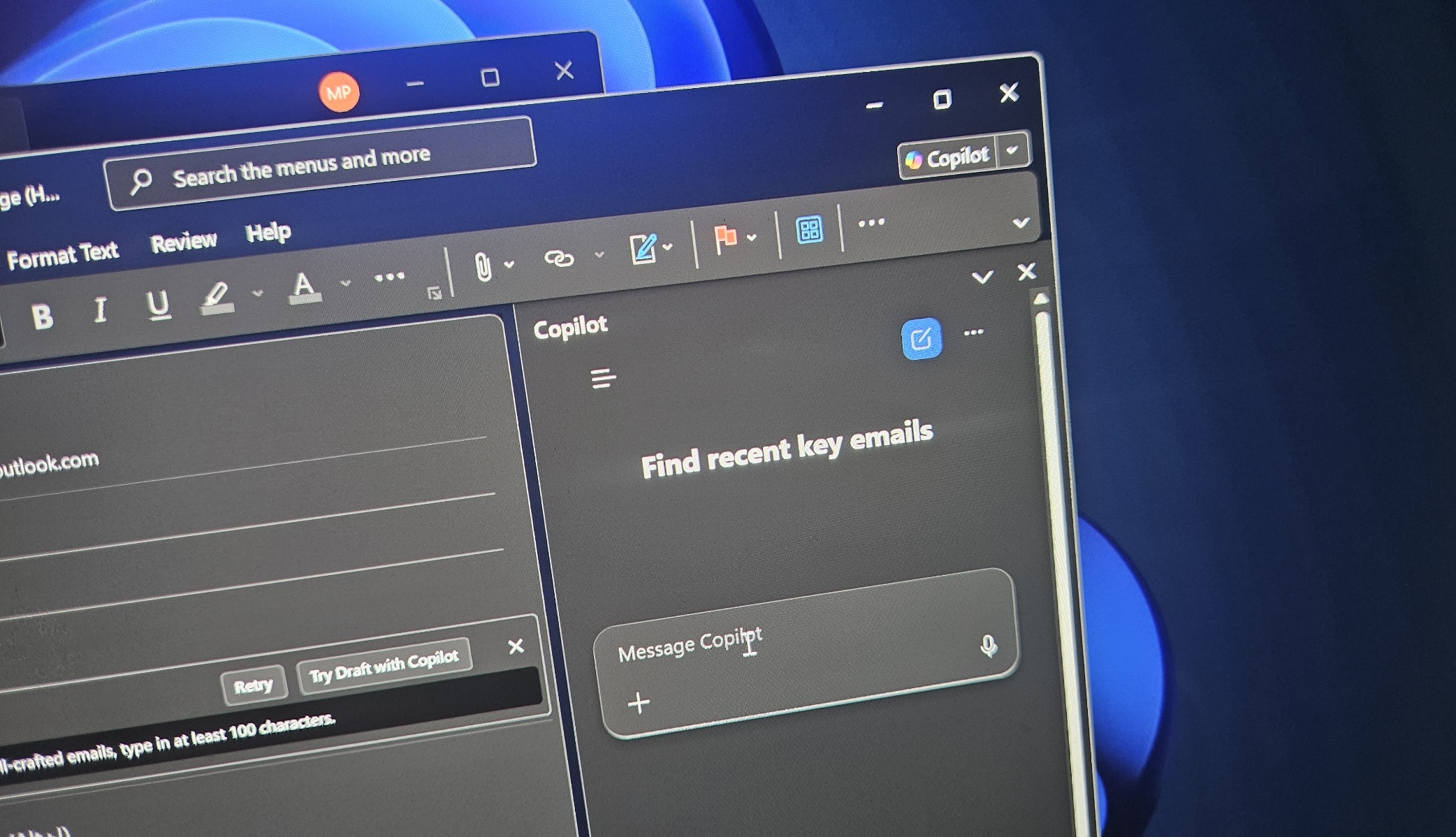
2. Click to Do now has Microsoft 365 Copilot
As you might know, if you own a Copilot+ PC, you can right-click anywhere and access the Click to Do feature, which allows you to send the image or text to one of the AI features, such as blur removal using the Photos app or document summary using Copilot.
But now you can also access Microsoft 365 Copilot to answer your questions. This works only when there’s an MS 365 subscription
3. New PC Migration feature is being prepared
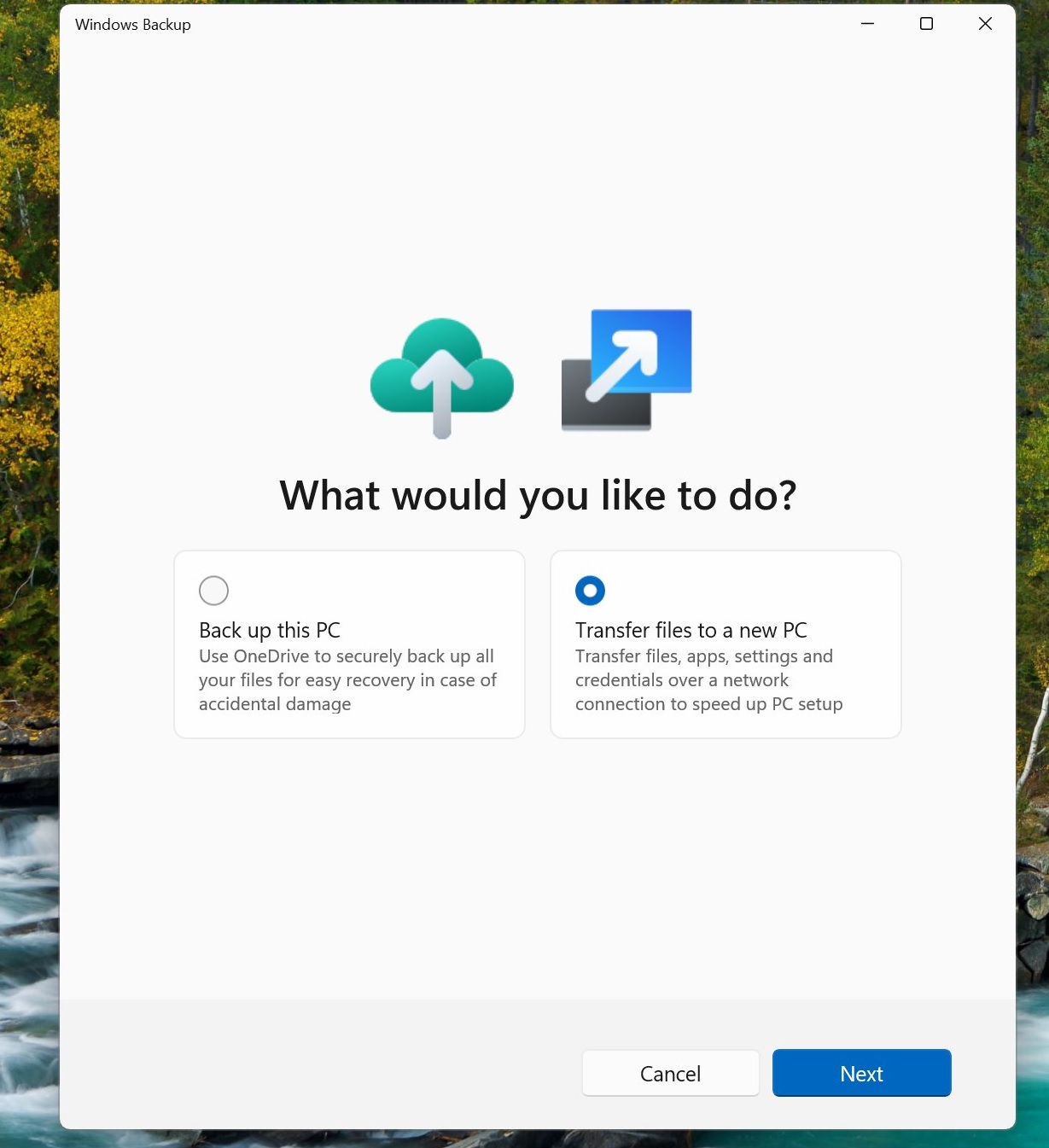
A new feature is being tested inside the Windows Backup app that allows you to enter a code and transfer files between two PCs wirelessly. Right now, Backup works via OneDrive, but soon you can use the PC-to-PC transfer feature as an option.
Unfortunately, the feature doesn’t work yet, and it’s only a placeholder.
Microsoft says it’s coming. Windows 11 KB5060829 just lays the groundwork.
The post Windows 11 KB5060829 adds taskbar features, direct download for 24H2 appeared first on Windows Latest