Windows 11 KB5062553 24H2 big update, direct download links
Windows 11 KB5062553 update is now available for Windows 11 24H2, and it comes with as many as five new features, including smaller icons in the taskbar, but not the taskbar itself. It’s live via Windows Update, but Microsoft has also posted direct download links for KB5062553 offline installers (.msu). Windows 11 KB5062553 is a […] The post Windows 11 KB5062553 24H2 big update, direct download links appeared first on Windows Latest
 admin
admin
Windows 11 KB5062553 update is now available for Windows 11 24H2, and it comes with as many as five new features, including smaller icons in the taskbar, but not the taskbar itself. It’s live via Windows Update, but Microsoft has also posted direct download links for KB5062553 offline installers (.msu).
Windows 11 KB5062553 is a mandatory security update, and it will download or install automatically. As I mentioned, one of the notable features after installing the updates is smaller taskbar icons. While Microsoft is not making the taskbar size smaller for some reason and there’s no option to change it yourself, icons will now automatically shrink.
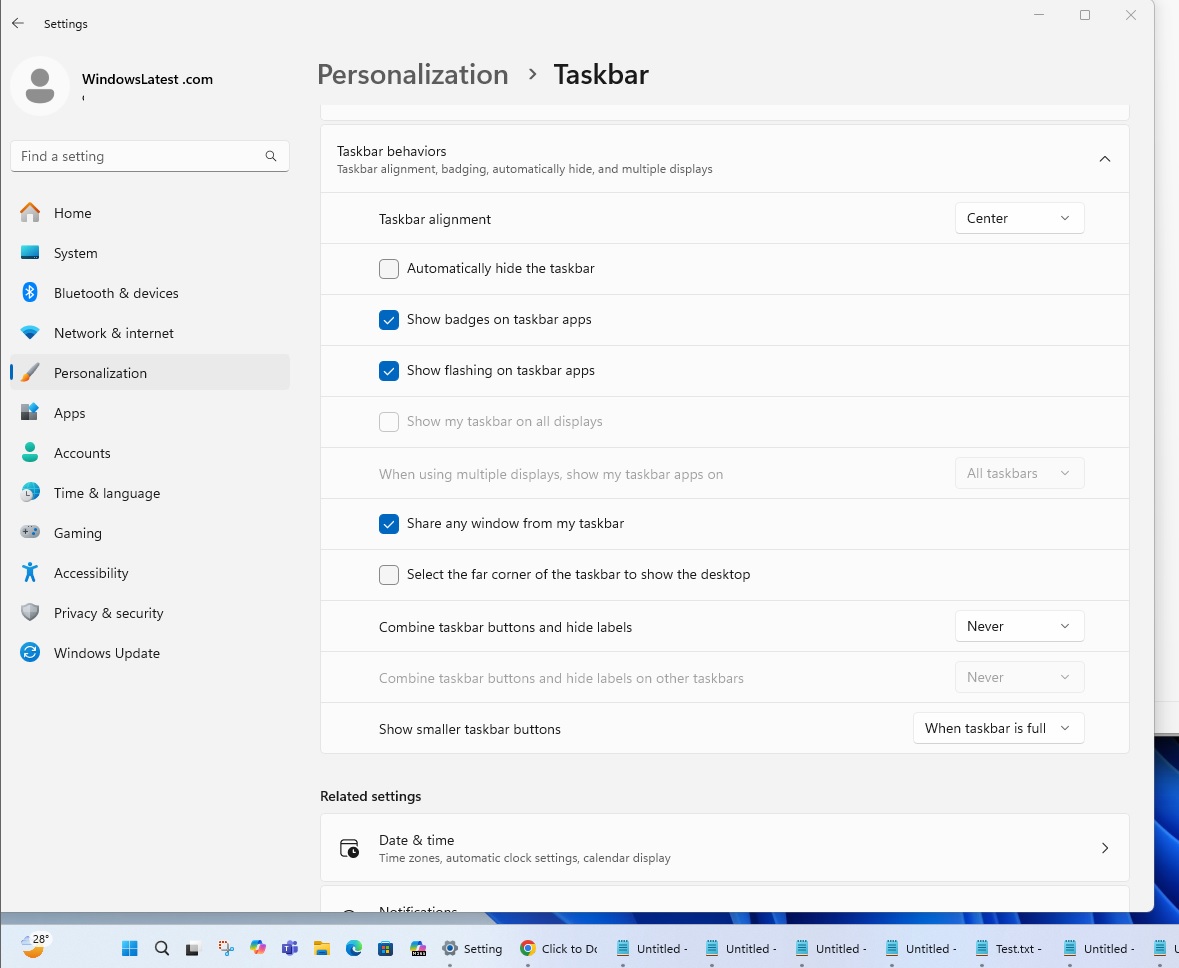
This means when there are several apps open and the taskbar is running out of space, it will make the icons smaller, so there’s enough room for new and existing apps or icons. It’s a neat idea, but it looks a bit odd when the icons are smaller than the entire taskbar, and it’s also difficult to see.
If you don’t like the smaller taskbar icon, you can disable it from Settings.
This update shows up as “2025-07 Cumulative Update for Windows 11 Version 24H2 for x64-based Systems (KB5062553),” and it advances PCs to Windows 11 Build 26100.4652.
Download Links for Windows 11 KB5062553
Windows 11 KB5062553 Direct Download Links: 64-bit and ARM-64 | Microsoft Update Catalog.
What’s new in Windows 11 Build 26100.4652?
Some PCs will see features today, others next week, so don’t panic if it stays hidden for a while.
In addition to smaller taskbar icons, the pill-shaped indicator under open apps is wider too, making it easier to spot the active window.
Default-app headaches inside the European Economic Area just eased up. You can now hit the one-click “Set default” button in Settings and Windows now grabs extra file types for your chosen browser, pins that browser to Start and the taskbar (unless you uncheck the boxes), and even offers a separate toggle to hand .pdf files to the same app.
Narrator
Narrator can throw a black curtain over the screen so you can work on sensitive material without wandering eyes, and it now walks new users through fresh features with in-app prompts. Voice Access speaks two more languages, Simplified and Traditional Chinese, and lets you add custom words to its dictionary so local slang finally sticks.
Click To Do for Copilot+ PCs
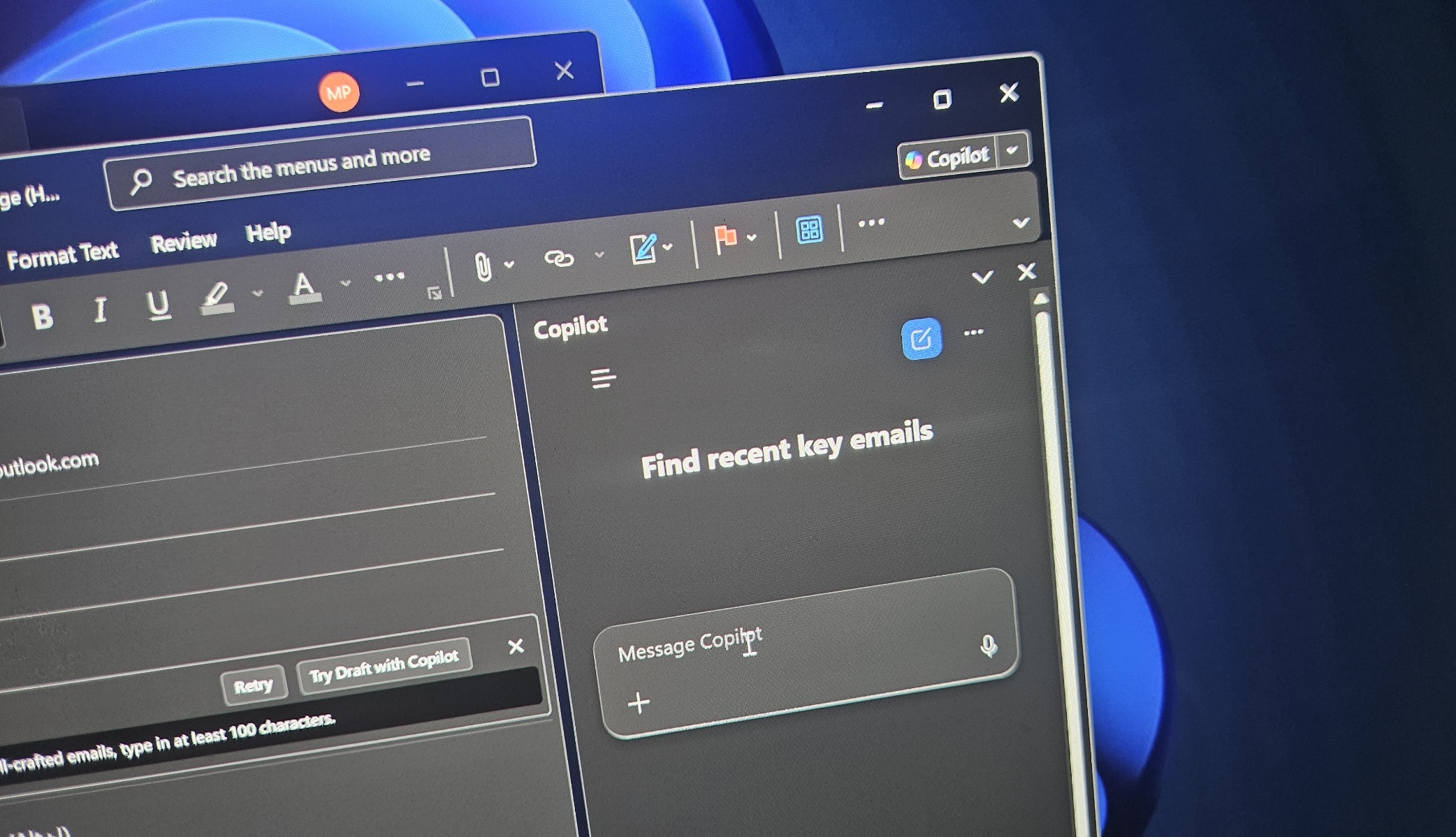
“Click to Do” picks up an “Ask Microsoft 365 Copilot” option on Copilot+ PCs. You can now highlight text or an image, send it to the assistant, and get an answer without copy-pasting. Over in File Explorer, dragging thousands of files from a hefty .7z or .rar archive feels snappier, thanks to under-the-hood extraction work.
Dozens of important fixes
Game windows stop freezing when you Alt-Tab away, Japanese typing on the touch keyboard no longer stalls after you jump between languages, the Quick Settings buttons respond again, and a rogue display bug that painted some monitors green is gone.
Even old problems like over-thick printed lines and sluggish scripts on ancient SMB shares have been addressed.
The post Windows 11 KB5062553 24H2 big update, direct download links appeared first on Windows Latest