Windows 11’s new Start menu released to all ahead of next big update
Microsoft is finishing the rollout of Windows 11's 2025 Start menu redesign to all 24H2 and 25H2 users, while a bigger update with resize options, per-section toggles, and the ability to hide your account name is currently in Insider testing and expected to reach everyone later in 2026. The post Windows 11’s new Start menu released to all ahead of next big update appeared first on Windows Latest
 admin
admin
Microsoft is completing the rollout of its 2025 Start menu redesign to all Windows 11 users on versions 24H2 and 25H2, as it quietly prepares an even bigger overhaul for later this year, coming with 26H2.
The Windows 11 Start Menu has long been a focal point for user feedback, often oscillating between praise for its modern aesthetic and frustration regarding its perceived lack of flexibility.
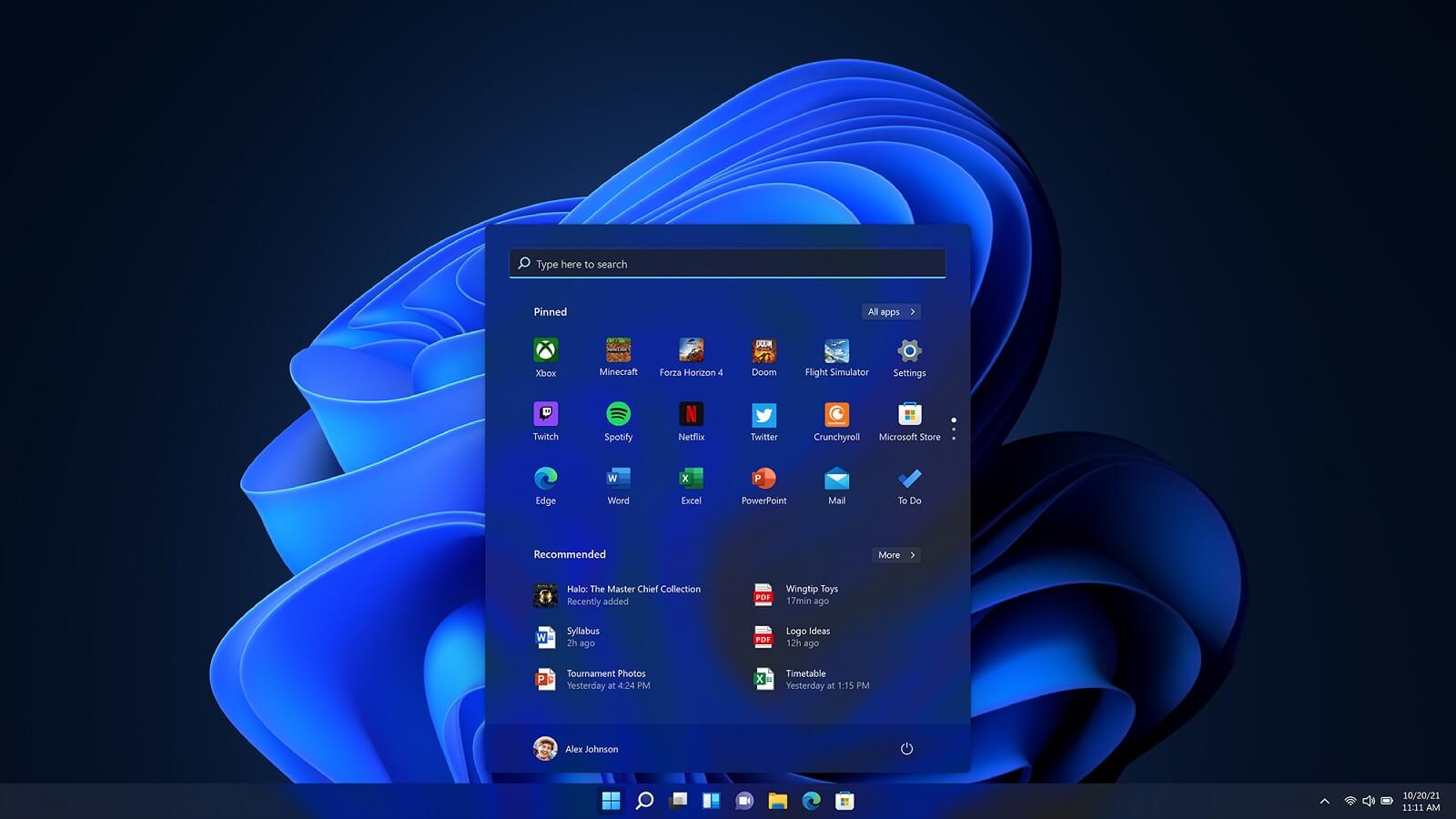
As we have documented before, Microsoft has been steadily iterating on this core component to address these pain points. The current rollout brings a scrollable single-page layout, a category view for All Apps, and the option to hide the Recommended section.
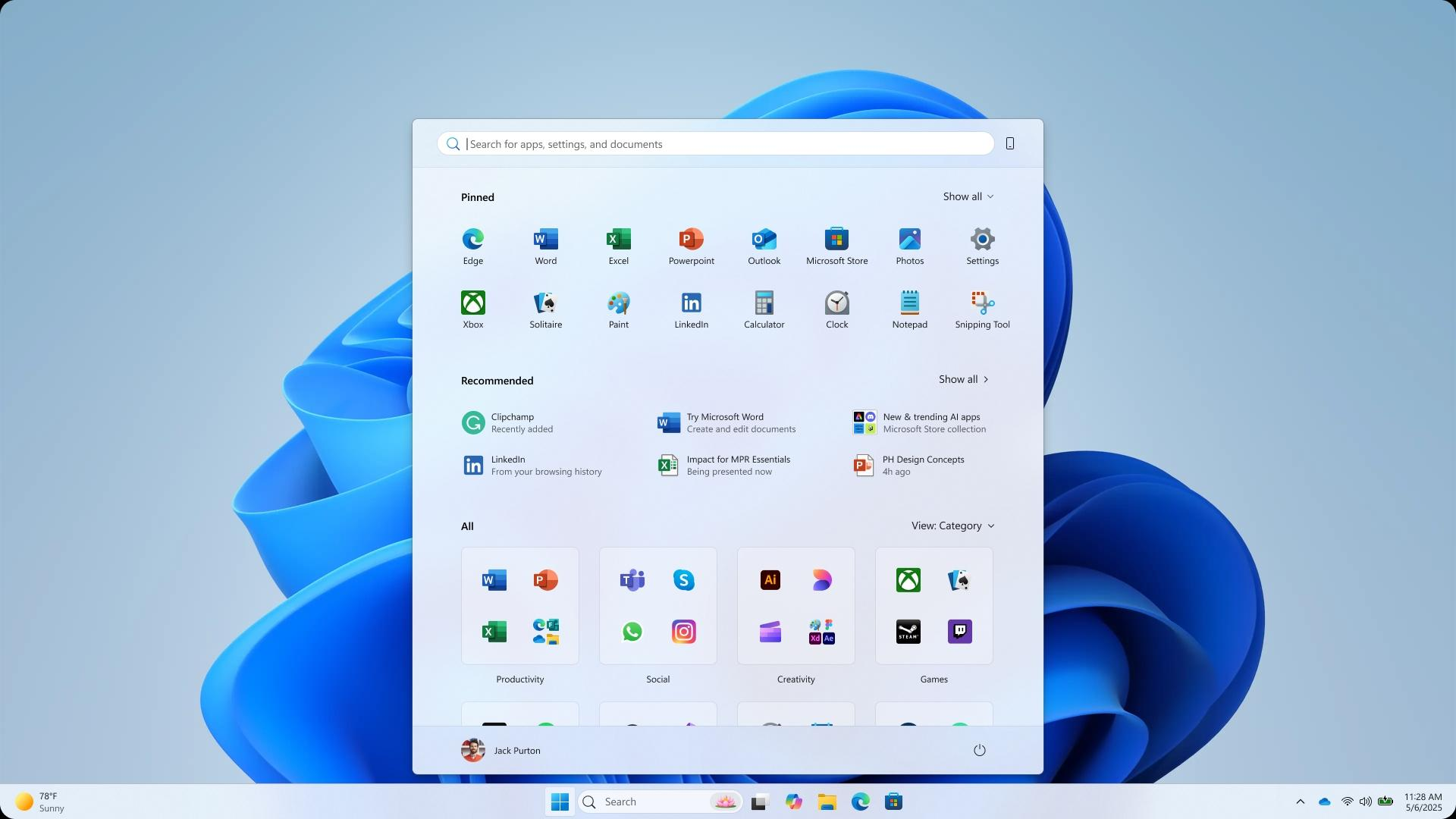
The more advanced modular controls, including the ability to resize the Start menu and toggle individual sections on or off, are coming later in 2026.
How the Windows 11 Start menu changed and what is rolling out now
Before this latest rollout, the Start menu was largely fixed in its design philosophy. You were presented with a rigid layout consisting of a “Pinned” grid followed by a “Recommended” section that frequently featured content not always relevant to your workflow. The inability to significantly alter the menu’s size or hide extraneous sections made the interface feel cluttered to many power users.
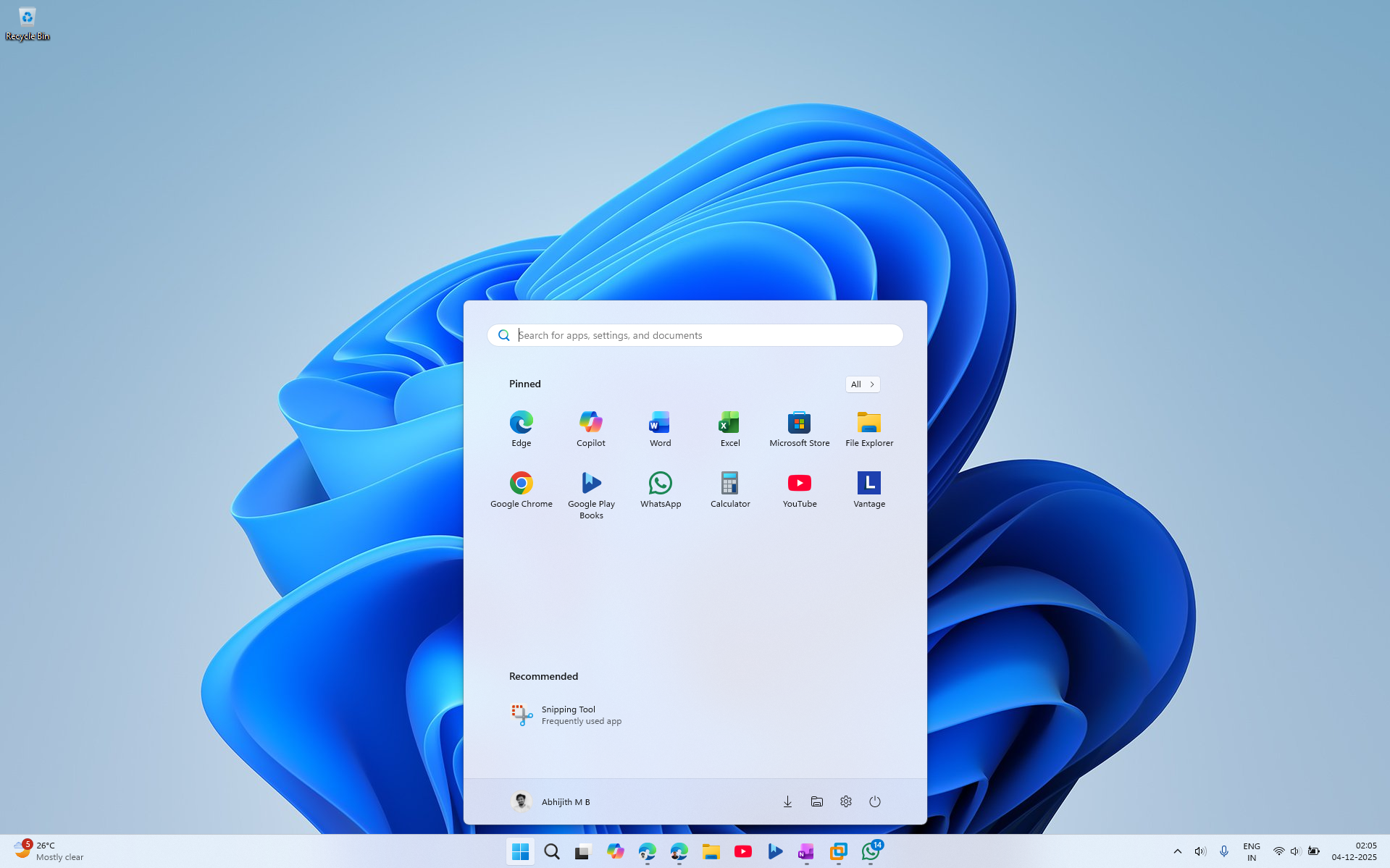
However, the technical overhaul we are seeing now is a fundamental change in how the UI is rendered and controlled. By decoupling the various sections, such as Pinned apps, Recent items, and the AI apps list, Microsoft has moved toward a model where the interface is effectively a collection of toggleable modules. This is not just a cosmetic refresh; it’s allowing the menu to adapt its footprint based on what you want to see.
Enterprise Start menu control with JSON and Group Policy
While the average user will interact with these changes via the Settings app, the real power lies in the new enterprise-grade configuration options. Microsoft has transitioned away from the older XML-based layout definitions to a more robust JSON configuration format.
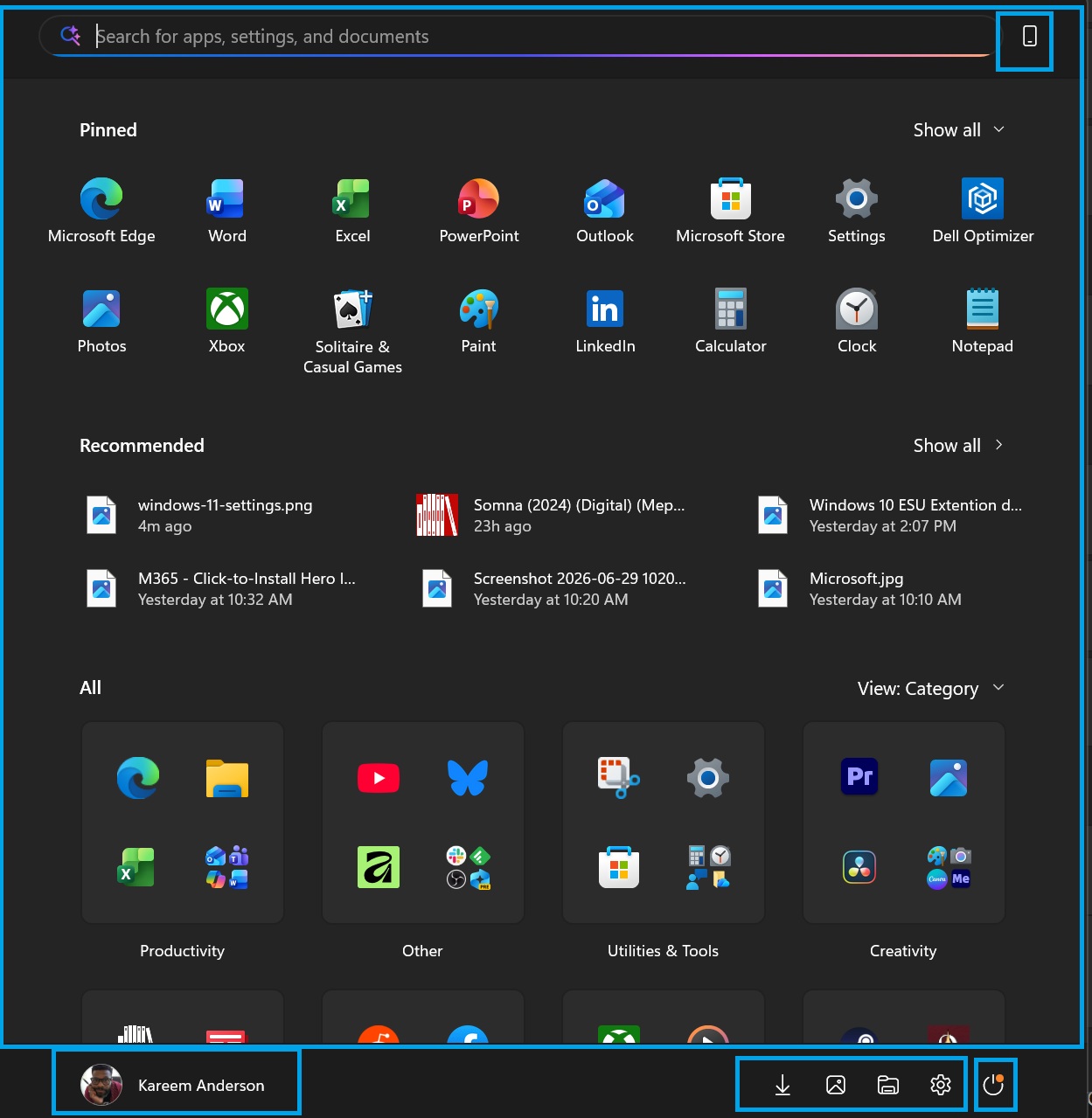
For IT administrators, this is a major improvement for consistency. By leveraging Group Policy (GPO) or Configuration Service Providers (CSP), admins can now push highly specific, reliable Start layouts across a managed fleet of devices. This ensures that frontline workers, students, or kiosk devices have an interface that is tailored exactly to their needs and workflows, preventing accidental clutter or access to unnecessary tools.
How to check and adjust the new Start menu on your PC
If you are curious to see how these changes manifest on your own system, or if you are managing a set of machines, you can verify your current configuration through a few simple steps.
For regular users
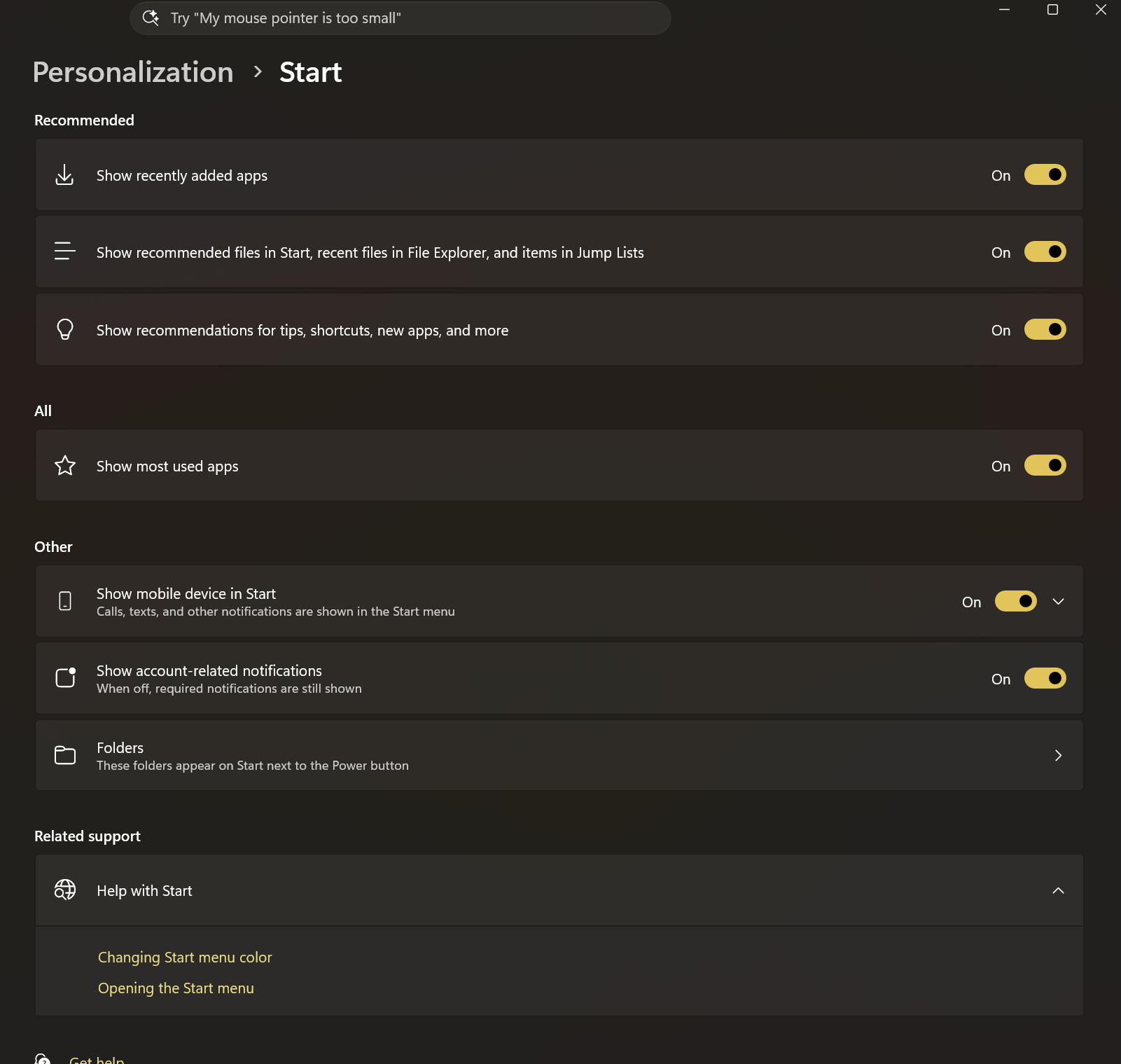
- Open Settings: Hit the Windows Key and navigate to Settings > Personalization > Start.
- Adjust Toggles: Adjust the Start Menu to your liking in sections such as “Recent” or “Recently added apps.”
For IT admins
- Apply Policies: For Enterprise or IT Managers, use the Local Group Policy Editor (gpedit.msc). Navigate to User Configuration > Administrative Templates > Start Menu and Taskbar.
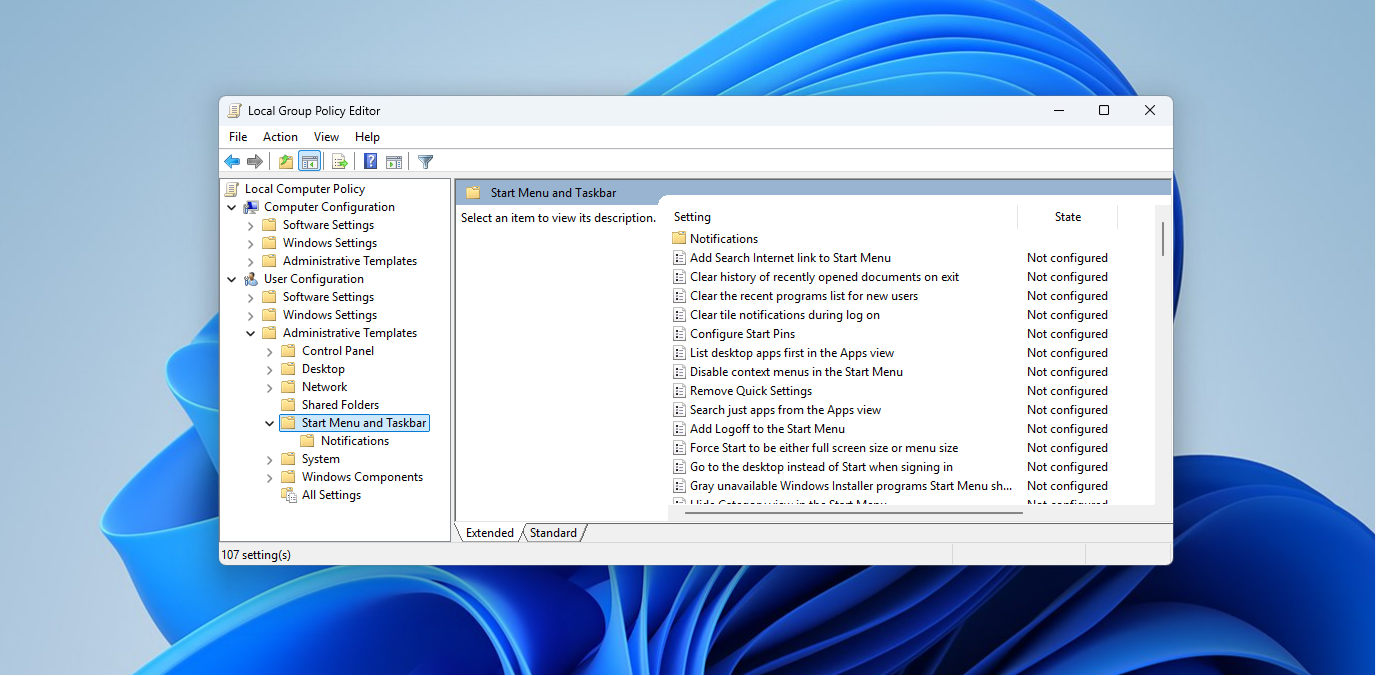
- Enforce and Refresh: After setting your preferences, open Command Prompt as an administrator or with admin privileges, and run gpupdate /force to ensure the policies are applied immediately.
- Confirm: Close and reopen the Start menu to see your new, shiny customized layout. If you launch a JSON-based layout, you’ll need to ensure it is properly referenced in your policy path to avoid it reverting to the blank static version.
What the bigger Start menu update in 2026 will add
The next wave of Start menu changes, currently in Experimental Insider build 26300.8553 (released May 29, 2026), goes considerably further than what reached regular users in 2025. The confirmed changes in testing include:
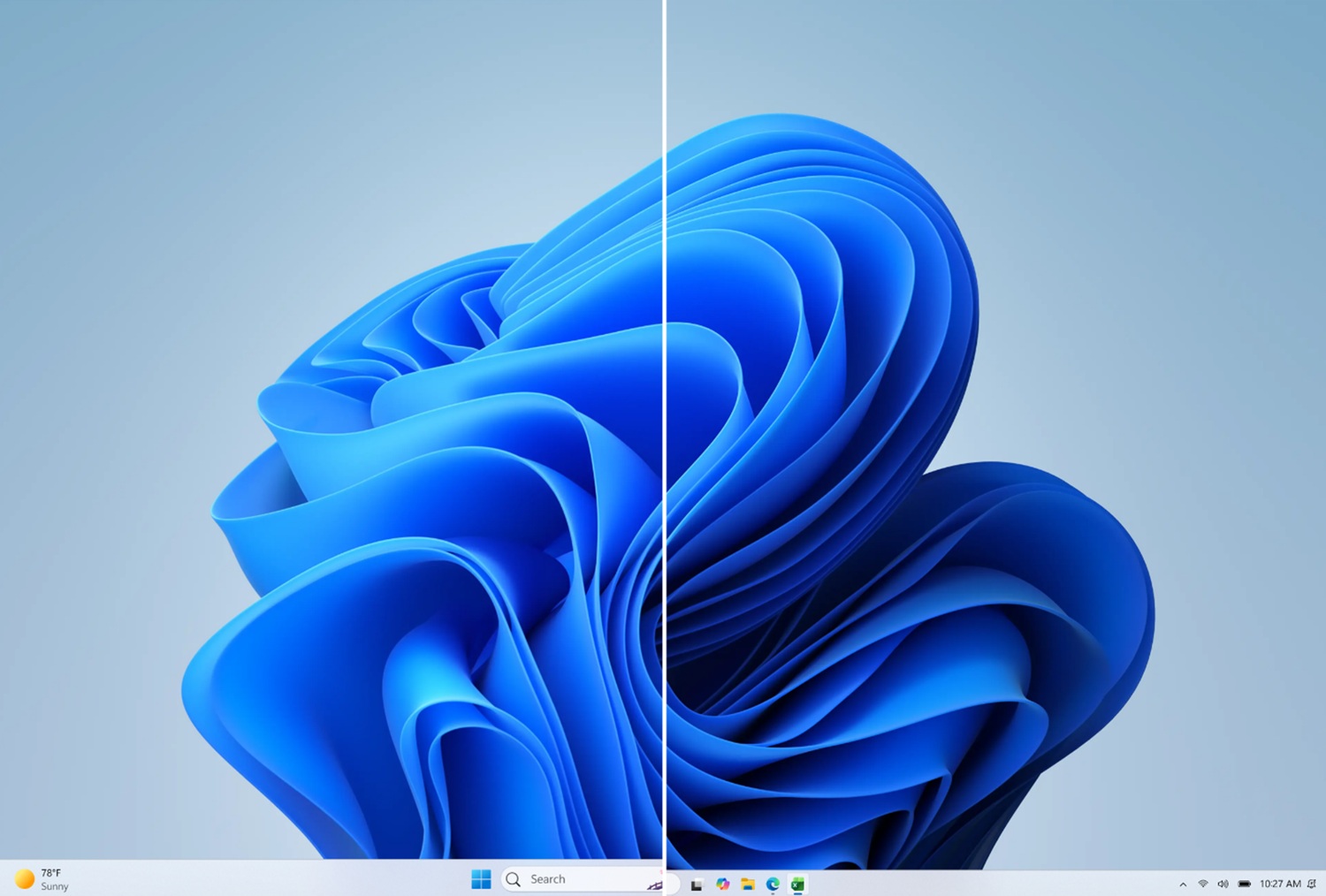
- A resize option with Small and Large presets, replacing the current fixed size. The Large layout shows more columns of pinned apps and wider category columns. The small layout is a more compact version suited to lower-resolution screens. We covered this when Microsoft first announced the resize option in May 2026.
- Per-section visibility toggles that go further than the current options. In the Insider build, the Pinned section, the All Apps list, and the Recommended section (renamed to Recent in this build) can each be independently hidden. If you disable all sections, the Start menu shows a message that reads ‘All Start menu sections are off’ with a link back to settings. Hiding your account name and profile picture is also possible in the new build, which is useful during screen sharing or presentations.
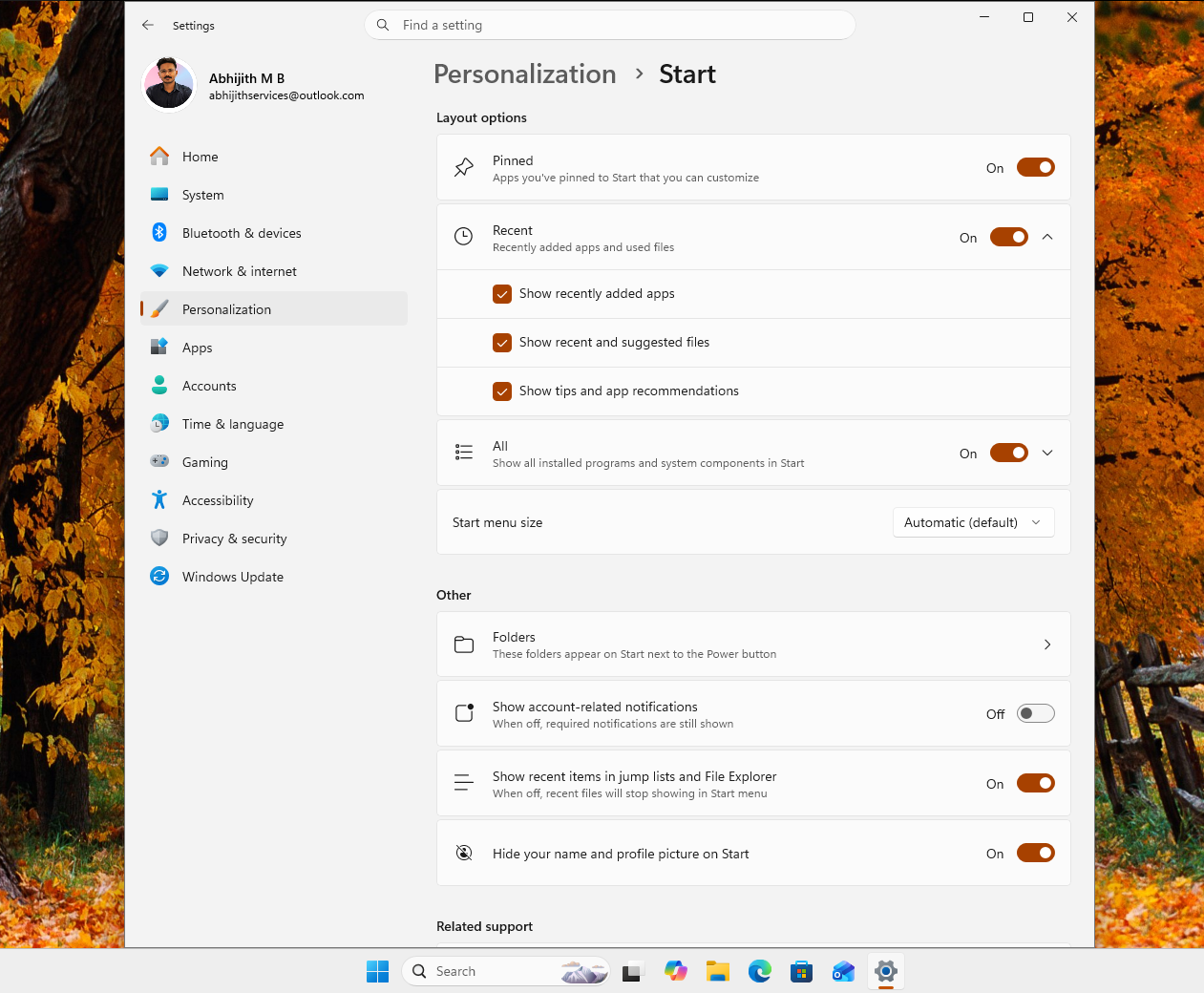
These features are currently Experimental channel only. Based on Microsoft’s usual cadence, Experimental features typically reach Beta within two to three months, with general availability likely arriving as part of the 26H2 update later in 2026.
Start menu performance is also being fixed, not just redesigned
Apart from layout changes, Microsoft is also addressing the performance issues of the Start menu. The Low Latency Profile CPU boost arrived with the May 2026 optional update KB5089573 and prioritizes the Start menu engine to reduce the micro-stutters and slow open times that became noticeable after Windows 11’s launch. It is rolling out to all PCs with the June 2026 Patch Tuesday update.
The longer-term fix is more significant. Microsoft has confirmed it is rebuilding the Start menu using native WinUI frameworks, replacing the current web-based components that have been responsible for the menu’s sluggishness on lower-end hardware. The WinUI rebuild does not have a confirmed public release date yet, but Microsoft mentioned it at Build 2026 as part of the broader push to make Windows core components feel faster.
The post Windows 11’s new Start menu released to all ahead of next big update appeared first on Windows Latest