Microsoft still can’t make Windows 11’s New Outlook work offline because it refuses to go native
After all these years of trying to kill Outlook Classic, Microsoft is still struggling to make the new Outlook work properly work. The post Microsoft still can’t make Windows 11’s New Outlook work offline because it refuses to go native appeared first on Windows Latest
 admin
admin
Windows 11’s “new” Outlook is a hot mess, and nobody likes it, including many people who work at Microsoft. After all these years of trying to kill Outlook Classic, Microsoft is still struggling to make the new Outlook work properly without an internet connection. A new update promises better offline support, but it’s far from perfect.
As you may be aware, the new Outlook for Windows 11 is a web app that loads Outlook.com in a WebView2 container, which is basically the same as opening Outlook in an Edge tab.
In fact, if you open the Outlook app and watch Task Manager, you will notice that the so-called new Outlook calls all the processes that power the Edge browser, including Service Worker, WebGPU, and more.
In a nutshell, Outlook for Windows 11 is not an app, and you’re better off using a web browser instead.
Microsoft can’t make New Outlook work offline, but it’s slowly catching up
A web app can run offline, thanks to recent advancements, but a regular web app is usually not as advanced as an email client like Outlook. And unlike casual email clients, Outlook is an enterprise product, which means it has a lot of advanced features that need proper offline support.
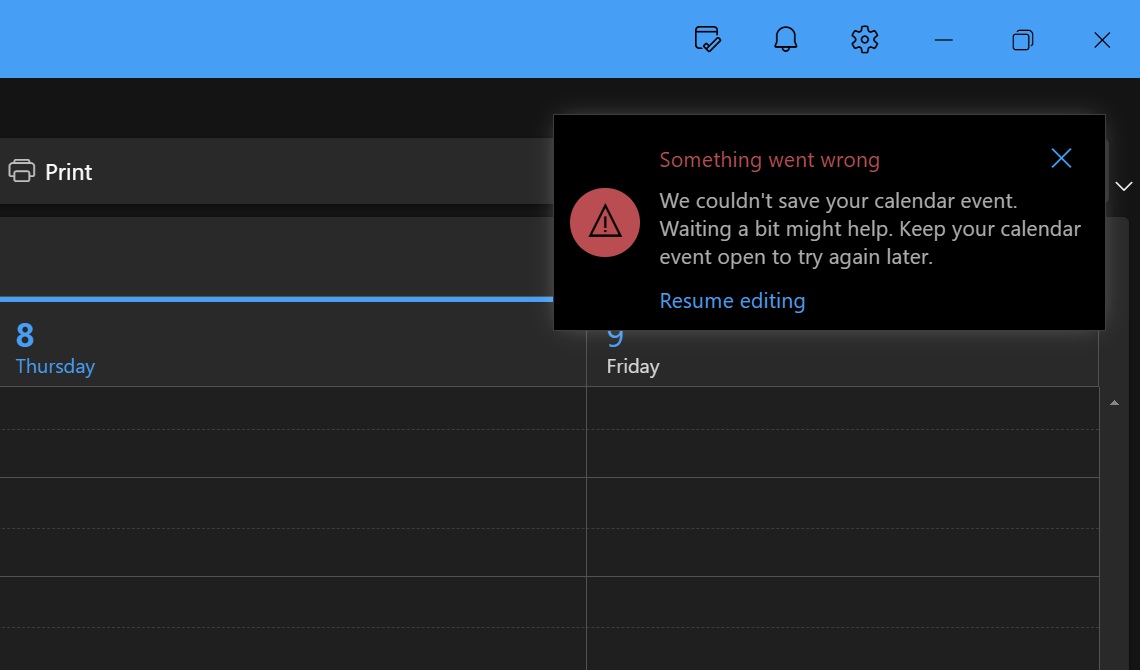
In 2025, Microsoft rolled out the ability to save an email and browse the calendar offline in the new Outlook, and now it says it has added the ability to attach files while offline.
Microsoft told me it began testing offline attachment support in October 2025, but it wasn’t until April 2026 that the feature began rolling out widely. And now, I can confirm that Outlook’s offline attachment support is available for all accounts, including those with a personal Microsoft account.
On Windows, a WebView2 app like Outlook uses a User Data Folder (UDF) on the local disk to save browser cache and store everything offline. This means when you create an email in the new Outlook and attach a file, all while you’re disconnected from the internet, the file is stored locally and points to the LocalStorage databases.
When you connect to the internet, your emails, including attachments, are sent automatically. However, remember that Outlook will consume more disk space if you use its offline capabilities. In fact, New Outlook uses more space on disk compared to Outlook Classic or the original Mail & Calendar app for offline integration.
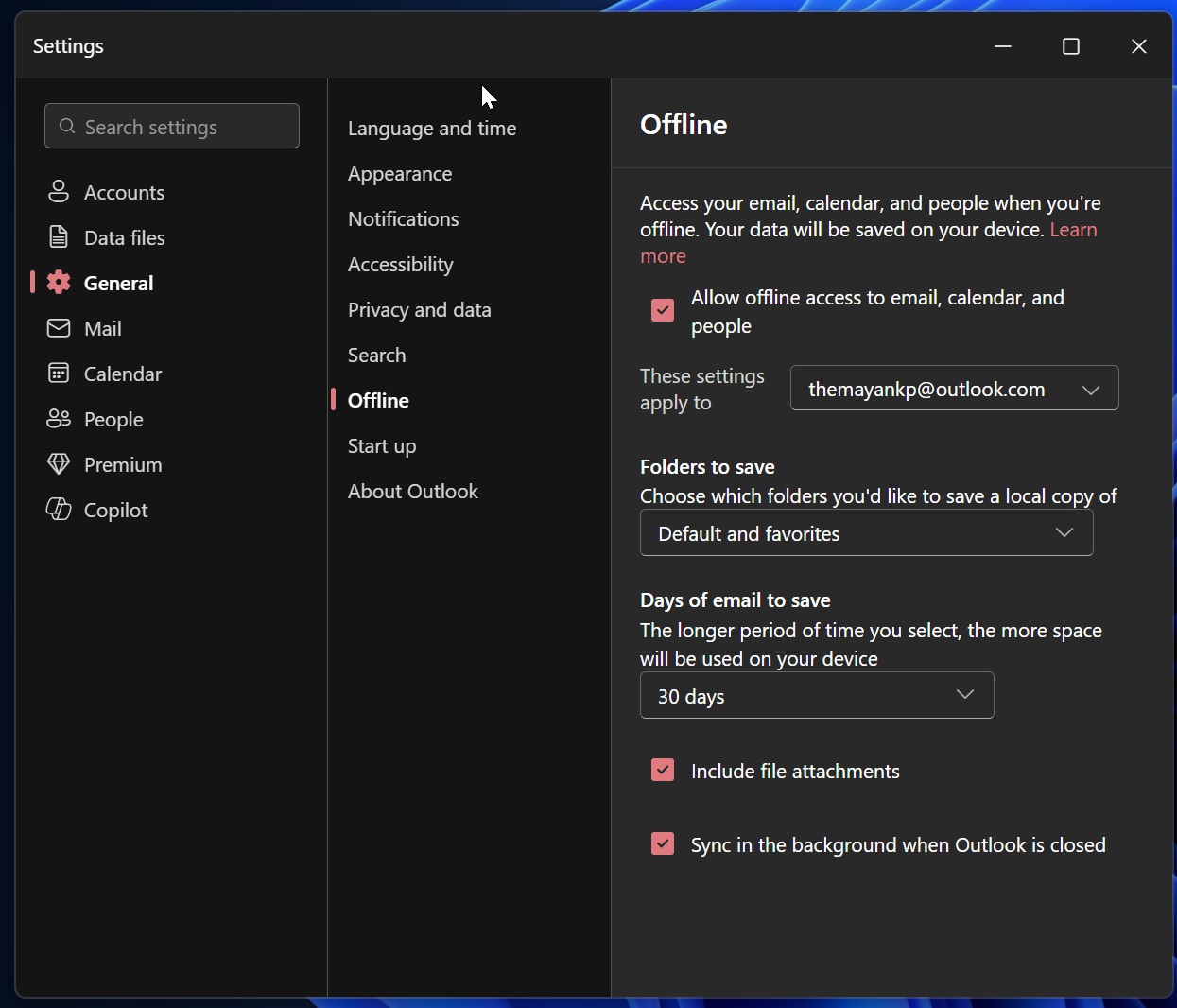
If you’re not able to attach files offline, make sure it’s turned on in the new Outlook under Settings > General > Offline > Include file attachments.
This highlights one of the biggest challenges of its web-based approach. Months after promising better offline support, the company is only now rolling out the ability to attach files while offline, a feature that has long been available in the classic Outlook desktop app.
In addition to attachments, Microsoft will let you access more of your emails offline. Right now, Outlook syncs up to 180 days of emails to your local storage, but a new feature will let you save 1 year or 2 years of email on your device.
You’ll be able to configure this under the “Days of email to save” toggle in Settings > General > Offline, giving users greater flexibility based on their storage and offline needs.
Full-fledged offline support isn’t the only big change rolling out in the coming weeks. As Windows Latest previously reported, Microsoft is testing at least five major new features for Outlook, including a single view that lets you read emails from all accounts in one inbox and the ability to merge emails.
While I welcome all these improvements, I still find New Outlook for Windows unusable and prefer Outlook Classic. Outlook Classic is better in every way, and it can at least open my emails faster, compared to the new version, which takes more than ten seconds to do that.
The post Microsoft still can’t make Windows 11’s New Outlook work offline because it refuses to go native appeared first on Windows Latest