Microsoft wants you on Windows 11’s modern Media Player, but it uses 3.5x more RAM and paywalls codecs
Microsoft confirmed that Media Player has never stopped being developed, and the June Insider builds bring a fresh round of bug fixes. But the app still takes a few seconds to load a video that Legacy opens instantly, idles at 377 MB of RAM, and locks HEVC playback behind a $0.99 purchase. The post Microsoft wants you on Windows 11’s modern Media Player, but it uses 3.5x more RAM and paywalls codecs appeared first on Windows Latest
 admin
admin

Microsoft rolled out new Insider Preview builds on June 12, 2026, across Beta (Build 26220.8680), Experimental (Build 26300.8687), and Release Preview channels. Alongside the system-level changes, the update brings a batch of improvements to the modern Media Player under version 11.2605.14.0, rolling out to all Experimental Insider builds now.
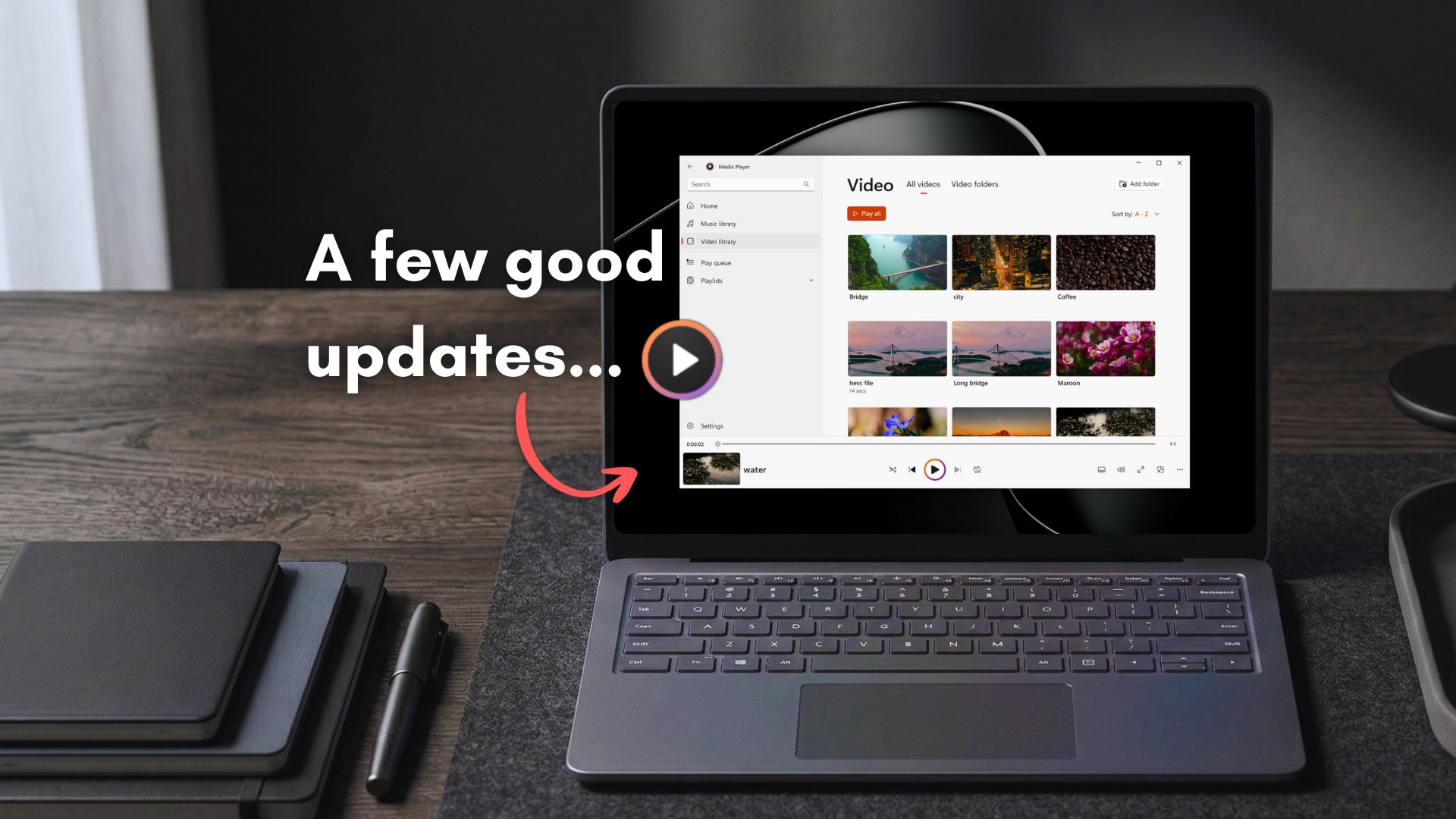
What makes this update worth noting is that Microsoft has introduced a dedicated release notes section for its Windows 11 inbox apps, covering Calculator, Camera, Clock, Media Player, Paint, Photos, and Sound Recorder. Each app now gets its own documentation page on the Windows Insider Program Documentation Hub. It may be a sign that Microsoft is about to push more updates to these built-in apps.
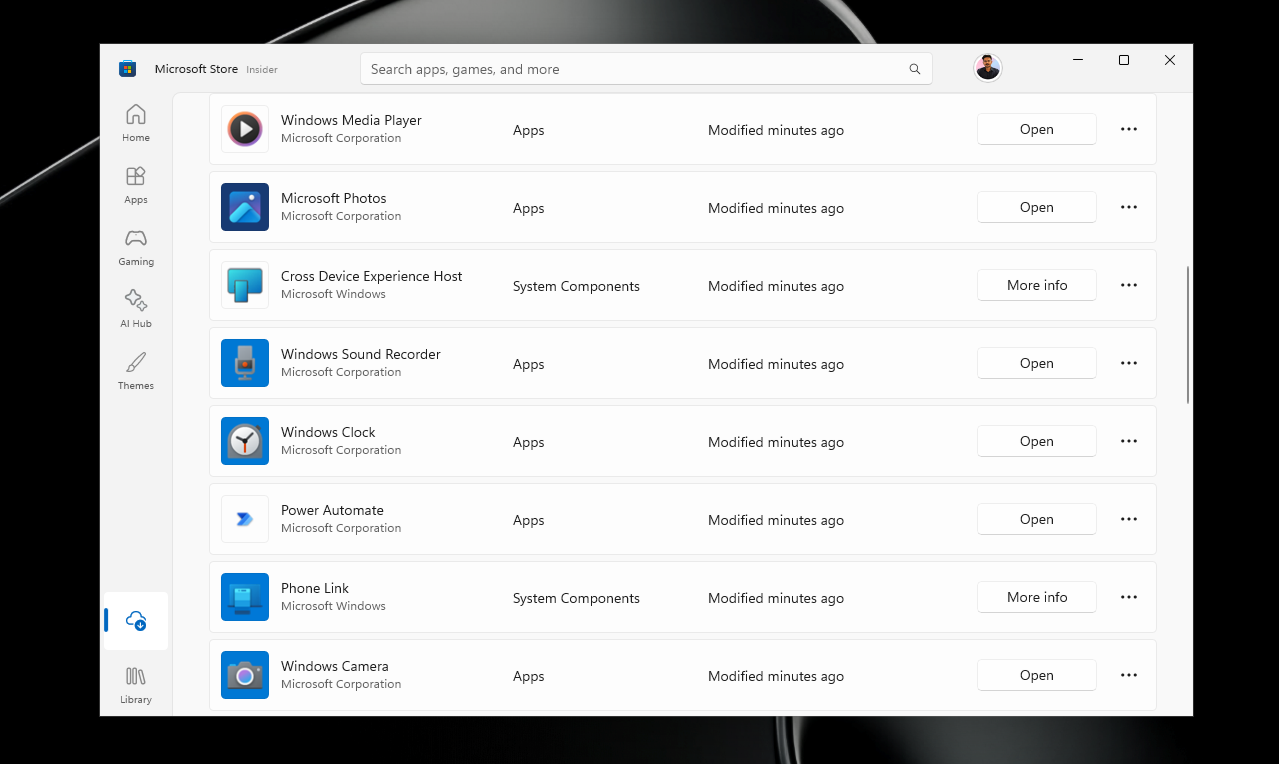
That said, the modern Media Player still pales in comparison to the legacy Windows Media Player, and I’m not just talking about speed and optimization, both of which are known to be better on older software. The now 17-year-old Media Player that shipped with Windows 7 in 2009 looks and feels fresher than most modern software.
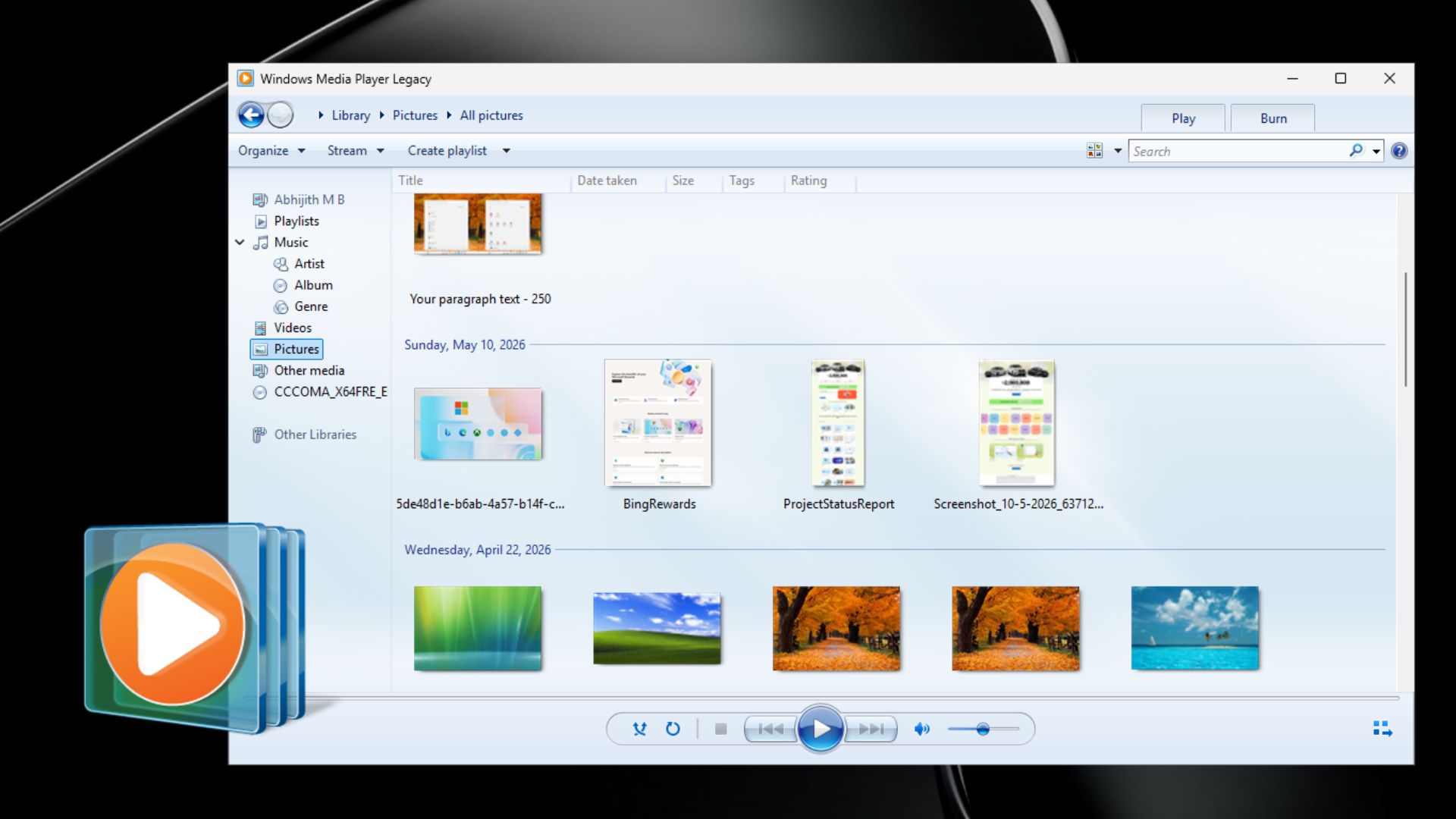
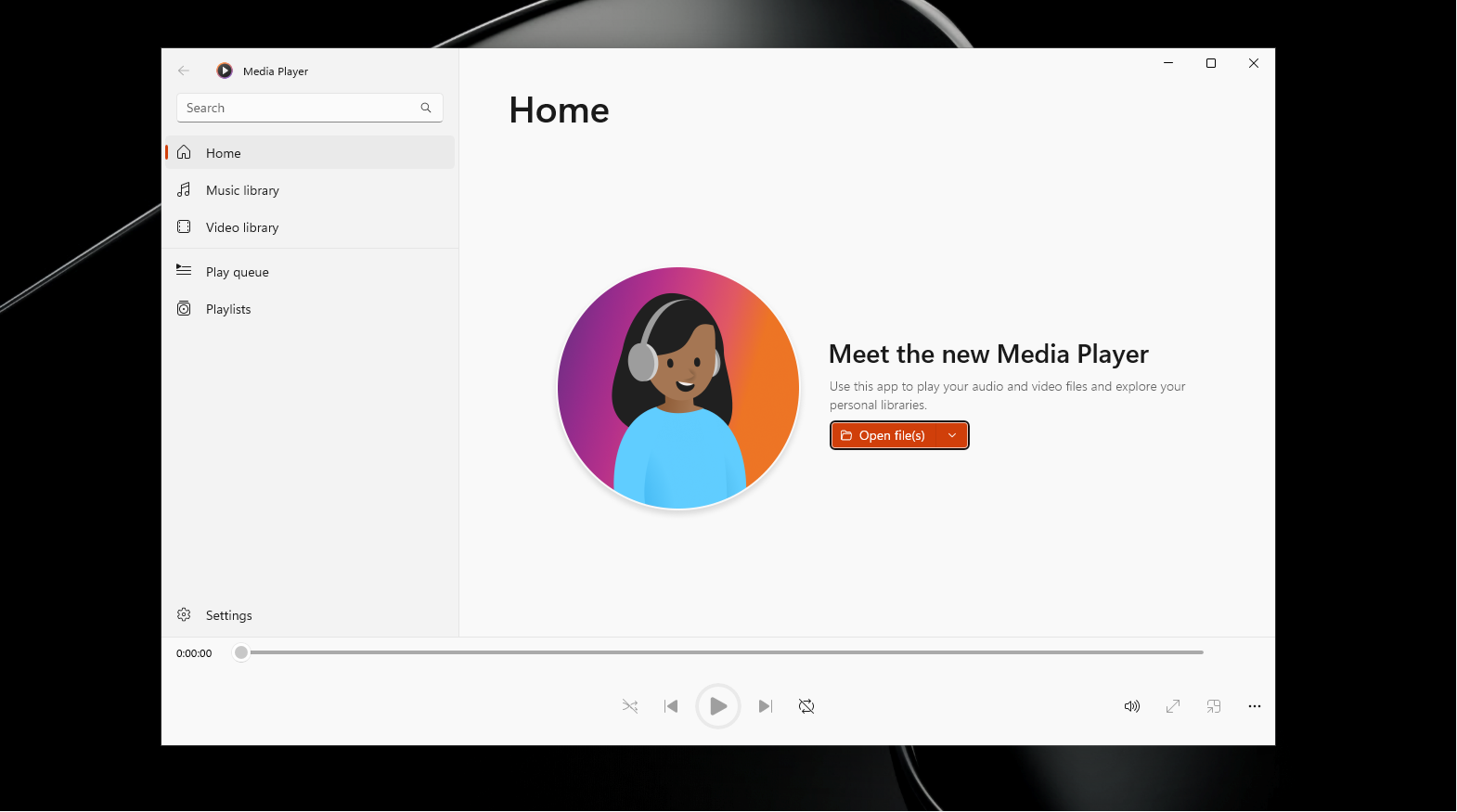
Anyway, here are the “new” features in the “modern” Windows Media Player:
What’s new in Media Player for Insiders
Custom captions
Closed captions in Media Player have always worked, but you had no control over how they looked.
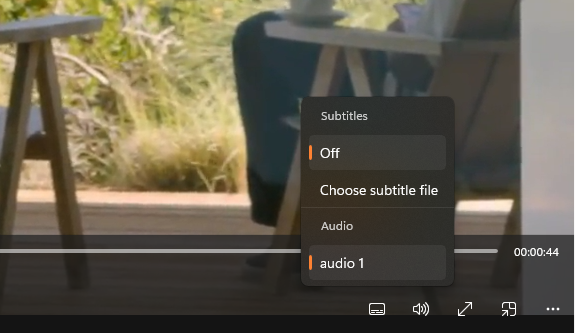
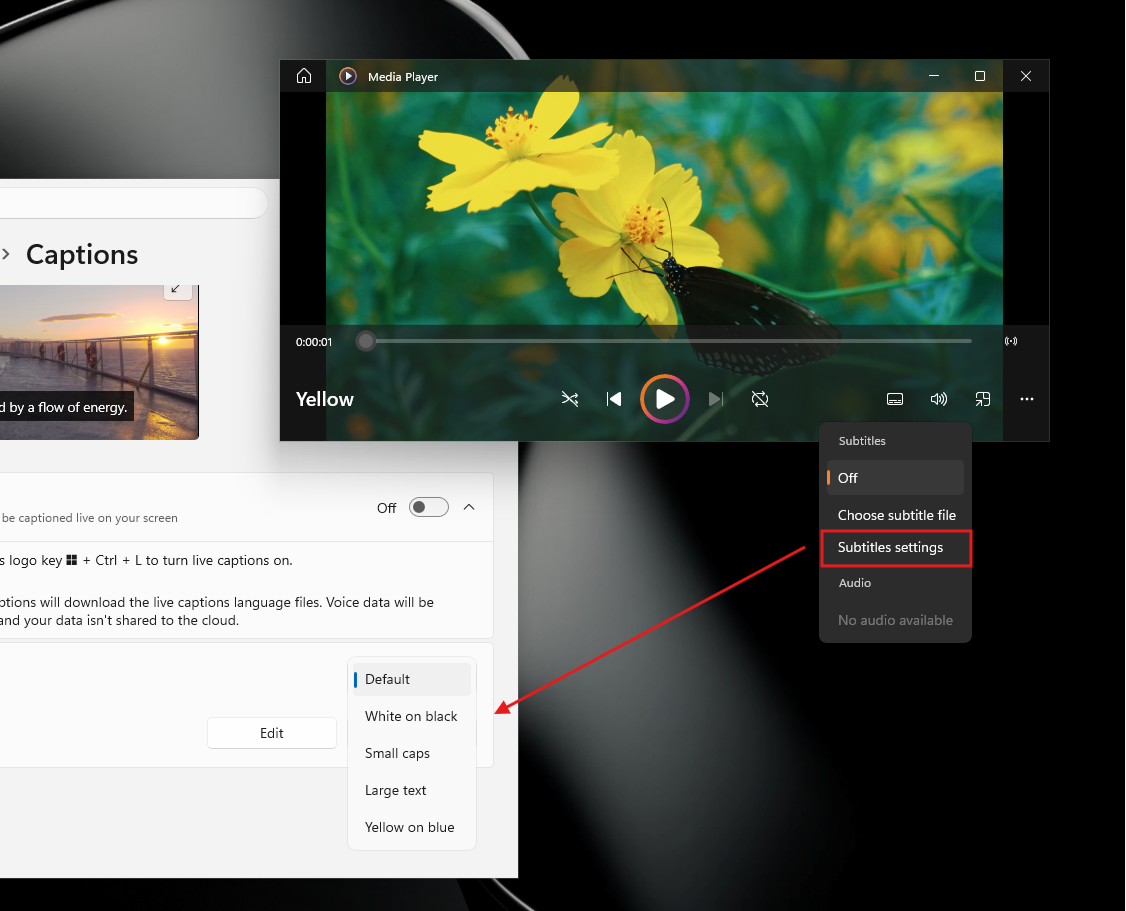
With version 11.2605.14.0, caption styling is now tied to your Windows caption settings, meaning any adjustments you make to font size, color, or background in the system settings will carry over into Media Player automatically. There is also a quick link inside the app to jump straight to those settings, so you are not hunting through the Settings app to find the right page.
“Indexing” banner in the play queue
If you have ever opened Media Player on a PC with a fresh media library, you have probably noticed tracks or video files simply not showing up, with no explanation. The app was still scanning your library in the background, but it gave you nothing to indicate that. Now, Media Player shows a banner in the play queue that tells you indexing is still in progress, which is why some content isn’t visible yet.
Fewer playback failures
Media Player has a history of refusing to play files that other players handle without a second thought. A big part of that comes down to how the app identifies supported file types. Previously, the app could misidentify a file and throw a playback error, even if the file itself was perfectly valid. With this update, Microsoft has improved how the app recognizes supported formats, so files that used to fail at the first attempt should now load correctly. How much of a difference this makes in practice will depend on the kind of files you throw at it, but it is a step toward reducing the frustration.
Playlists need a name
You could previously save a playlist without giving it a name, which left you with a blank entry sitting in your library with no way to tell it apart from anything else. Microsoft has now blocked that from happening, as now saving a playlist requires a name first. Better late than never.
More stable play queue edits
Editing the play queue while Media Player was switching between sessions, such as moving from one album to a playlist, could cause the app to crash. Microsoft has fixed the crash. Play queue management still is not as smooth as it could be, but at least it no longer drops out on you mid-session.
Clearer “missing codec” message
When Media Player encounters a file it cannot play due to a missing codec, it used to show an error that gave you very little to work with. The dialog has been updated to provide clearer guidance on what the problem is and what to do about it. The missing codec situation in Media Player is a bigger story than this, though.
Visual and stability fixes
A layout glitch where selected items in lists appeared misaligned has been corrected. The appearance of empty playlists, which used to look unpolished when you hadn’t added anything yet, has also been cleaned up.
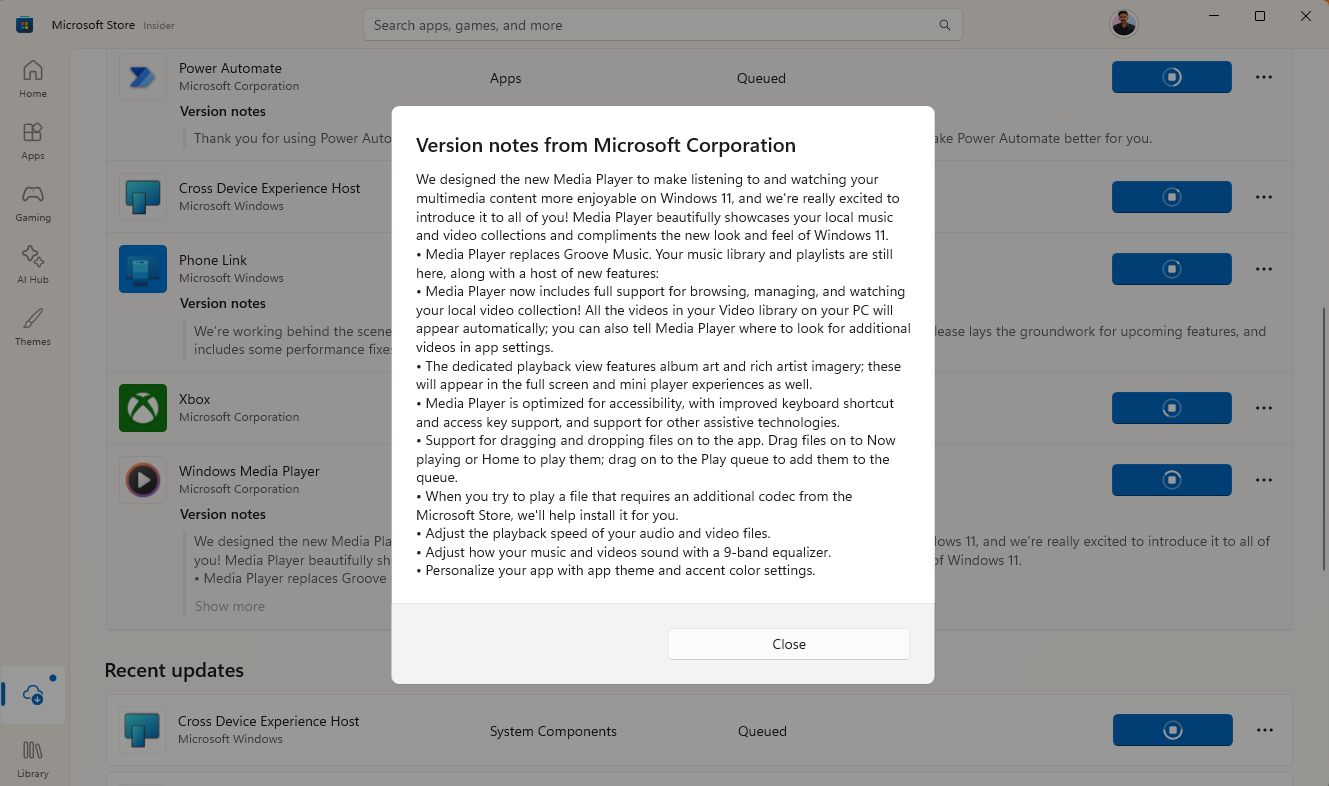
Microsoft told us that Media Player never stopped being developed
Media Player has not seen any notable feature updates in a while, which led many users to assume the app was quietly being left behind. Windows Latest heard from Microsoft that Media Player has never actually stopped being developed. Bug fixes have been shipped consistently, even if feature updates have been sparse.

With Microsoft confirming that the app is actively maintained, it’s safe to assume that the individual app changelog documentation is not a one-off thing.
The performance problem that the update does not fix
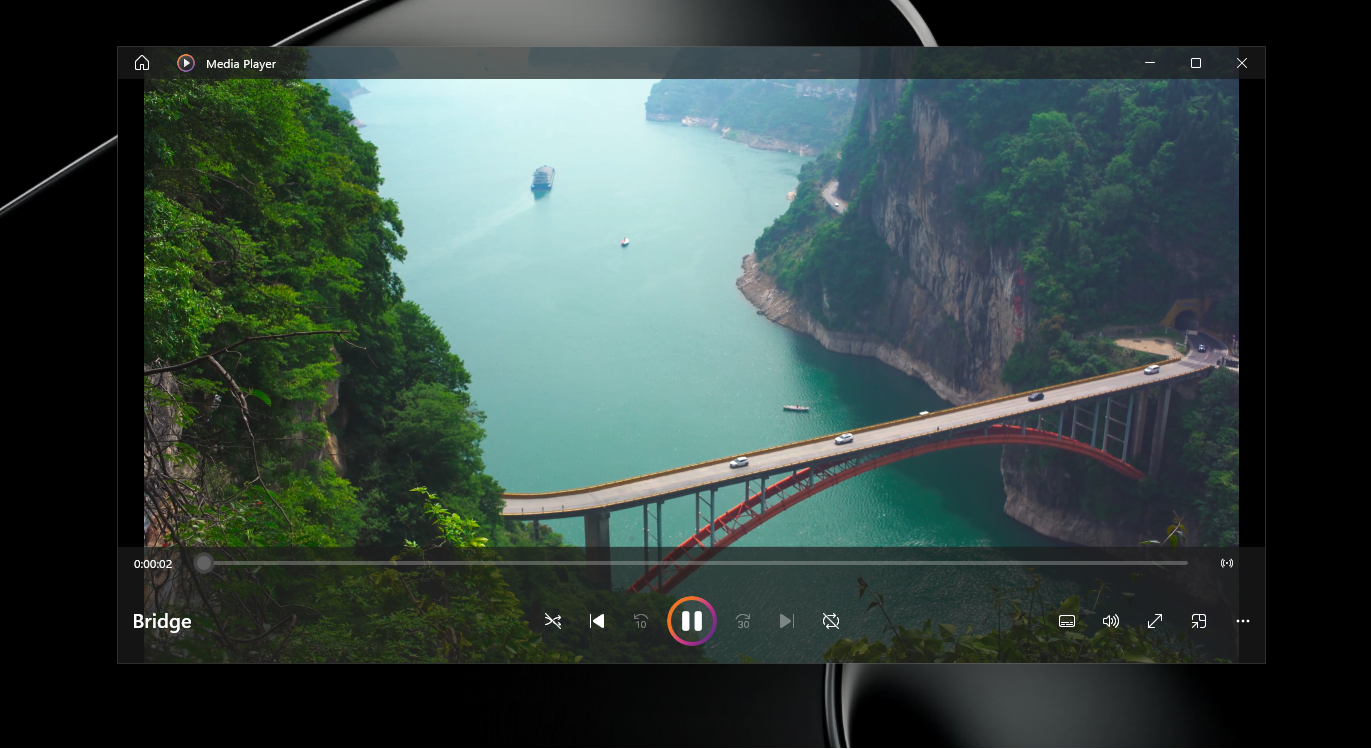
Knowing Media Player is still being developed is good news. However, it does not change the experience for users who double-click a video file and have to wait a few seconds while the app loads and then plays the video.
Windows Media Player is slow to open a video:
But how about we try opening the same video in the most popular open-source video player, VLC?
VLC opens the same video instantly:
But we mustn’t conclude that Microsoft cannot build a fast video player. Right-click the video, choose Open with, select the legacy Windows Media Player, and you’ll see that Microsoft’s decades-old video player plays it instantly!
Windows Media Player legacy also opens the video instantly:
Windows Media Player legacy also looks like it has a character of its own:
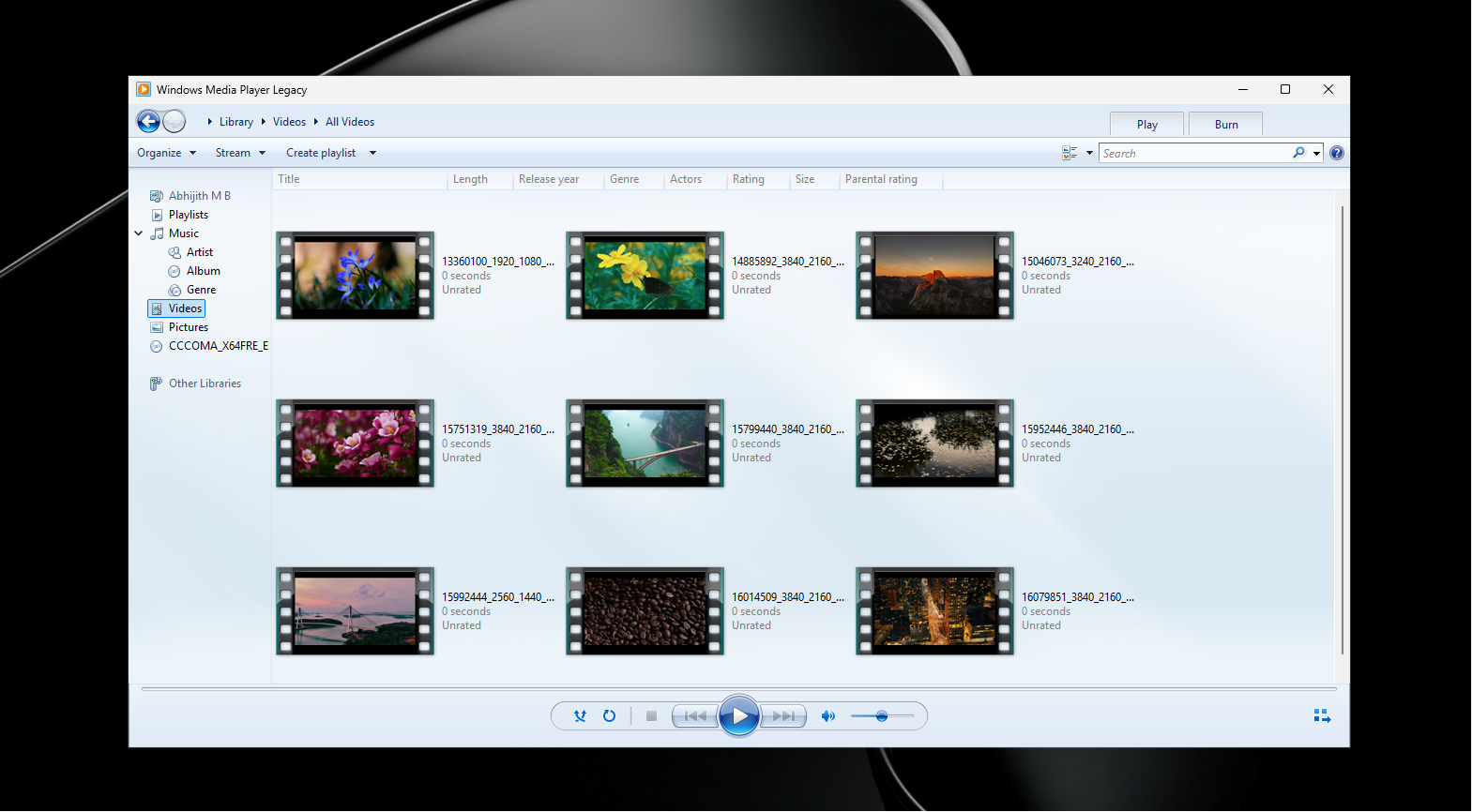
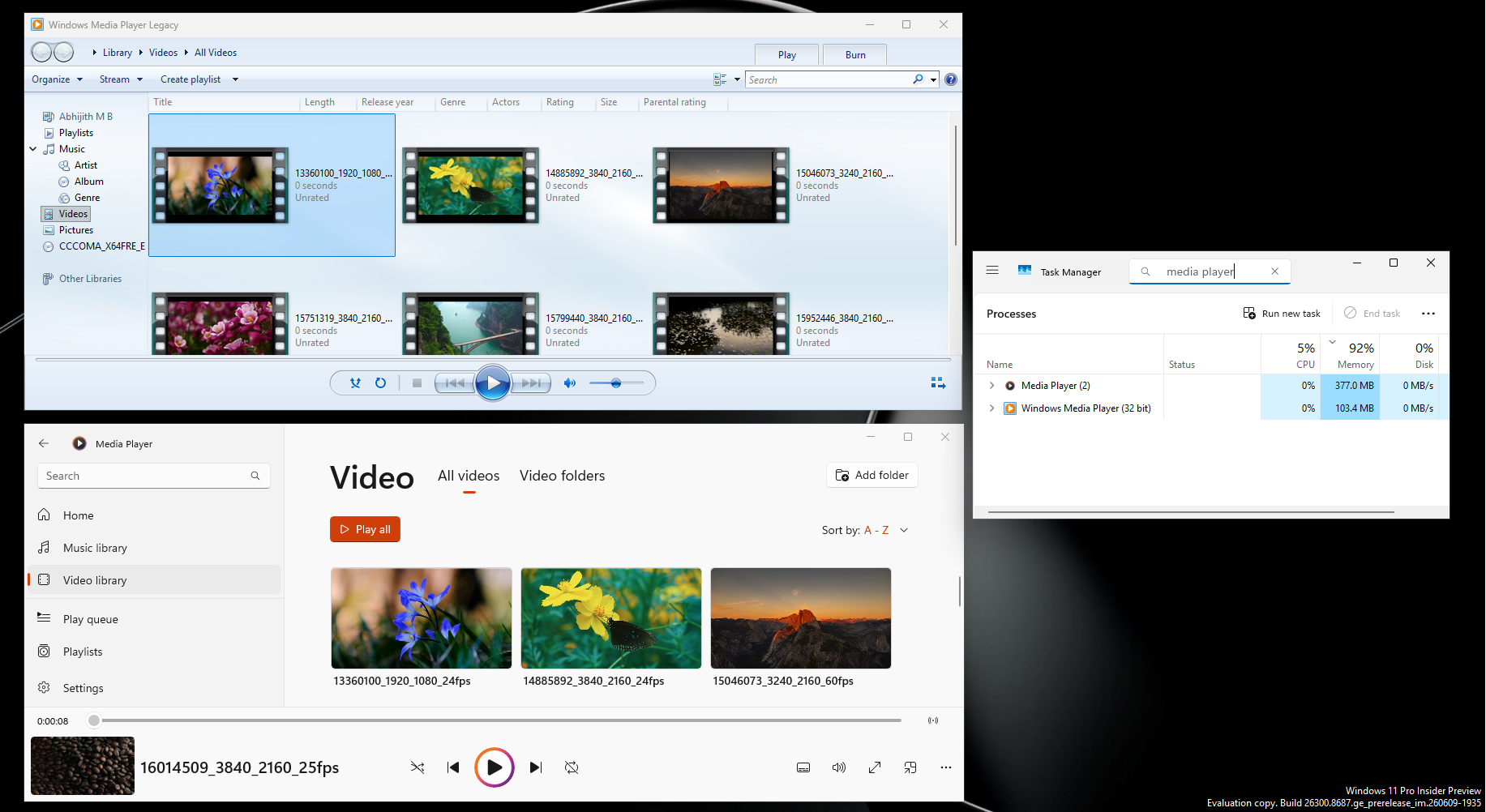
To make matters worse, we found that the modern Media Player uses around 377 MB of RAM while idle, but Windows Media Player Legacy uses just 103.4 MB in the same state.
To be fair, the situation is not as bad as Microsoft’s new Outlook, which takes 10 seconds just to navigate to an email from a notification, while Outlook Classic does it in less than a second. But the parallel holds true of a modern Microsoft app being slower and heavier than its predecessor at its most basic task.
WinUI could help, but the codec gap also needs to be closed
There is reason to be cautiously hopeful. Microsoft is currently pushing WinUI as its permanent native UI framework for Windows 11 and has pledged to build 100% native apps going forward. A WinUI overhaul for Media Player could address the launch latency and extra idle RAM. Microsoft is also encouraging developers to build native apps using WinUI, so it would be a poor look if its own built-in media player does not lead by example.
But performance is not the only problem. Media Player also has a significant codec gap. If a video does not play in Media Player, there is a good chance VLC will handle it without any additional steps. HEVC (H.265) is the most obvious example. It is the default video format on every modern iPhone and on most Android flagships. Shoot a video on your phone, transfer it to a Windows laptop, and Media Player cannot play it out of the box. The fix is to purchase the HEVC Video Extensions from the Microsoft Store for $0.99.
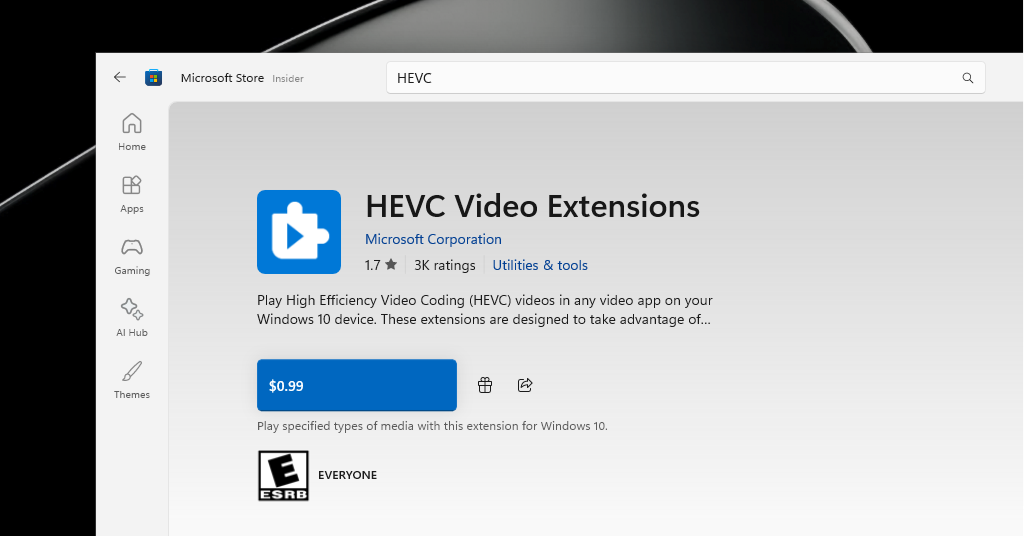
What’s absurd is that the Legacy Windows Media Player, which has the same code decades before HEVC codec was even invented, still supports the codec, despite it not knowing what a .hevc codec means. The modern Windows Media Player, on the other hand, doesn’t even show up in the list of supported applications.
Yes, Microsoft has to pay royalties to the HEVC patent holders, which include Samsung and Apple. But asking a first-time Windows laptop buyer to pay for a codec extension just to watch videos from their own phone is not an experience that reflects well on the platform. VLC does it for free.
The “clearer missing codec message” in this update is a nice touch, but it is still pointing users toward a solution that costs money (although cheap) for a format that is now essentially universal. At some point, Microsoft needs to absorb that cost or find another way to close the gap.
For now, the June 12 Insider update is a solid set of bug fixes, and the formal documentation is a healthy signal. But if Media Player is going to be a media player worth using, it needs to launch fast, run light, and play what you throw at it without asking you to open your wallet first.
And while Microsoft is at it, we’d recommend you use powerful video players like VLC or MPV, both of which are open-source, completely free, well supported, light-weight, and of course, doesn’t ask for you to install paid extentions. Everything plays.
The post Microsoft wants you on Windows 11’s modern Media Player, but it uses 3.5x more RAM and paywalls codecs appeared first on Windows Latest