OEMs reveal Windows 11 Secure Boot fix after deadline passes, here’s how to update your PC
HP, Dell, ASUS, Lenovo, MSI, Acer, Samsung, LG, and Microsoft Surface have all published Secure Boot 2023 certificate update guides as the 2011 certificates expire. Here is what each manufacturer recommends, which models are supported, and what to do if your PC is not on the list. The post OEMs reveal Windows 11 Secure Boot fix after deadline passes, here’s how to update your PC appeared first on Windows Latest
 admin
admin
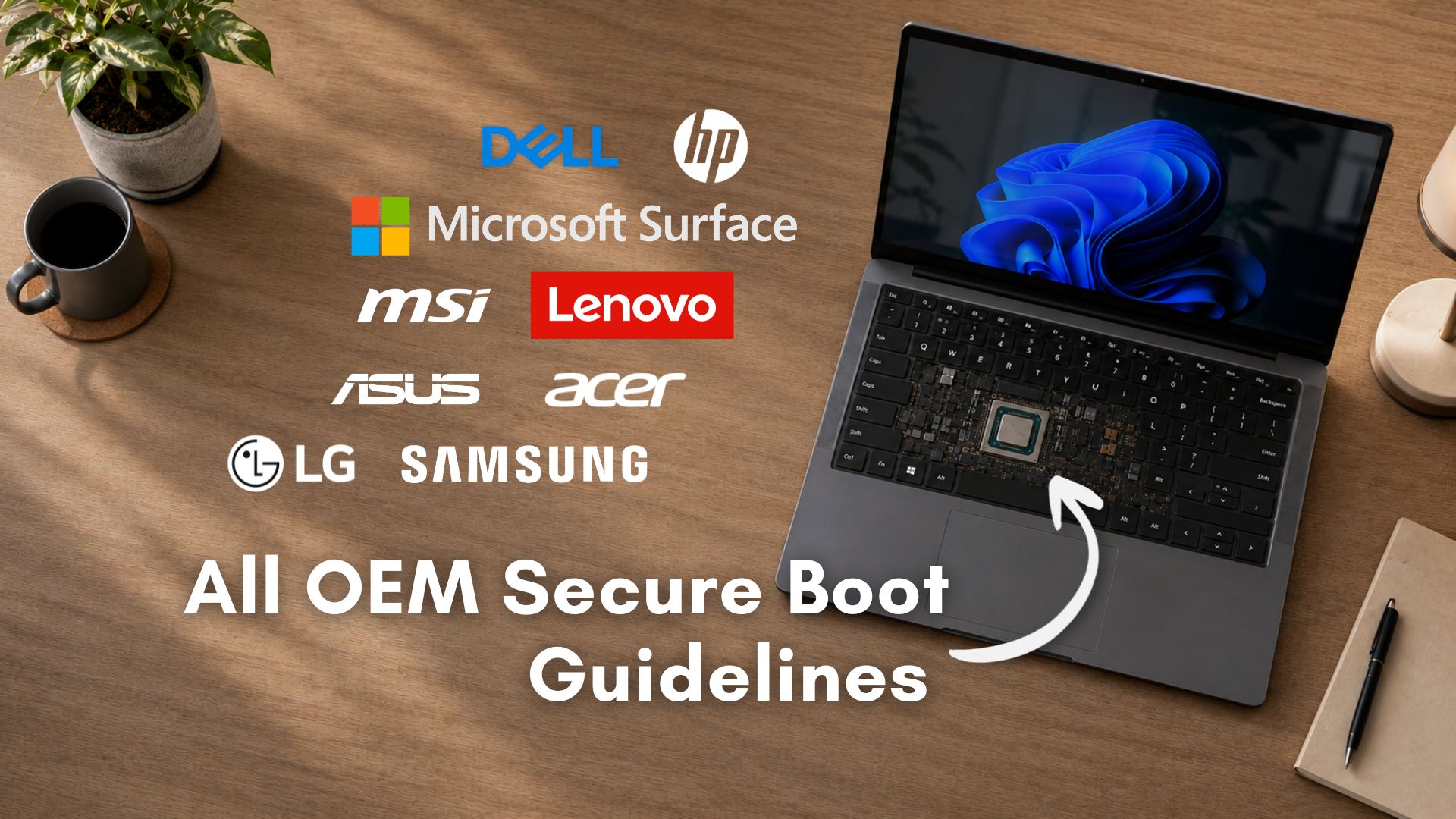
With Microsoft’s 2011 Secure Boot certificates now expired or expiring in stages, every major PC manufacturer has published dedicated guidance for their customers. HP, Dell, ASUS, Lenovo, MSI, Acer, Samsung, LG, and even Microsoft’s own Surface division all have support pages explaining what the certificate transition means for their specific devices, which models are supported, and what users need to do.
Secure Boot is a UEFI firmware feature that runs before Windows loads, verifying that when you turn on your PC, it only loads trusted software that hasn’t been tampered with by hackers or viruses. The certificates that have backed this system since 2011 are expiring in three stages:
- Microsoft Corporation KEK CA 2011 expired June 24, 2026
- Microsoft UEFI CA 2011 expired June 27, 2026
- Microsoft Windows Production PCA 2011 is set to expire on October 19, 2026.
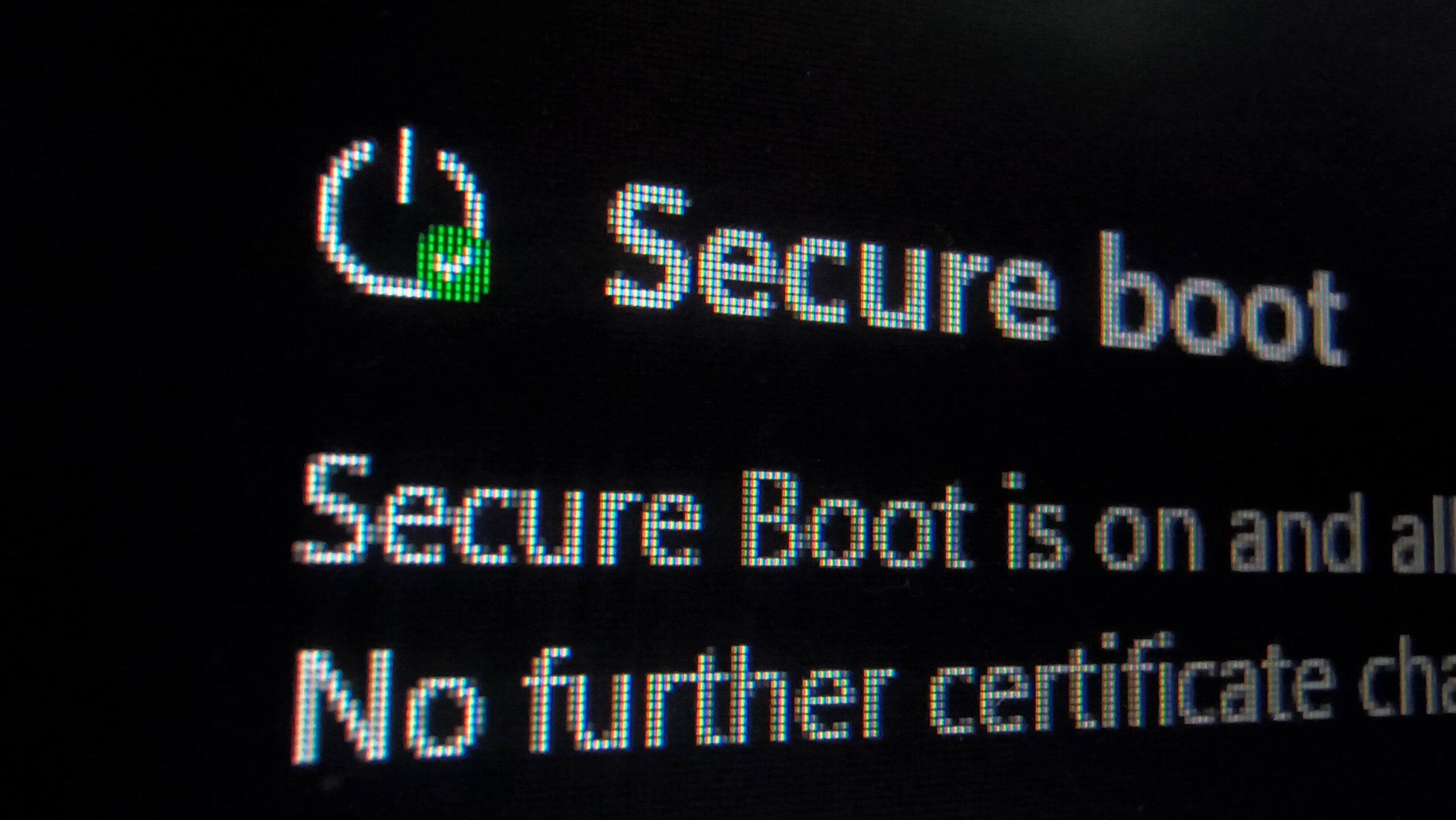
Microsoft has been rolling out 2023 replacement certificates through Windows Update, but the process depends on each OEM pushing compatible BIOS updates for their hardware. Note that most regular users have already received the update and are on the safe side.
That said, here is what each major manufacturer has published, so you can find your device OEM and make sure you are updated.
ASUS Secure Boot Certificate update guide
ASUS has published a thorough and consumer-friendly documentation of any OEM in this list, with separate pages for consumer and commercial devices. The ASUS consumer Secure Boot guide covers all standard laptops, desktops, and gaming PCs, confirming that most users will receive the update automatically through Windows Update without doing anything.
For users seeing a yellow or red badge in Windows Security, ASUS provides specific PowerShell commands to check whether the KEK and DB certificates are already present. If they are not, the guide walks through a manual registry update (setting AvailableUpdates to 0x5944) followed by running the Secure-Boot-Update scheduled task. A reboot is required between the two runs of the task.
The ASUS commercial PC guide goes further by listing exact model numbers that already ship with the 2023 certificates pre-integrated, including most models launched in 2024 or later. Models not on that list need the Windows Update path. ASUS has also published a comprehensive Q&A page that explains all eight common event log error codes (1801 through 1808), including what each means and whether to contact ASUS Service Center or wait for Windows Update.
Download Lenovo Secure Boot Certificates
Lenovo’s Secure Boot Certificate Expiration Guide is among the most detailed from any OEM, with direct download links for BIOS updates sorted by product family. Lenovo covers ThinkPad, ThinkCentre, IdeaPad, Legion, Yoga, and other lines with specific BIOS version numbers that include the 2023 certificate support. For each supported model, Lenovo links directly to the BIOS download rather than making users hunt through generic driver pages.
Lenovo’s documentation also clearly states which products fall outside the support window. Devices that have reached End of Service Life will not receive BIOS updates for the Secure Boot transition, which is the same way most OEMs handle discontinued hardware. For enterprise customers, Lenovo’s guide includes Intune and SCCM deployment notes alongside the standard consumer Windows Update path.
Dell Secure Boot Certificate update guidelines
Dell has published a detailed support article covering the 2011 certificate expiration across its full product lineup, organized by product family. The page covers Alienware, Inspiron, XPS, Latitude, OptiPlex, Precision, Vostro, Wyse, and IoT devices separately, making it easy to look up a specific model’s status.
Dell’s cutoff policy is such that platforms with an End of Service Life before January 1, 2026, will not receive a BIOS update for the Secure Boot transition. A 2019-era Dell Inspiron, for instance, would fall outside that window.
Dell has also taken a notably broader approach than most OEMs by shipping both 2011 and 2023 certificates on all new platforms since late 2024, and extending that dual certificate strategy to all factory shipments by the end of 2025. Dell has not announced an end date for this approach, which gives enterprise customers more flexibility when managing mixed fleets.
However, Dell’s community thread documents specific issues, including an XPS 8910 thread that shows firsthand experiences from users whose older Dell desktops hit firmware partition limits, and it is similar to what Acer users are reporting.
Download HP Secure Boot Certificates
HP’s approach splits into two tracks. Consumer HP PCs receive the update through Windows Update once the device has the required minimum BIOS version installed. Commercial HP PCs have a separate, more involved process.
HP’s commercial Secure Boot guide lists every supported commercial platform with the minimum BIOS version string required, specifically the SBKPFV3 substring in the SMBIOS Type 1 version field that tells Windows Update that the device is ready to receive the certificates.
HP’s support cutoffs follow a similar timeline to Dell’s. Commercial PCs released between 2022 and 2023 received the required BIOS update by September 2025. Models from 2019 to 2021 (and select 2018 models) received updates by December 2025. All other HP Commercial PCs from 2018 and earlier have reached End of Service Life and will not receive updates.
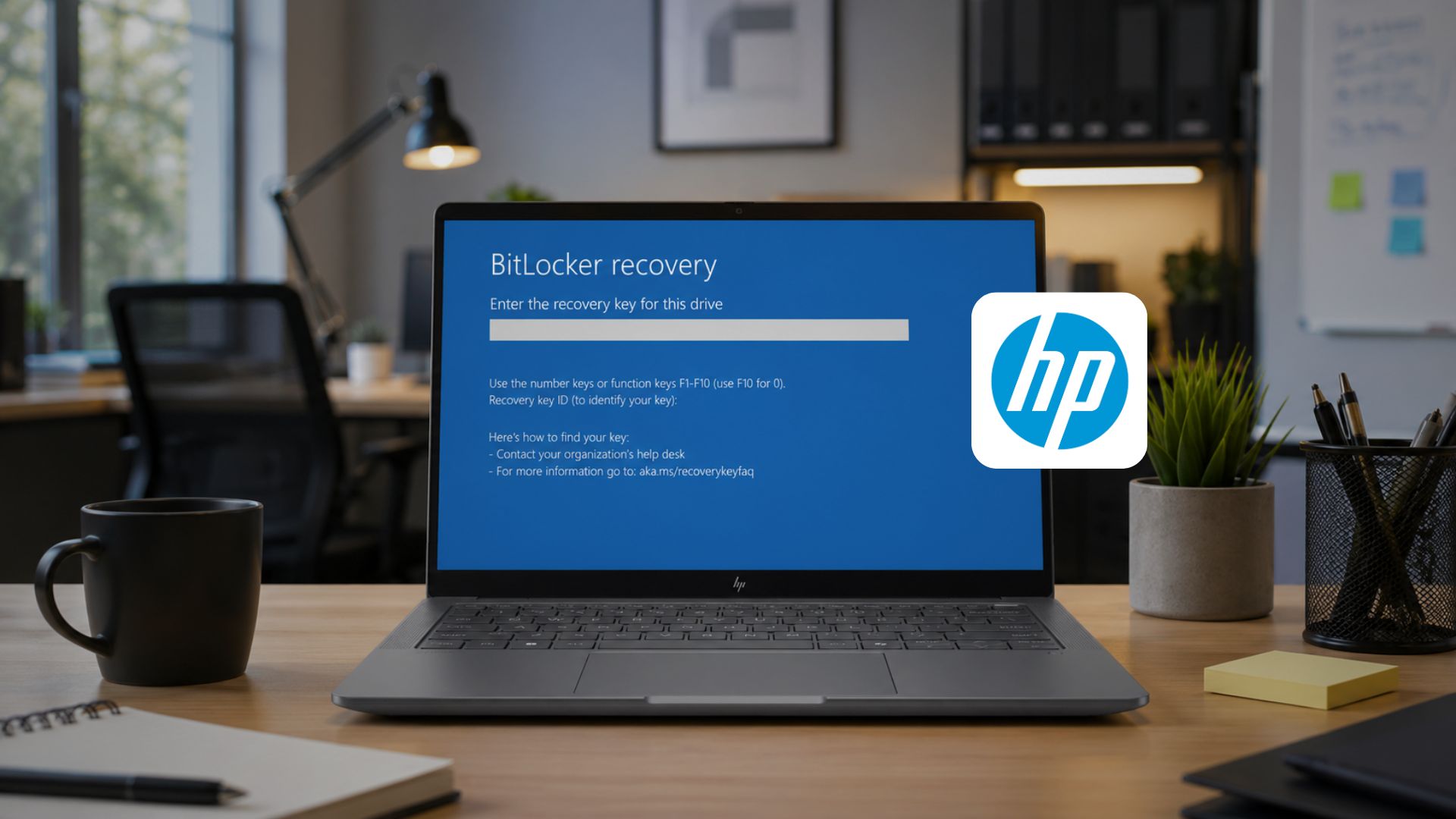
HP users should be aware of a specific risk that did not exist for other OEMs. HP’s own BIOS updates in early 2026 caused BitLocker recovery loops and boot failures on some premium commercial devices. HP acknowledged the problem and issued corrected BIOS versions. If you have an HP device, verify you have the corrected BIOS from HP’s support site before doing anything else with the Secure Boot update.
Secure Boot Certificate update for Microsoft Surface devices
Microsoft has a dedicated Secure Boot certificate page for Surface devices. Surface devices receive both firmware and Windows updates from Microsoft directly, which simplifies the transition compared to third-party OEMs.
Surface Pro, Surface Laptop, Surface Book, and Surface Studio models in active support will receive the 2023 certificate updates through the standard Windows and Surface firmware update pipeline. Older Surface devices that have exited the firmware support window will not receive the update, which is consistent with Microsoft’s standard firmware support policy.
MSI Secure Boot Certificate update guidelines
MSI’s Secure Boot certificate FAQ splits its guidance by processor generation. For laptops with Intel 7th to 11th Gen or AMD Ryzen 3000H-5000U processors, the update arrives through Windows Update automatically, with no BIOS flash needed. These older platforms handle the transition at the OS level instead of requiring a new firmware from MSI.
For laptops with Intel 12th Gen or AMD Ryzen 5000H and newer, MSI has pushed BIOS updates containing the 2023 certificates, and its support page links directly to the MSI support download portal. MSI also recommends saving the BitLocker recovery key before flashing the BIOS on any affected device. For verifying success, MSI points to the Event Viewer entry with source TPM-WMI and Event ID 1808, which reads “This device has updated Secure Boot CA/keys” when the certificate is fully applied.
Acer Secure Boot Certificate update guide
Acer has published an official guide on its Acer Answers knowledge base covering the Secure Boot certificate update for its laptops and desktops. For supported models, the update arrives automatically through Windows Update. Acer’s first recommendation before anything else is to locate and back up your BitLocker recovery key, since a BIOS update can occasionally trigger the BitLocker recovery screen on the next restart.
The guide includes a model table covering Aspire, Nitro, Predator, Swift, Extensa, TravelMate, and Spin devices with confirmed BIOS release dates. Several models received their BIOS updates between June 12 and June 26, 2026, while others are still listed as “Under process,” meaning the firmware is still being prepared. If your model falls in that group, keep Windows Update running and check back on Acer’s support page for when the BIOS drops.
Worth noting is that some owners of older Acer systems from around 2020 to 2022, including models like the Aspire TC-895 series, are reporting on Acer’s own community forums that their devices are stuck on a yellow warning with no applicable BIOS update available.
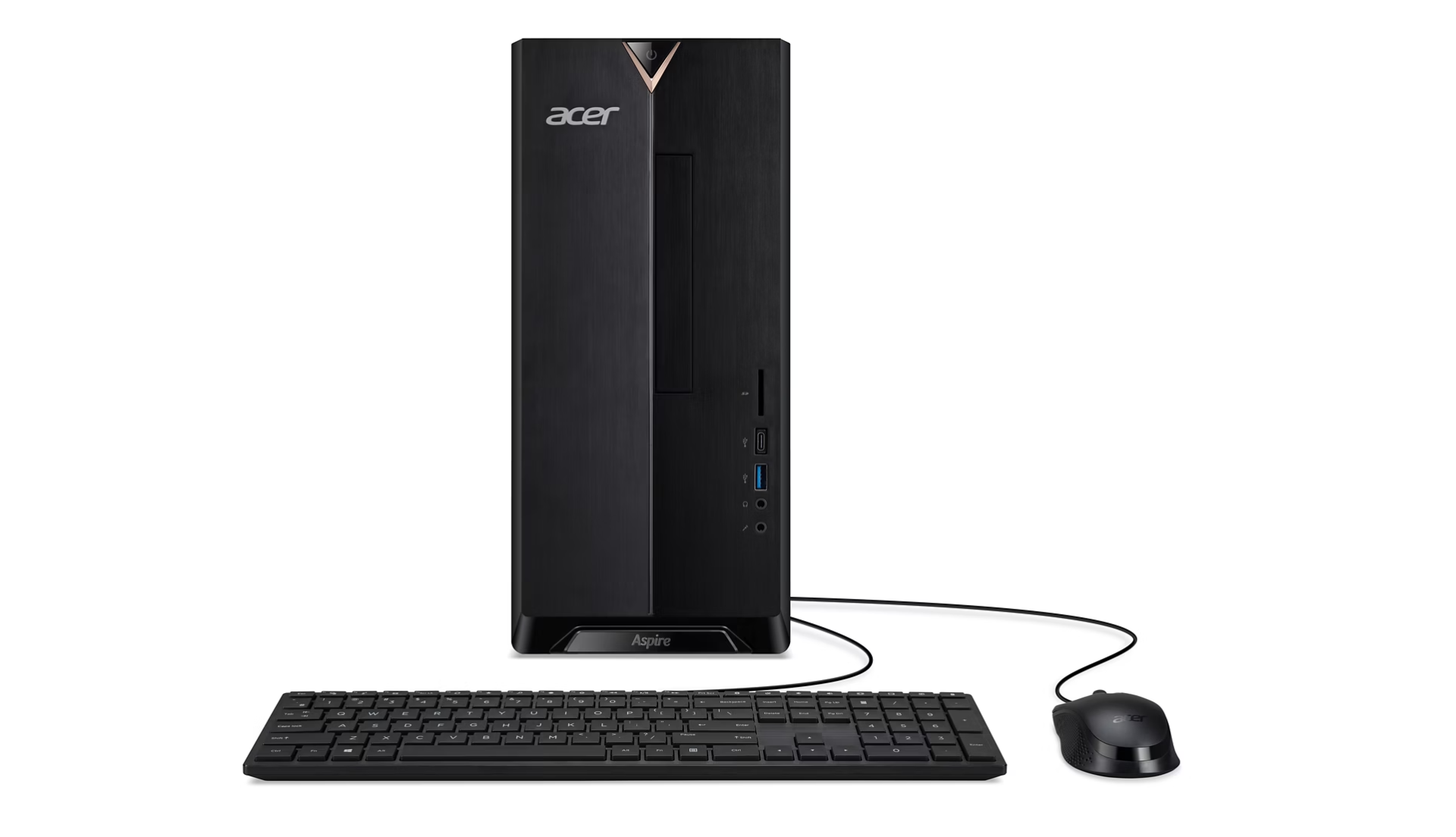
These models do not appear in the official guide’s model table, and Acer has not addressed them officially. If you are in that situation, keep an eye on Acer’s support page, as the company may add more models over time.
Check Samsung Secure Boot Certificate update guide
Samsung published a support notice in Korean on its Samsung support newsalert page, covering all Samsung PCs running Windows 10 or Windows 11. You can translate it and see that Samsung confirms that PCs will continue to operate normally after the 2011 certificates expire, but boot-level security updates and malware mitigations will stop reaching those devices.
Samsung’s guidance for Galaxy Book 3 and older models is to use Windows Update for the automatic path, or follow Microsoft’s manual update guide for those who need to act sooner.
LG Secure Boot Certificate update guide
LG published a Windows Secure Boot Certificate Update and Troubleshooting Guide covering its gram and other LG PC lines. LG’s guide walks through the Windows Security app status indicators and advises users to check for BIOS updates for the specific LG PC model if Windows Update is not completing the certificate installation automatically.
How to check if your PC has the 2023 Certificates regardless of brand
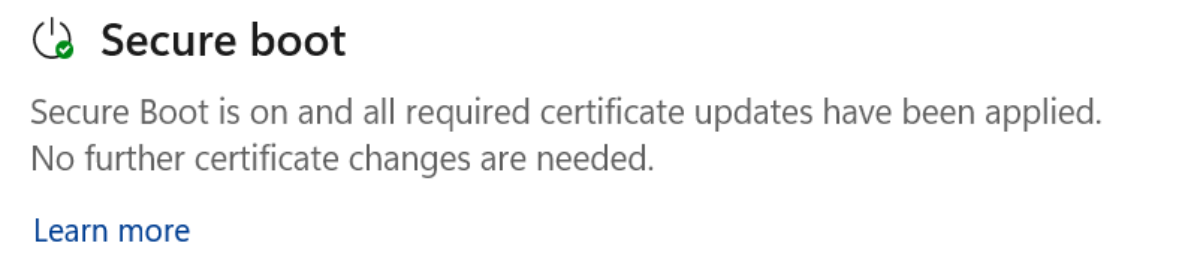
Open Windows Security, go to Device Security, and look for the Secure Boot section. A green checkmark means the 2023 certificates have been applied, and no action is needed.
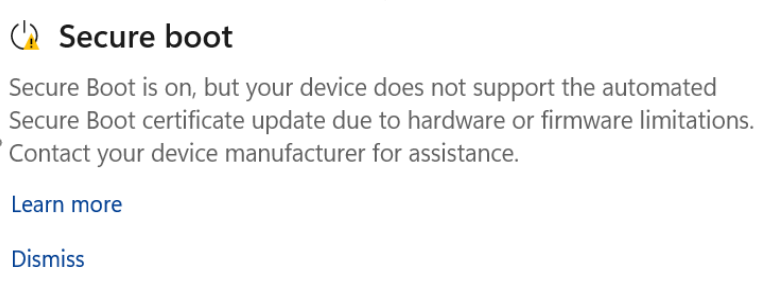
A yellow warning means the update is pending, either because Windows Update has not yet pushed it to your specific firmware variant or because your OEM needs to release a BIOS update first.
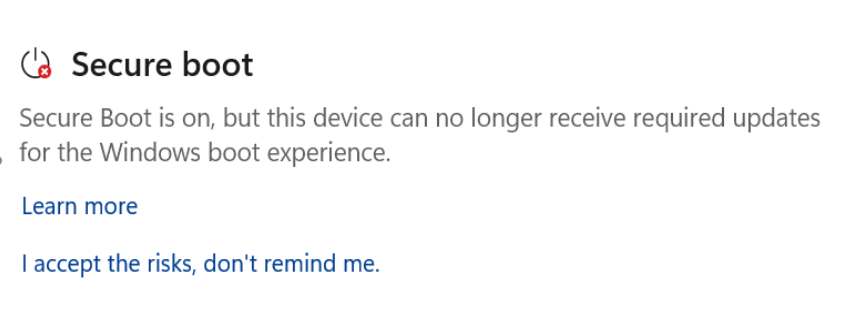
A red icon shows a specific firmware incompatibility.
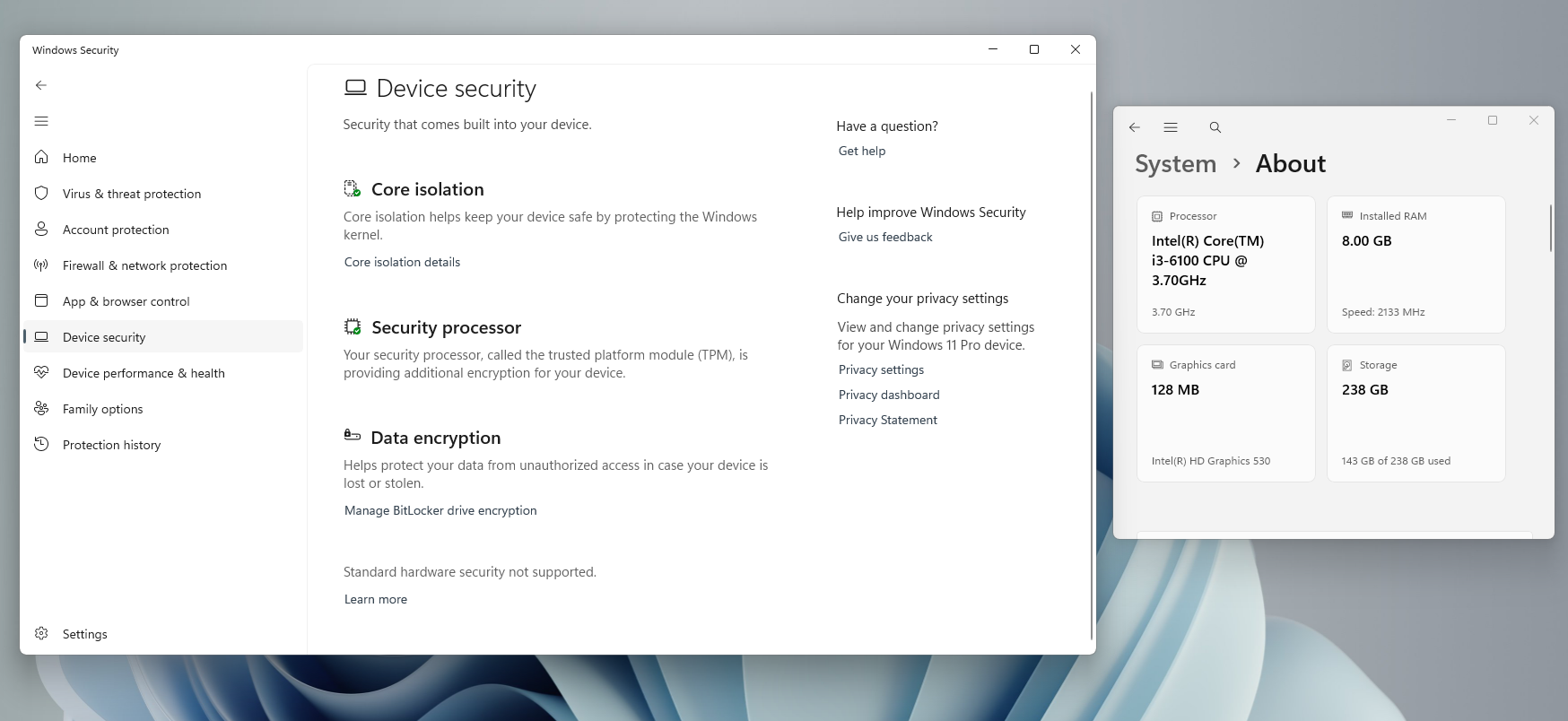
If the Secure Boot section is missing from Device Security, your PC either has Secure Boot disabled or was installed using the bypass method on unsupported hardware. We covered in detail what this means and what your options are.
Our detailed guide tells you the exact PowerShell commands if you prefer an old-school method to check your Secure Boot Status.
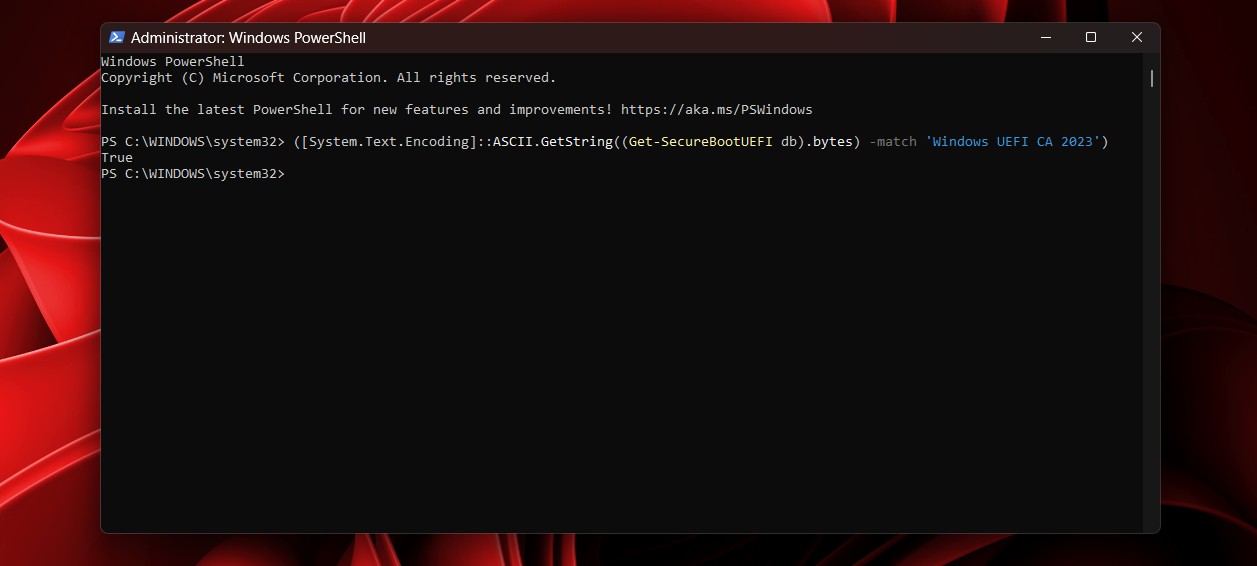
The good news for regular users without any technical background is that even the Windows 11 taskbar now tells you if your certificates need attention directly inside the Security app.

Windows 10 users aren’t left behind. Windows 10’s May 2026 update KB5087544 added Secure Boot certificate status reporting so the Windows Security app shows the same green/yellow/red status on Windows 10 as it does on Windows 11.
One thing to be aware of is that some PCs have restarted multiple times after recent updates, specifically because the certificate update process stages into firmware across multiple reboots. The new SecureBoot folder that appeared in Windows is also part of this process and should be left alone.
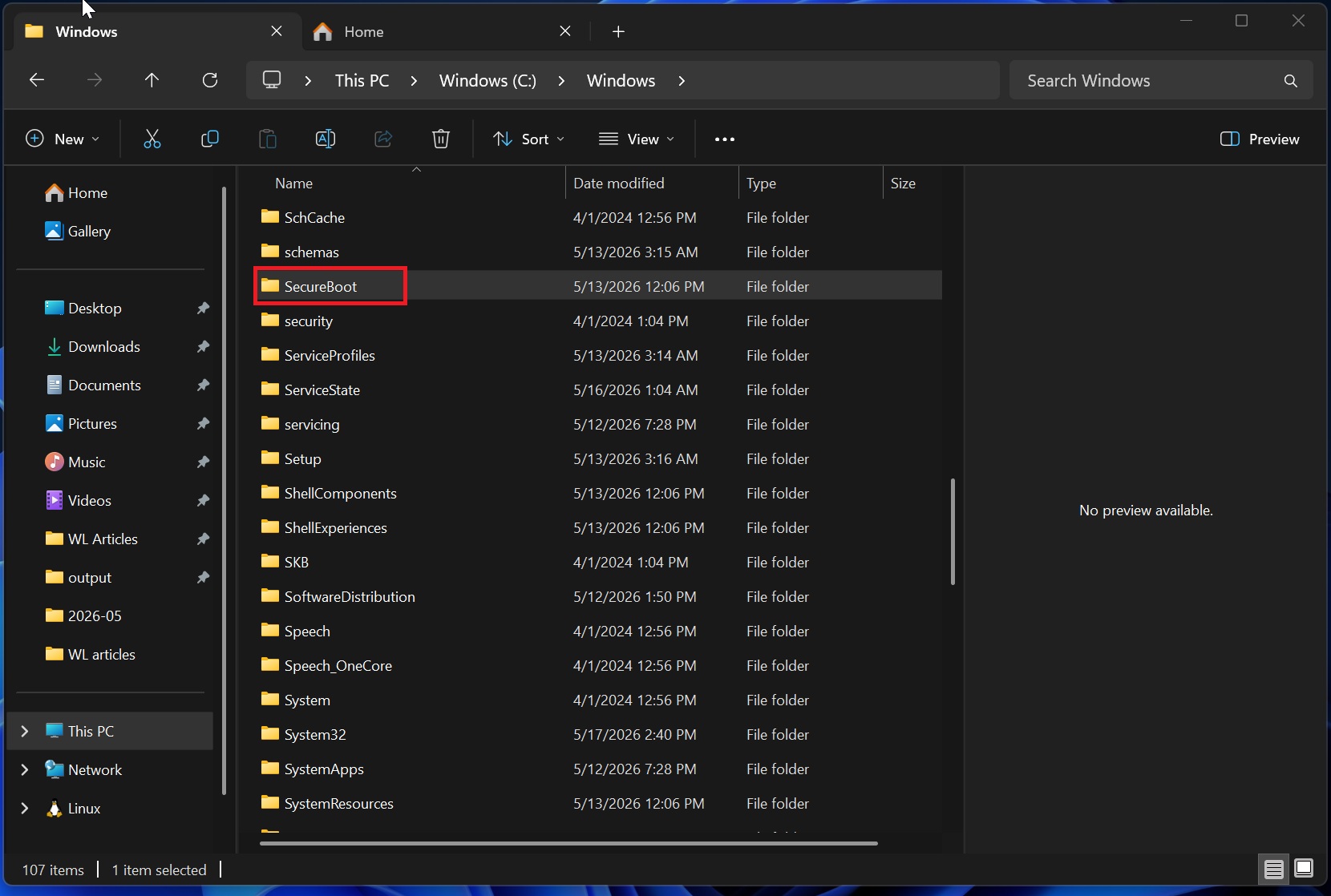
We have covered the full technical picture of why the deadline cannot simply be ignored, and what Microsoft’s engineers explained about the risks from losing the ability to push new revocations.
For the latest rollout status, Microsoft pushed the certificates to all eligible devices in June 2026 ahead of the deadline. If you are on a supported device and have installed the June 2026 Patch Tuesday update, your PC has most likely already been updated.
The post OEMs reveal Windows 11 Secure Boot fix after deadline passes, here’s how to update your PC appeared first on Windows Latest